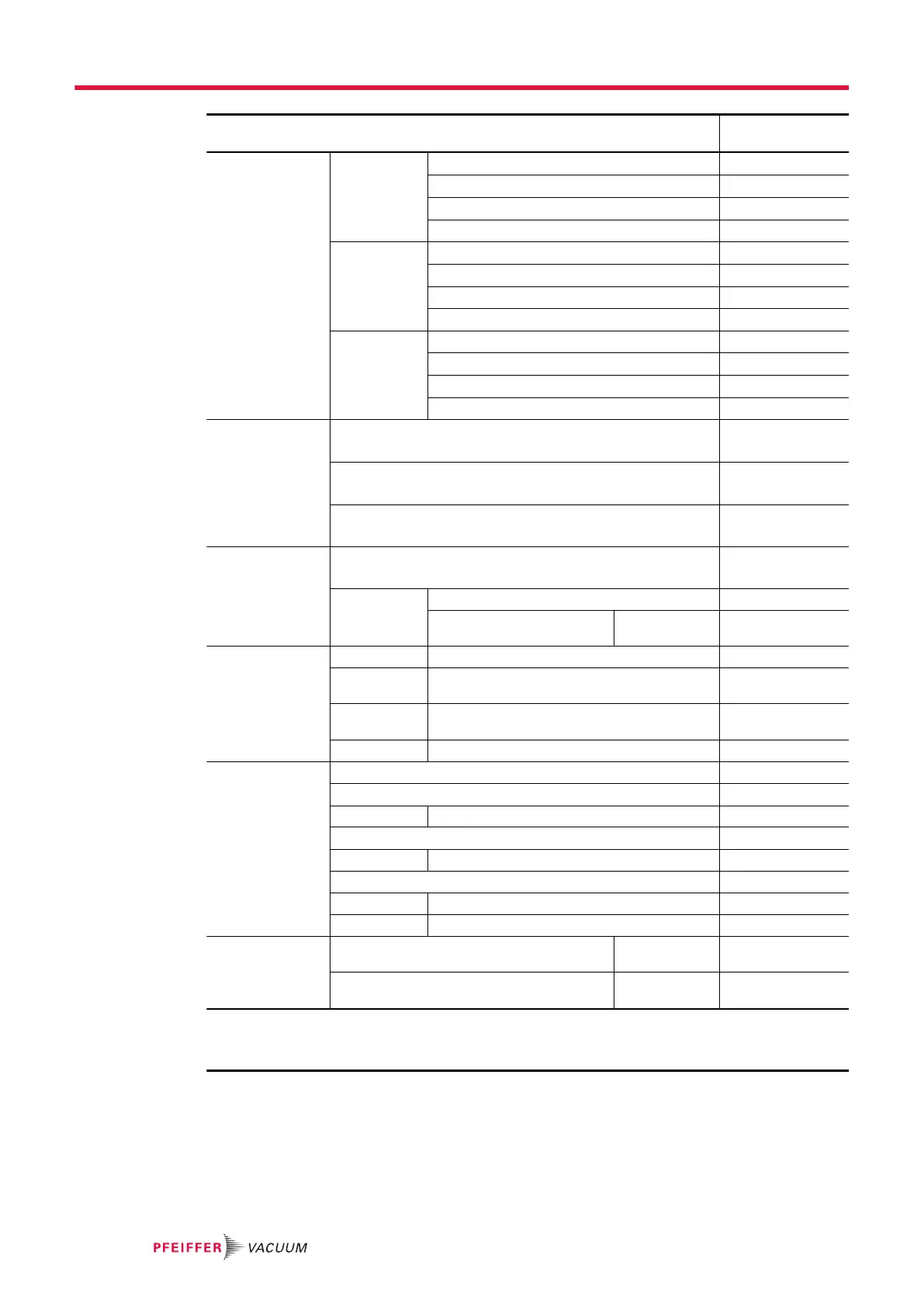
Access: Settings Screen + Menu [Maintenance] Choice - Setting
limit
Last mainte-
nance operations
Maintenance
work 1
Date
-
5)
Inspector name
-
5)
Total hours
-
5)
Comments
-
5)
Maintenance
work 2
Date
-
5)
Inspector name
-
5)
Total hours
-
5)
Comments
-
5)
Maintenance
work 3
Date
-
5)
Inspector name
-
5)
Total hours
-
5)
Comments
-
5)
Timers before
next mainte-
nance
Valves
500,000 cycles
1)
-
2)
Backing pump
20/15,000 h
1)
-
2)
Turbo pump
20/15,000 h
1)
-
2)
Maintenance tur-
bo pump and cell
Filament
Filament 1
1)
Filament 2
Stop and
vent
Function launching -
Restart leak detector Function
launching
-
Burn-in Inlet vent ‘Inlet vent’ function access -
Start without
calib.
Function launching -
Start with
calibration
Function launching -
Stop Function stop -
Internal Pirani
Calibration
Pressure
-
2)
Inlet pressure
-
2)
HV valid Function launching -
Hard Vacuum
-
2)
Atm valid Function launching -
Atmospheric
-
2)
Start/Stop Function launching -
Inlet vent Function launching -
Save LD Param-
eters
Save LD Parameters Function
launching
-
Load LD Parameters Function
launching
-
1) Default setting
2) General information: read only
5) No default setting
Tbl. 6: Default settings: ‘Maintenance’ menu
Appendix
88/98



 To Next Page