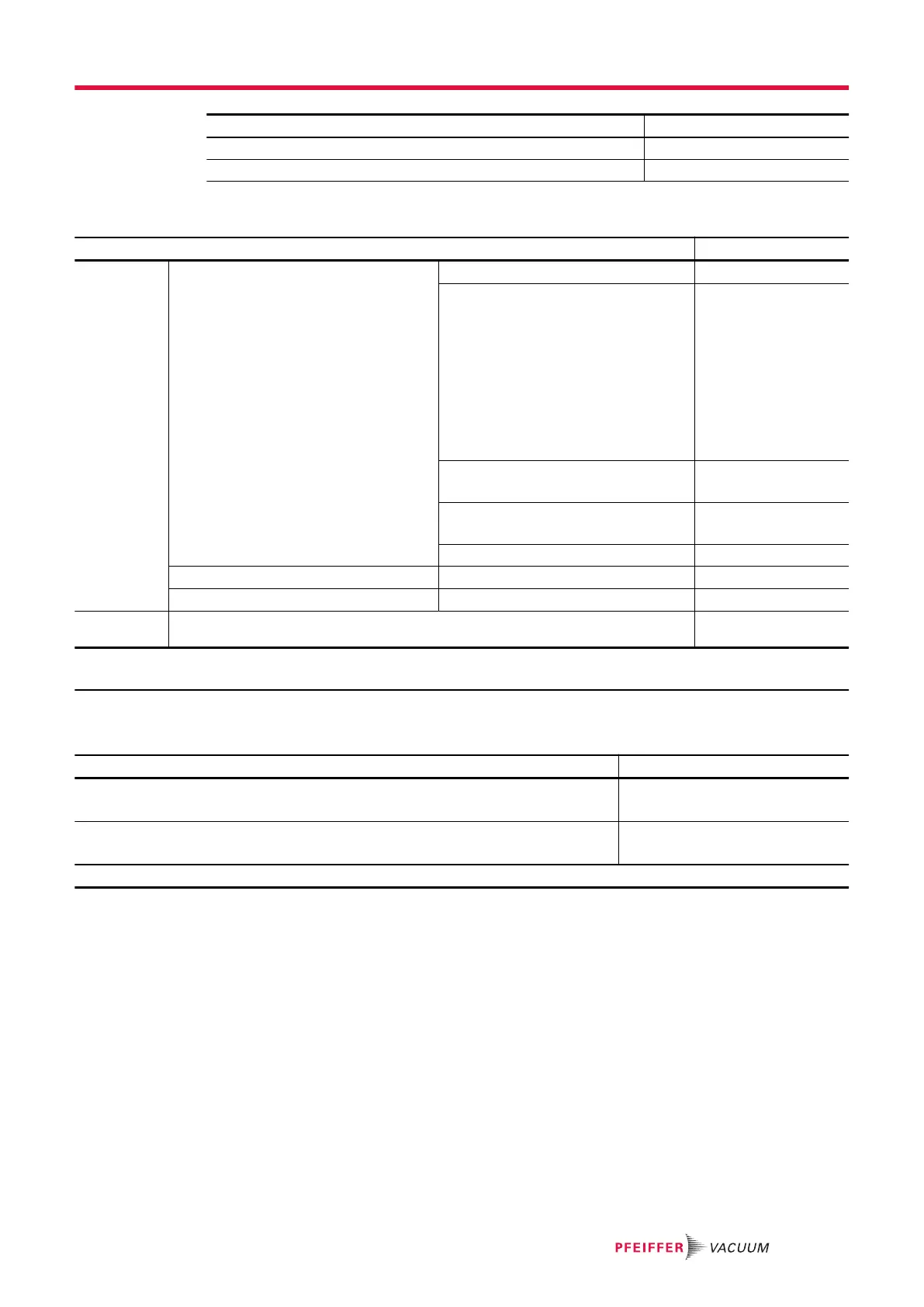
Access: Settings Screen + Menu [File Manager] Choice - Setting limit
Internal memory -
USB stick -
Tbl. 7: Default settings: ‘File Manager’ menu.
Access: Settings Screen + Menu [Advanced] Choice - Setting limit
Input/Output Serial link 1 Type
Serial
1)
Mode Basic
Table
Advanced
1)
Export Data
RC 500 WL
RC 500
HLT 5xx
HLT 2xx
Ext. module
Period
(if table 'Mode')
0 s – 24 h
1 s
1)
Handshake Yes
No
1)
Power pin 9
5 V
1)
Serial link 2 Type
Not used
3)
I/O Connector Analog Output
-
6)
Service Access to the Service menu is password protected. Reserved for our Service Cen-
ters.
-
1) Default setting
6) See the I/O communication interface operating instructions
Tbl. 8: Default settings: ‘Advanced’ menu
Access: Press the [SWITCH SETPOINT] function key Choice - Setting limit
Set point A
1 · 10
-13
– 1 · 10
+06
1 · 10
-06
1)
Set point B
1 · 10
-13
– 1 · 10
+06
1 · 10
-08
1)
1) Default setting
Tbl. 9: Initial settings: Function key - [SWITCH SETPOINT]
Appendix
89/98



 To Next Page