Alignments
EN 136 BJ3.0E PA8.
– “Colour temperature”: "Normal".
– All “Whitepoint” values to: "127".
– “Red BL offset” and “Green BL offset” values to “8”.
In case you have a colour analyzer:
• Measure with a calibrated (phosphor- independent) colour
analyzer in the centre of the screen. Consequently, the
measurement needs to be done in a dark environment.
• Adjust the correct x,y coordinates (while holding one of the
White point registers R, G or B on 127) by means of
decreasing the value of one or two other white points to the
correct x,y coordinates (see table "White D alignment
values"). Tolerance: dx: ± 0.004, dy: ± 0.004.
• Repeat this step for the other Color Temperatures that
need to be aligned.
• When finished press OK on the RC and then press STORE
(in the SAM root menu) to store the aligned values to the
NVM.
• Restore the initial picture settings after the alignments.
If you do not have a colour analyzer, you can use the default
values. This is the next best solution. The default values are
average values coming from production (statistics).
• Select a COLOUR TEMPERATURE (e.g. COOL,
NORMAL, or WARM).
• Set the RED, GREEN and BLUE default values according
to the values in the "Tint settings" table.
• When finished press OK on the RC, then press STORE (in
the SAM root menu) to store the aligned values to the NVM.
• Restore the initial picture settings after the alignments.
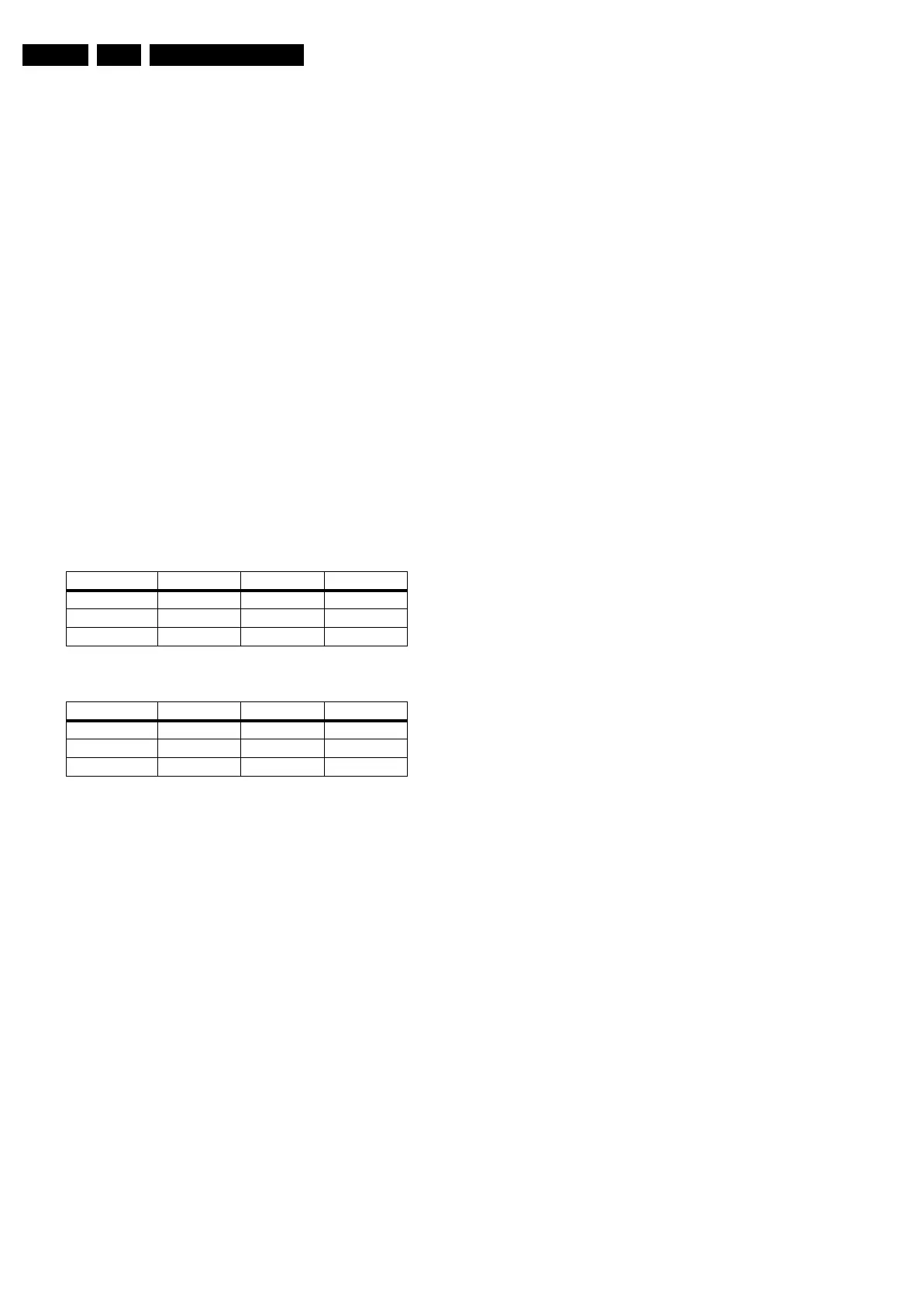
Table 8-1 Tint settings 42” version
Table 8-2 Tint settings 50” version
Note: These values were not available at the time of writing,
therefore they come from an early production sample (for
indication only). As soon as the production data become
available, a Service Info or Service Manual update will be
issued via the appropriate channels.
8.4 Option Settings
8.4.1 Introduction
The microprocessor communicates with a large number of I
2
C
ICs in the set. To ensure good communication and to make
digital diagnosis possible, the microprocessor has to know
which ICs to address. The presence / absence of these specific
ICs (or functions) is made known by the option codes.
Notes:
• After changing the option(s), save them by pressing the OK
button on the RC before the cursor is moved to the left and
then press the STORE command.
• The new option setting is only active after the TV is
switched "off" and "on" again with the Mains switch (the
EAROM is then read again).
Colour Temp. R G B
Cool 127 99 111
Normal 127 93 95
Warm 127 74 56
Colour Temp. R G B
Cool 127 116 124
Normal 127 108 107
Warm 127 95 72



 To Next Page