Service Modes, Error Codes, and Fault Finding
EN 38 BJ3.0E PA5.
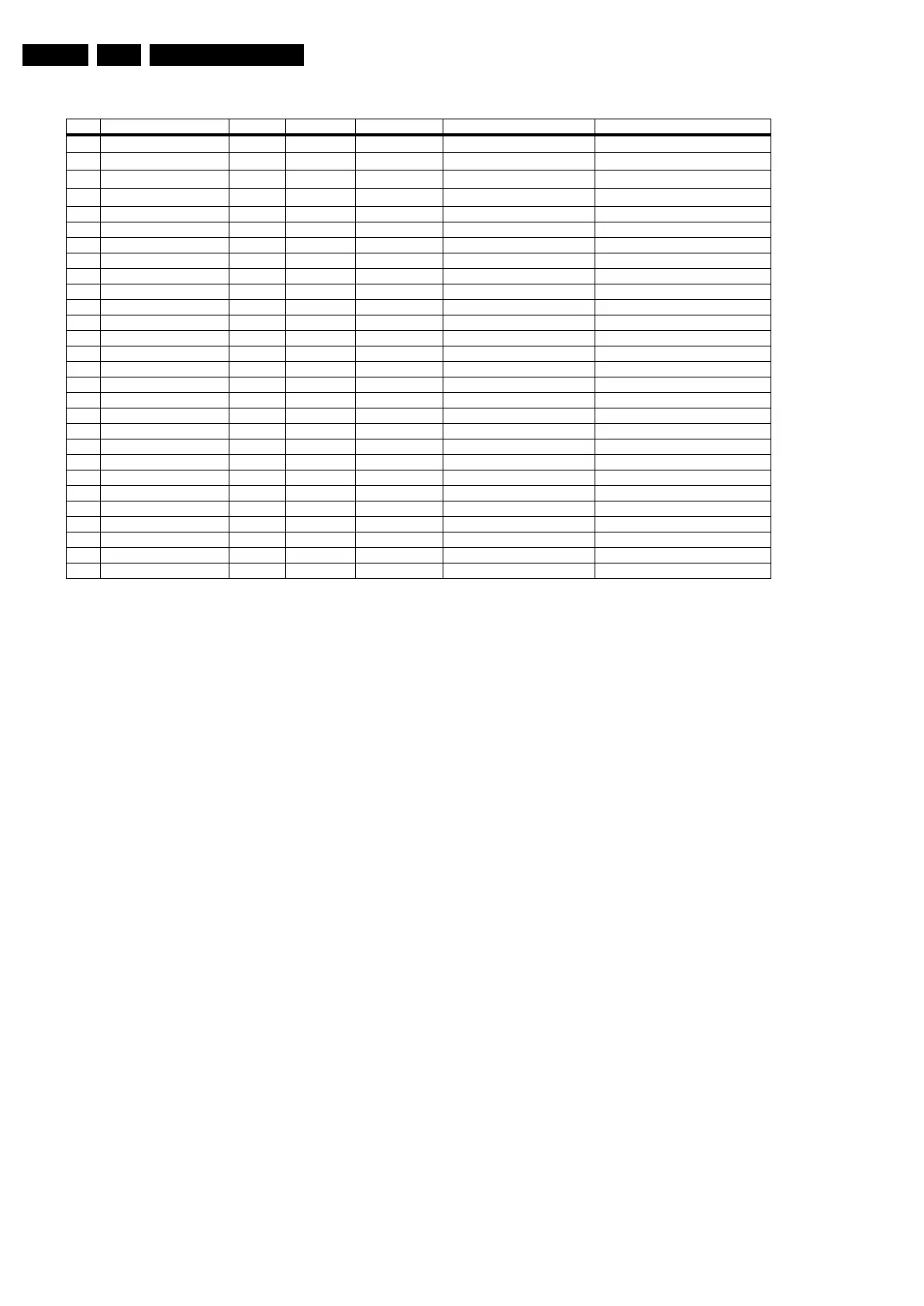
Table 5-3 Error code overview
Extra Info
• Rebooting. When a TV is constantly rebooting due to
internal problems, most of the time no errors will be logged
or blinked. This rebooting can be recognised via a ComPair
interface and Hyperterminal (for Hyperterminal settings,
see paragraph “Stand-by software upgrade). You will see
that the loggings which are generated by the main software
keep continuing. In this case (rebooting) diagnose has to
be done via ComPair.
• Error 1 (I
2
C bus 1 blocked). When this error occurs, the
TV will go to protection and the front LED will blink error 1.
Now you can start up the TV via the SDM short-cut pins on
the SSB. The TV will start up and ignore the error.
Depending on the problem it is even possible that you have
picture.
• Error 2 (I2C bus 2 blocked). Due to hardware restriction
(I2C bus 2 is the fast I2C bus) it will be impossible to start
up the VIPER when I2C bus 2 is blocked. When this error
occurs, the TV will not start (but probably you will see the
green led). Starting up the TV via the SDM short-cut pins
will not work. So it will not be possible to read out error 2
via internal software (allthough it will be logged). Use
ComPair for further diagnose (e.g. read out the NVM
content).
• Error 3 (I
2
C bus 3 blocked). There are only three devices
on I
2
C bus 3: VIPER, Stand-by Processor, and NVM. The
Stand-by Processor is the detection device of this error, so
this error will only occur if the VIPER or the NVM is blocking
the bus. This error will also blink when the NVM gives no
acknowledge on the I
2
C bus. Note that if the 12 V supply is
missing, the DC/DC supply on the SSB will not work.
Therefore the VIPER will not get supplies and could block
I
2
C bus 3. So, a missing 12 V can also lead to an error 3.
• Error 4 (I
2
C bus 4 blocked). When this error occurs, the
TV will go to protection and the front LED will blink error 4.
Now you can start up the TV via the SDM short-cut pins on
the SSB. The TV will start up and ignore the error.
Depending on the problem it is even possible that you have
picture.
• Error 5 (VIPER does not boot). This error will point to a
severe hardware problem around the VIPER (supplies not
OK, VIPER completely dead, I
2
C link between VIPER and
Stand-by Processor broken, etc...).
• Error 7 (8V6 error). In case of a TV with SDI display you
will see error 7 blink in case of an audio protection. So
except a problem with the 8V6 itself it is also possible that
there is something wrong with the audio part. See also
paragraph "Hardware Protections" for this.
• Error 14 (Audio protection). The detection is done on the
audio board itself. Several items are monitored:
overvoltage, overcurrent, DC level on the speakers and the
audio supply voltages. If one of these items fails, the
audioprotection will switch off the main supply. All supplies
will drop, the standby processor “thinks” there is a mains
dip, and will reboot. At the beginning of the boot process,
the audio-protection line is monitored: if this line is “active”,
the set will go to protection and will blink error 14.
• Error 27 (PNX2015 HD subsystem part). Diagnosing this
error will not be possibly via the normal errorcodes. In case
this device can not communicate with the Viper via I²C, it
will not be possible to initialise the tunnelbus. Hence the
software will not be able to start up, and will re-boot
constantly. Diagnosing these problems will only be
possible via ComPair. In theory it is possible that the error
is logged in the NVM (that’s why this error is still mentioned
here).
• Error 29 (AVIP 1). Same remark as for error 27.
• Error 31 (AVIP 2). Same remark as for error 27.
• Error 44 (NVM). This error will probably never occur
because it is masked by error 3 (I
2
C bus 3). The detection
mechanism for error 3 checks on an I
2
C acknowledge of
the NVM. If NVM gives no acknowledge, the stand-by
software assumes that the bus is blocked, the TV goes to
protection and error 3 will be blinking..
• Error 46 (Pacific 3). When this errors occurs the TV will go
to stand-by. The reason for this is, when there is an
occasional boot problem of the Pacific, it will look like the
TV has started up in stand-by mode, and the customer can
switch it on again. When there is an actual problem with or
around the Pacific the TV will go to stand-by every time you
try to start up. So this behaviour is an indication of a Pacific
problem.
Error Description Error/Prot Detected by Device Defective module Result
1
I
2
C1
P VIPER /
I
2
C1_blocked
Protection + Error blinking
2
I
2
C2
E VIPER /
I
2
C2_blocked
Error logged
3
I
2
C3
P Stby µP / / Protection + Error blinking
4
I
2
C4
P VIPER /
I
2
C4_blocked
Protection + Error blinking
5 VIPER does not boot P Stby µP PNX8550 / Protection + Error blinking
6 5V supply P Stby µP / / Protection + Error blinking
7 8V6 supply P Stby µP / / Protection + Error blinking
8 1.2V DC/DC P Stby µP / / Protection + Error blinking
11 3.3V DC/DC P Stby µP / / Protection + Error blinking
12 12V supply P Stby µP / / Protection + Error blinking
14 Audio P Stby µP / / Protection + Error blinking
18 MPIF1 ref. freq. E VIPER PNX3000 IF I/O Error logged
25 Supply fault P Stby µP n.a. / Protection + Error blinking
27 PNX2015 HD subsystem part E VIPER / / see extra info
29 AVIP 1 E VIPER / / see extra info
31 AVIP 2 E VIPER / / see extra info
32 MPIF1 E VIPER PNX3000 Analog 1 front end 1 Error logged
34 Tuner1 E VIPER / Tuner 1 Error logged
36 OFDM (channel decoder) E VIPER TDA10046 / Error logged
39 POD/Common Interface E VIPER STV0701 / Error logged
43 Hi Rate Front End E VIPER TDA9975 HDMI Error logged
44 NVM P Stby µP / / see extra info
45 Columbus 1 E VIPER PNX2015 Comb filter Error logged
46 Pacific 3 E VIPER / / TV to standby + Error logged
53 VIPER P Stby µP PNX8550 / Protection + Error blinking
55 Spider E VIPER / / see extra info
63 Power OK P VIPER / / Protection + Error blinking (see extra info)
64 Display E VIPER / / Error logged



 To Next Page