Alignments
EN 138 BJ3.0E PA8.
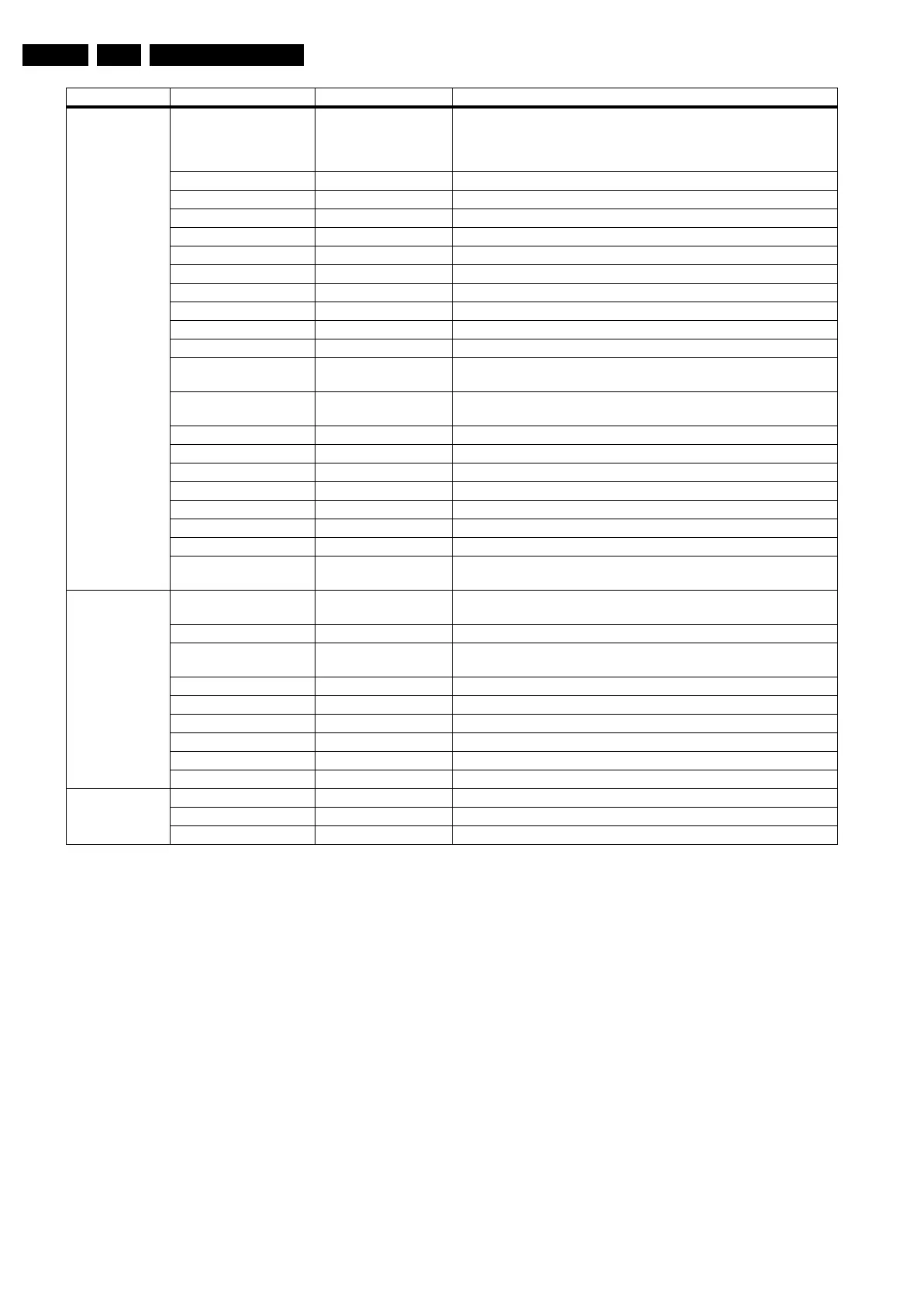
8.4.4 Opt. No. (Option numbers)
Select this sub menu to set all options at once (expressed in
two long strings of numbers).
An option number (or "option byte") represents a number of
different options. When you change these numbers directly,
you can set all options very quickly. All options are controlled
via eight option numbers.
When the EAROM is replaced, all options will require resetting.
To be certain that the factory settings are reproduced exactly,
you must set both option number lines. You can find the correct
option numbers on a sticker inside the TV set.
Example: The options sticker gives the following option
numbers:
• 04368 00005 01066 08707
• 00000 00032 00512 00000
The first line (group 1) indicates hardware options 1 to 4, the
second line (group 2) indicates software options 5 to 8.
Every 5-digit number represents 16 bits (so the maximum value
will be 65536 if all options are set).
When all the correct options are set, the sum of the decimal
values of each Option Byte (OB) will give the option number.
See next table for the option overview.
Important: after having edited the option numbers as
described above, you must press OK on the remote control
before the cursor is moved to the left!
Audio Repro Acoustic System
(Cabinet design, used for
setting dynamic audio
parameters).
None
Entry ME5 5W
Entry ME5 15W
(Soft) Wrap
Top
Entry+
Eco ME5 5W
Eco ME5 15W
Eco ME6
Top-A 2K6
ME5P 2K6
Step Top-B EUR AP
2K6 32
Step Top-B EUR AP
2K6 37+
Step Top-B Open 2K6
MEG 2K6
51 WMAG
51 PHIL
60 PHIL
MEG ECO Slim
Centre mode support Off Feature present / not present
Inverted Class D
amplifier
Yes / No Amplifier present / not present
Miscellaneous Region Europe / AP-PAL-
MULTI
ATSC / DVB-T On / Off
DVB-T installation Off / Country dependent
/ On
Alternative tuner Philips Tuner brand
Tuner type UV1318 / TD 1318 Tuner type
AGC amplifier Other / Sanyo
Hotel mode Off
Video playback On
Connected planet Off
Opt. no. Group 1 xxxxx xxxxx xxxxx xxxxx (see set sticker)
Group 2 xxxxx xxxxx xxxxx xxxxx (see set sticker)
Store Store
Menu-item Subjects Options Description



 To Next Page