69
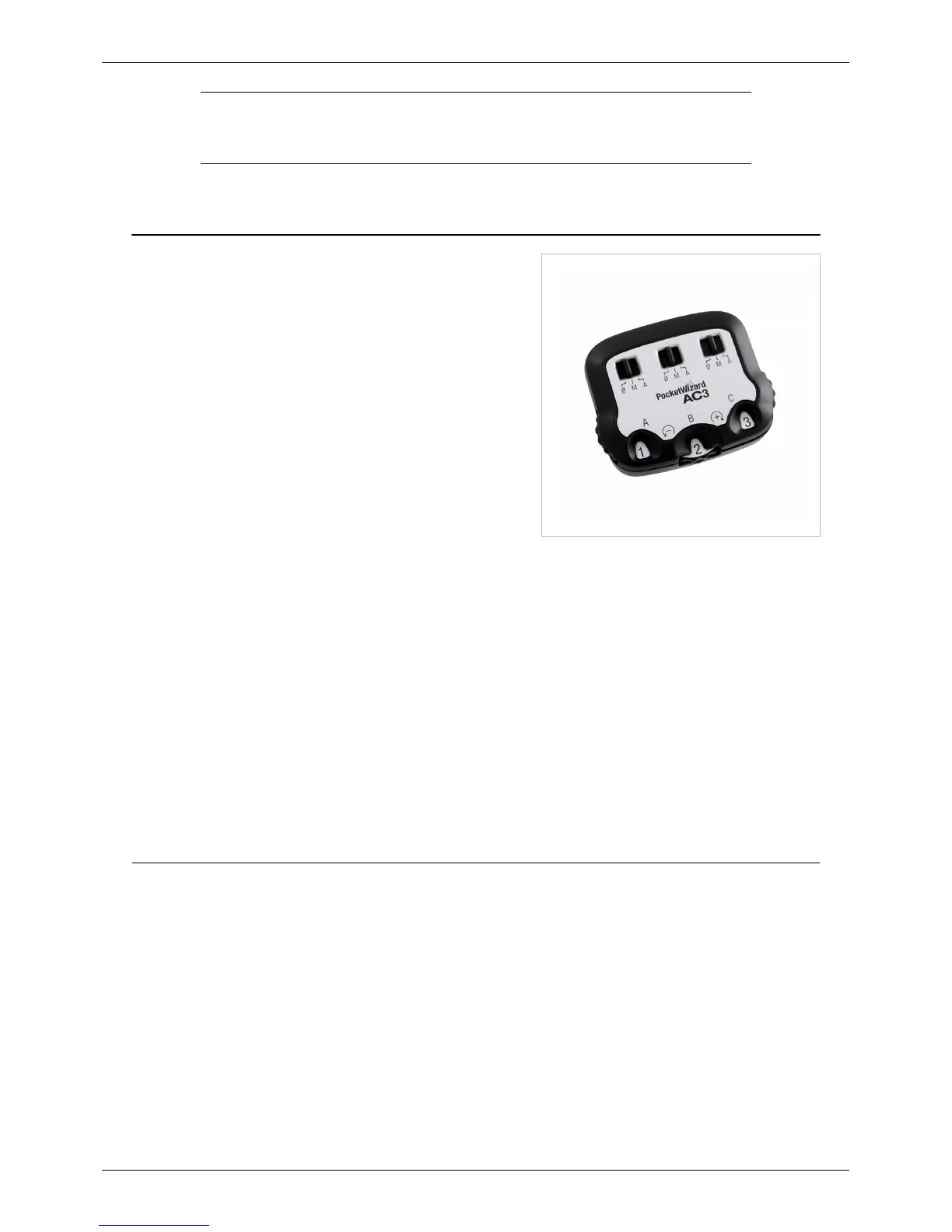
AC3 ZoneController
AC3 ZoneController
The AC3 ZoneController for Canon and Nikon is the gem of the
ControlTL® product line. Add it to your on-camera MiniTT1®
Transmitter or FlexTT5® Transceiver and you instantly have three
zones of flash control. Whether working in TTL or Manual mode,
you now have control over all your flashes directly from the
camera’s position. Put your flashes wherever you want, without
worrying about having to access them during a shoot. With the
AC3 ZoneController, you are in total control of your flash.
There are two separate versions of the AC3 - one with a Nikon
hotshoe, and one with a Canon shoe. Make sure to purchase the
proper version for use with your system!
Nikon Canon
425|240</videoflash> 425|240</videoflash>
Features
• Three independent zones of flash control
• 6 stops of flash control in 1/3rd stop increments
• Turn zones on and off remotely
• Two dedicated AC3 versions - one for Nikon, and one for Canon systems.
• Works in PowerTracking, E-TTL II, CLS/i-TTL or Manual mode
• Works with Canon or Nikon Speedlights, AlienBees, White Lightning, Einstein™ E640, and Elinchrom RX
flashes.
• Put your flashes where you want, without worrying about accessing them during a shoot.
AC3 Quick Start How-To
1. Slide the AC3 onto your on-camera MiniTT1 or FlexTT5. Power on the transmitter, then the camera.
2. Set up remote Speedlights on FlexTT5 radios normally. Power on the flash, then the FlexTT5.
• Set all Speedlights on remote FlexTT5 radios to normal TTL Mode. Do not use Manual or MASTER /
REMOTE on your remote Speedlights. The AC3 will use either Nikon or Canon TTL commands to control
manual power levels when the AC3 Mode Switch is set to M (Manual).
• Use the FlexTT5 Zone Switch to assign Zone A, B, or C to the Speedlight.
3. On the AC3, set the Mode Switches to M (Manual) or A (Auto) for the zones in use.
• Adjust flash output power with the Power Dials:
• + = Black numbers on a white background increase flash output by the stops shown.
• – = White numbers on a black background decrease flash output by the stops shown.



 To Next Page