32
17.Press the S1/S10 button all the way down. The following should happen:
• The end of pack chimes will sound three times.
• The strobe will fire.
• Release the S1/S10 button.
• The camera will cycle.
• The end of pack chimes will sound three times.
18.Look into the viewfinder and press the S1/S10 button half way down. The following
should happen:
• A flashing “0” will be visible in the viewfinder.
• The end of pack chimes will ring three times.
Note: If the S1/S10 switch is pressed all the way down with an empty film pack, the
strobe will fire. After the switch is released the camera will cycle. This is
normal.
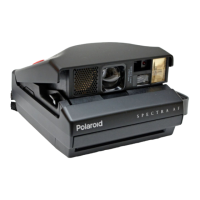
This completes the functional test of the Spectra pro/Image Pro/Minolta Pro
camera. If the camera does not function as described, go the failure mode
section and refer to the chart which most closely corresponds to the malfunction.


 To Next Page
 Loading...