USER MANUAL
URM18PH392 Rev A. May 2020 Page 15 of 86
1.2.1.1 LED PATTERNS
Startup sequence:
1. All SEU LEDs turn red for approximately 2 seconds, and then flash green once.
2. Each sensor board will flash a blue LED pattern corresponding to detected Source frequency:
a. Sensor Ports 1, 2, 3, or 4 will flash blue:
ONCE for corresponding Source frequency 1-4.
For example, Source Frequency 1 will cause sensor port 1 LED to flash blue ONCE during
startup sequence, Source Frequency 2 will cause port 2 to flash blue ONCE, etc.
TWICE for Source frequencies 5-8, and so on.
For example, Source Frequency 5 will cause sensor port 1 LED to flash blue TWICE during
startup sequence, Source Frequency 6 will cause port 2 to flash blue TWICE, etc.
b. All four LEDs on the board will flash red if no source is detected.
3. Sequentially, each sensor port LED will flash once:
Green if a sensor is detected, or
Red if no sensor is detected.
4. All LEDs turn OFF (dark) as the boot process completes.
Runtime Sensor port LEDs:
Sensor Inactive or out of range.
Sensor FTT® is engaged. (Requires FTT® mode to be enabled. See Section 2.1.)
Sensor FTT® is on but not engaged until sensor is “Homed.” (See Section 2.1.)
Sensor board LEDs blink red:
Duplicate source frequencies detected on blinking sensor boards; tracker
cannot start.
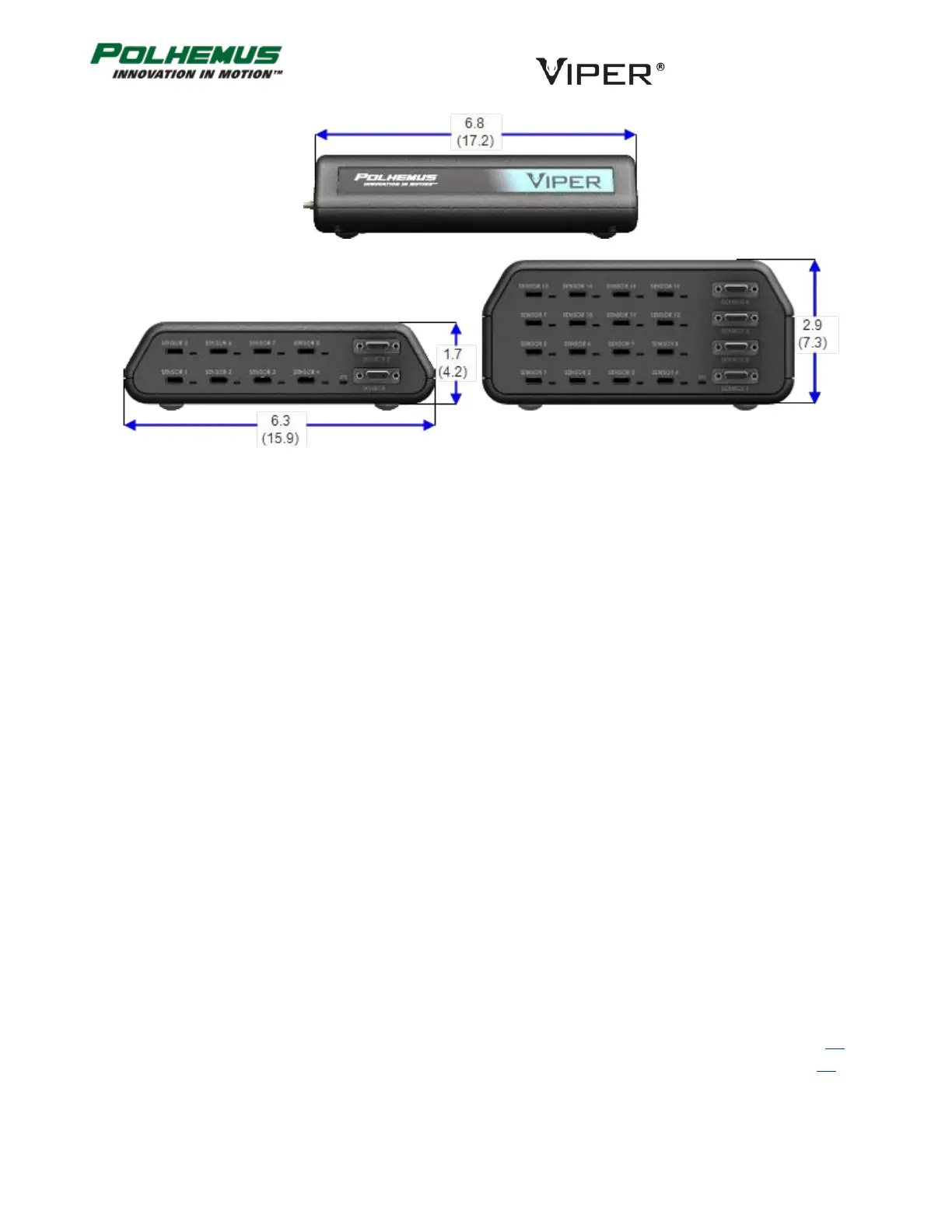
FIGURE 4. VIPER™ SEU DIMENSIONS (APPROXIMATE), INCHES (CM)



 To Next Page