USER MANUAL
URM18PH392 Rev A. May 2020 Page 39 of 86
SEU ID COMMAND 4.2.5
This command allows you to program a numeric ID into the SEU. The SEU ID will appear in the SEU ID field of
output P&O frames.
In VIPER™ Command Manager, SEU ID is
configured in the SEU Block Config panel in the
Identification group.
Access the SEU Block Config panel by selecting
to the right of the VIPER™ SEU icon in the Edit
Mode Status Pane.
SOURCE ROTATION COMMAND 4.2.6
Note: Do not use the SOURCE ROTATION command when the SOURCE
CONFIGURATION command is in use (for Expanded Tracking Area Mode).
Source Rotation allows the user to modify the reference frame rotation of the Source(s). It is essentially a non-
physical rotation of the Source and becomes the new orientation reference for each Sensor’s measurements.
Source Rotation is not a Sensor-specific setting and affects the global reference frame of the tracking system.
Source Rotation allows the user to specify the Azimuth, Elevation and Roll of each Source in the system, or all
Sources in the system.
Note: When used in conjunction with the SOURCE SELECT command (Section
4.2.14.1), Source rotation affects the reference frame of only the Sensors that
select that Source.
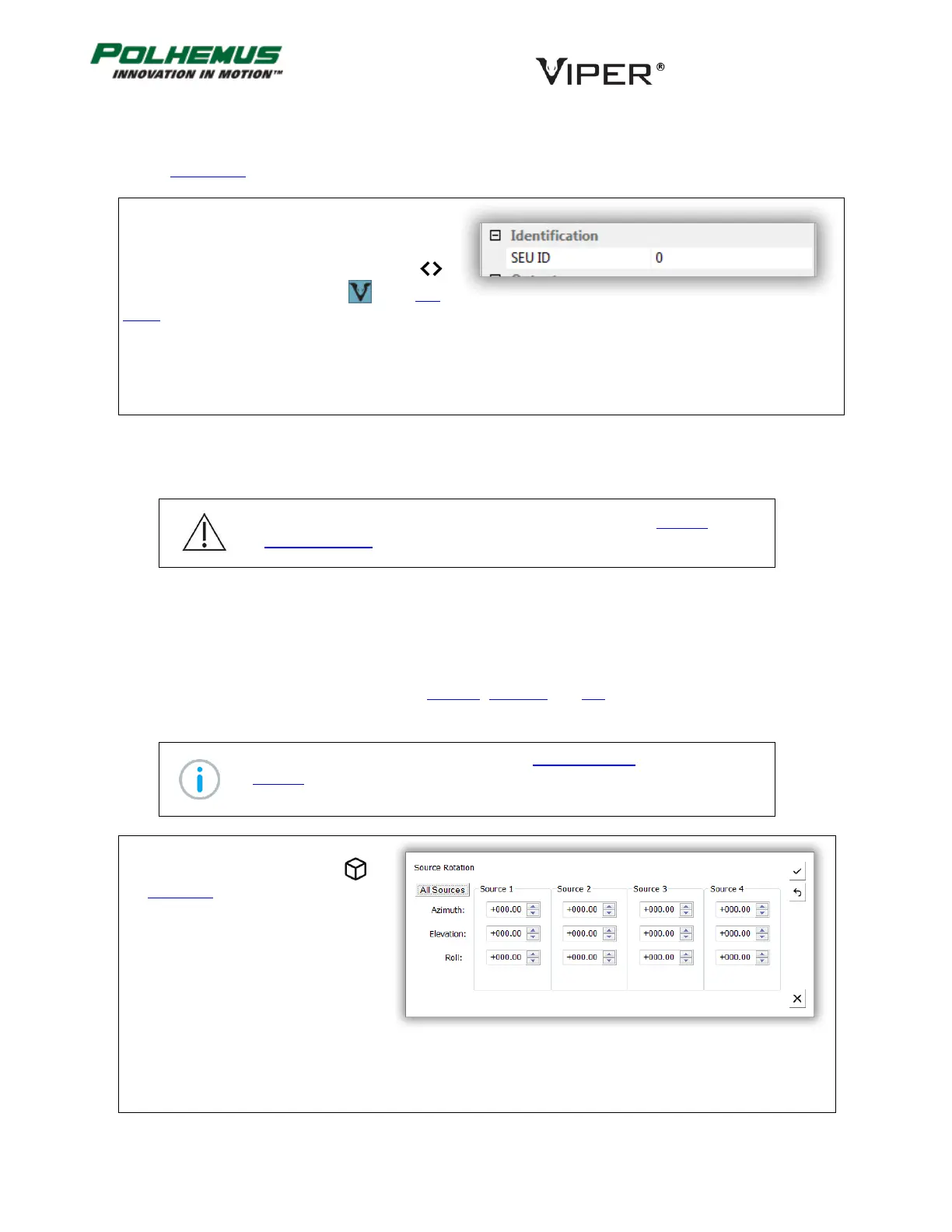
In VIPER™ Command Manager, Source
Rotation is configured by selecting in
the Edit Mode Status Pane.
Default: (0,0,0) Azimuth, Elevation, Roll for all Sources



 To Next Page