USER MANUAL
Page 28 of 86 URM18PH392 Rev A. May 2020
CONFIGURING VIPER™ 3.4.2
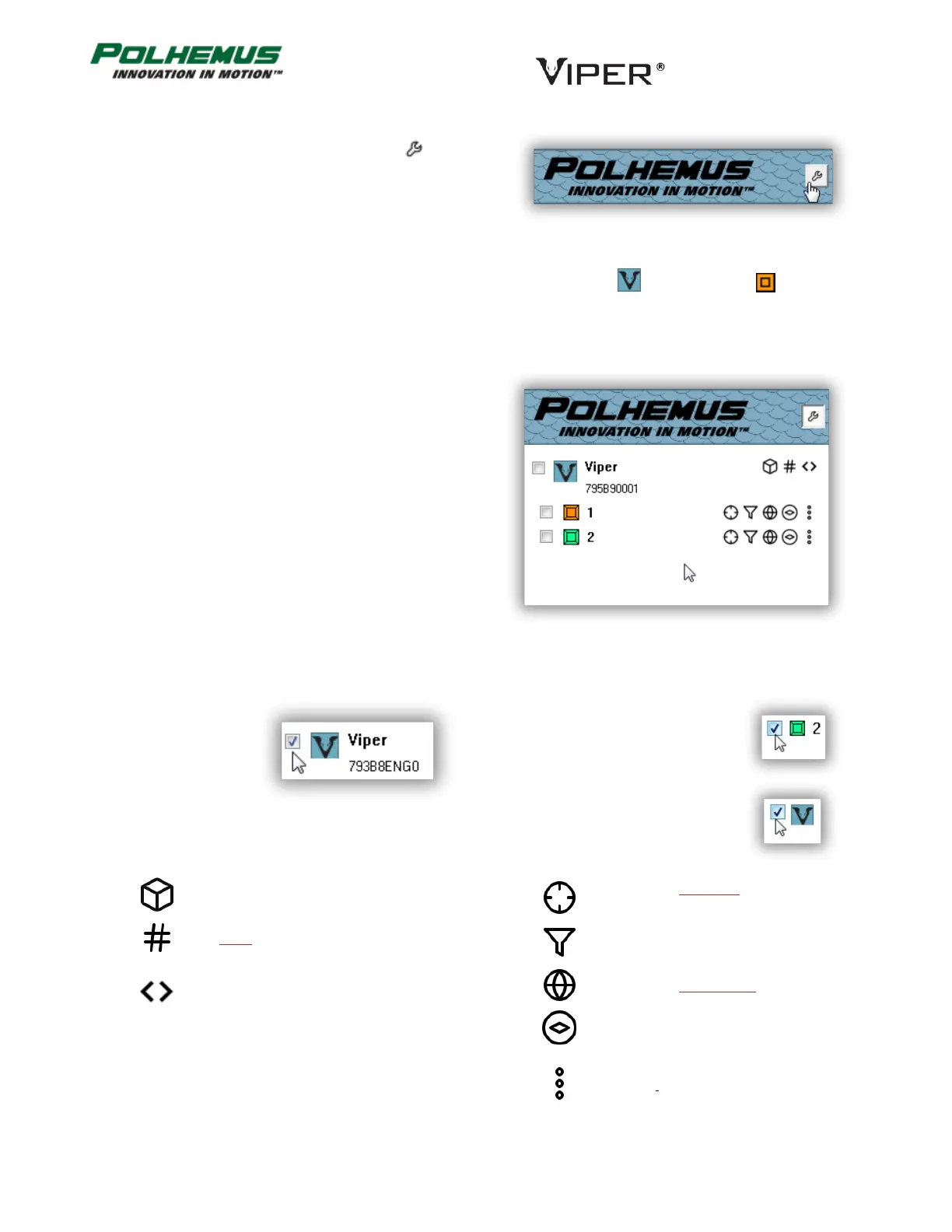
To configure VIPER™ settings, click on the icon in the
Status Pane.
The Status Pane changes color and enters Edit Mode.
3.4.2.1 COMMONLY USED SETTINGS
In Edit Mode, the Status Pane displays checkboxes next to the VIPER™ SEU icon and next to icons for
each connected Sensor. A series of control icons for configuring VIPER™ are displayed next to these.
The most commonly used settings are accessible directly from these controls. Hover the mouse pointer over
these controls to discover which settings are available
here.
The controls are defined below.
SEU-Level Settings:
SEU settings apply to
the selected SEU in
the Edit-mode
Status Pane.
All SEU Settings (Advanced; See
Section 3.4.2.2 “Advanced settings”
below.)
Sensor Level Settings:
When applied, Sensor-level
settings will be applied to all
selected Sensors in the Edit-Mode
Status Pane.
If the SEU is checked, Sensor-level
settings are applied to all sensor
ports: all sensors on the SEU,
connected or not.
Sensor Boresight.
Right-click to RESET.
All Sensor Settings (Advanced;
See Section 3.4.2.2 “Advanced
settings” below.)



 To Next Page