USER MANUAL
Page 38 of 86 URM18PH392 Rev A. May 2020
SYNC MODE COMMAND 4.2.3
The Sync Mode setting determines how the VIPER™ External Sync hardware works.
Internal Sync: A 3.3V sync pulse is output simultaneously with each P&O frame output. The pulse has duration of
10µs and occurs at the beginning of the data collection cycle.
External Sync: When the external device applies a ground pulse (minimum duration of 10µs), P&O computation
is initiated using sensor data immediately preceding the ground pulse.
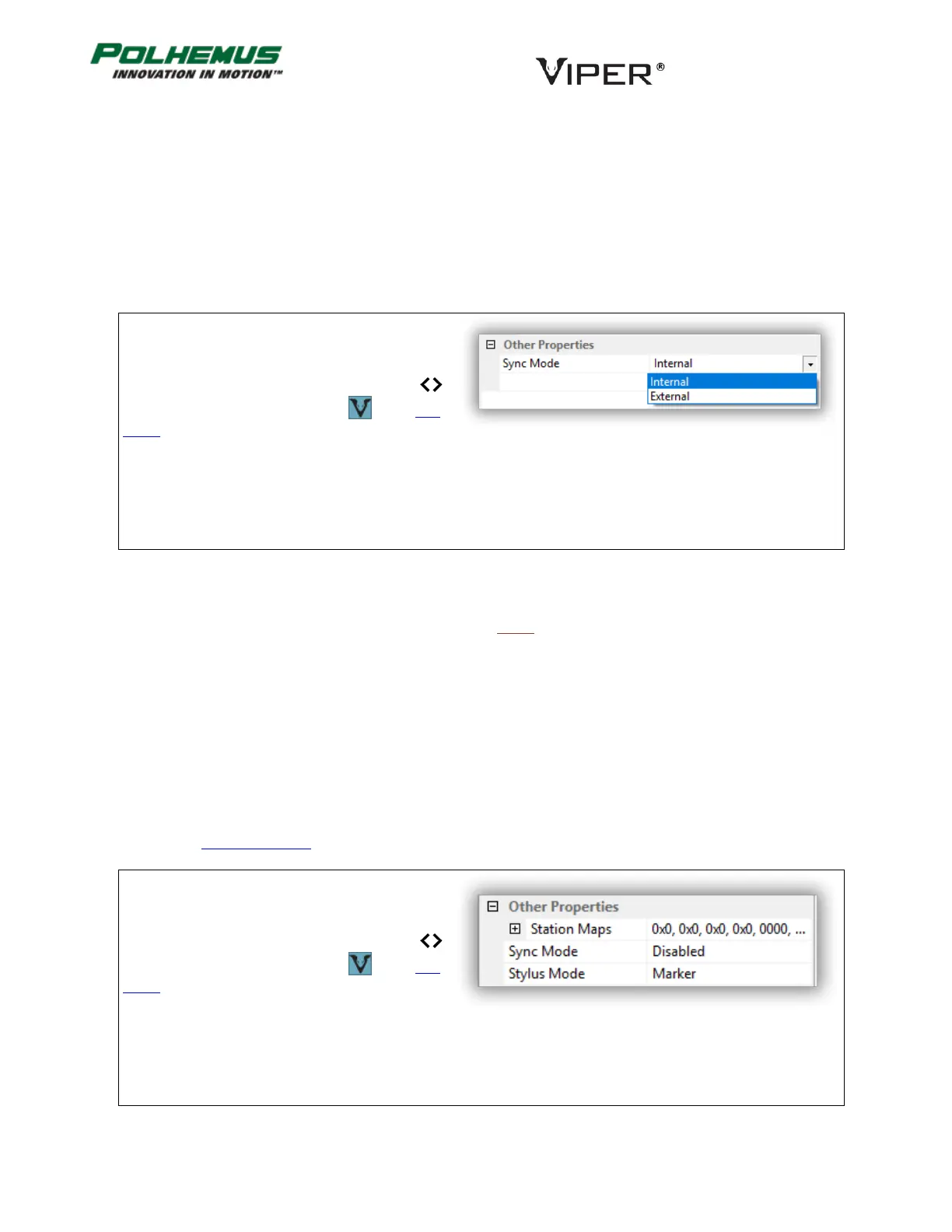
In VIPER™ Command Manager, Sync Mode is
configured in the SEU Block Config panel in the
Other Properties group.
Access the SEU Block Config panel by selecting
to the right of the VIPER™ SEU icon in the Edit
Mode Status Pane.
STYLUS MODE COMMAND 4.2.4
The Stylus Mode setting determines what happens when a Stylus push button switch is pressed.
Marker Mode: Pushing the switch causes a flag (or “mark”) to be set in the output P&O frame for that Stylus.
Point Mode: Pushing the switch causes VIPER™ to emit one frame of P&O data. The data frame includes P&O of
all connected Sensors (not just the Stylus).
Line Mode: VIPER™ outputs continuous P&O data while the switch is pressed. The continuous stream stops when
the switch is released. P&O of all connected Sensors is output.
Toggle Mode: Pushing the switch causes VIPER™ to start or stop continuous data streaming. (This is equivalent
to using the CONTINOUS PNO command.)
In VIPER™ Command Manager, Stylus Mode is
configured in the SEU Block Config panel in the
Other Properties group.
Access the SEU Block Config panel by selecting
to the right of the VIPER™ SEU icon in the Edit
Mode Status Pane.



 To Next Page