USER MANUAL
Page 24 of 86 URM18PH392 Rev A. May 2020
3.2 INSTALL HOST SOFTWARE (WINDOWS®)
VIPER™ Host Software is provided on a USB thumb drive or is downloaded from the Polhemus website. Run
VIPER_Installer.exe to install all of the necessary drivers and software. Review VIPER_RELEASE_NOTES.htm for
information about what is contained in the Host Software distribution.
To access non-Windows® and developer content, follow instructions displayed
in the VIPER™ Host Software Release Notes.
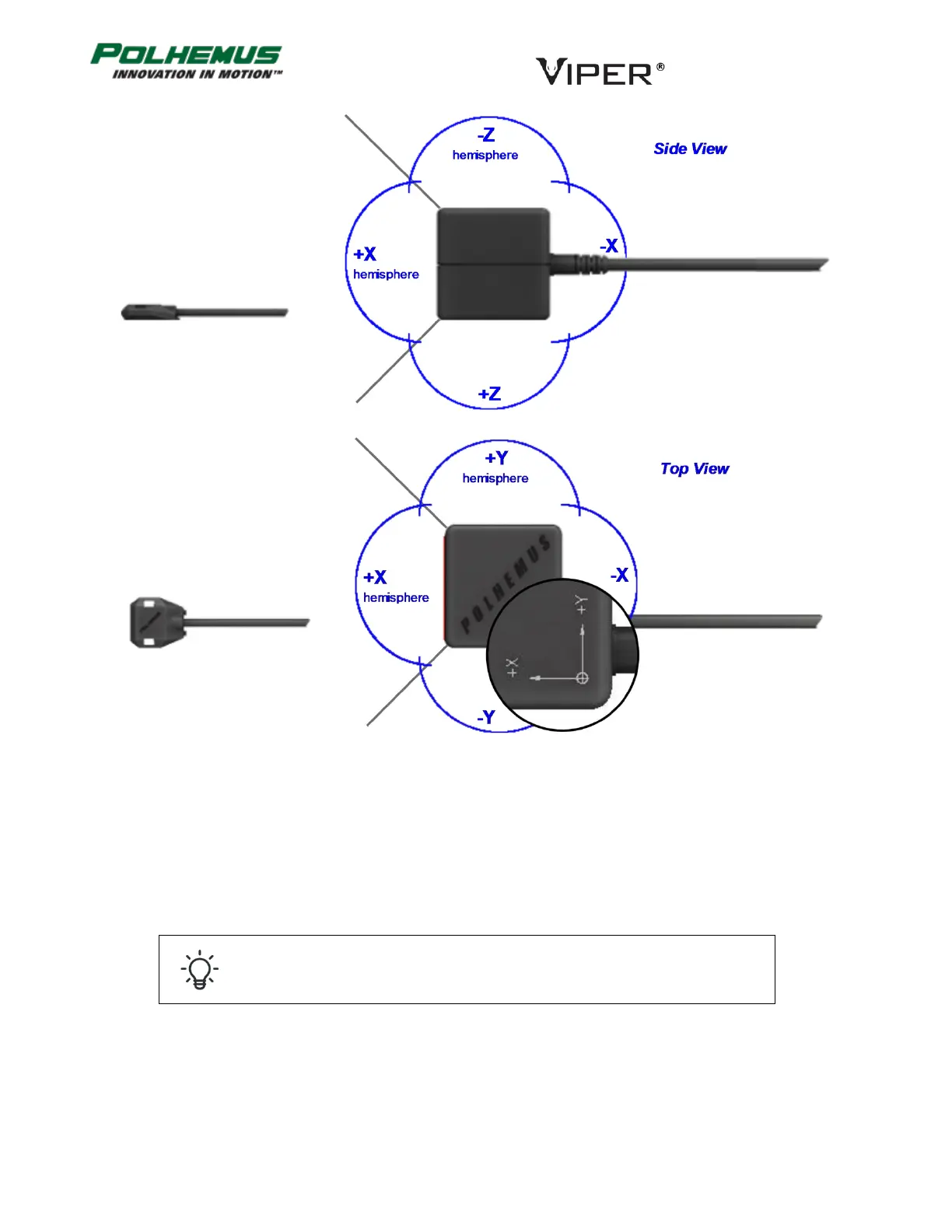
FIGURE 11. SENSOR PLACED IN +X HEMISPHERE



 To Next Page