USER MANUAL
URM18PH392 Rev A. May 2020 Page 59 of 86
4.5 READ-ONLY COMMANDS
BIT RESULTS COMMAND 4.5.1
This command allows the user to read Built-In Test (BIT) results
This is a diagnostic command that allows the user to detect and determine the cause of VIPER™ internal system
errors. If errors are detected a flag is placed in P&O output frame header. The BIT RESULTS command can be
used to gather more information if this flag is output.
Details of BIT errors are described in Section 6.
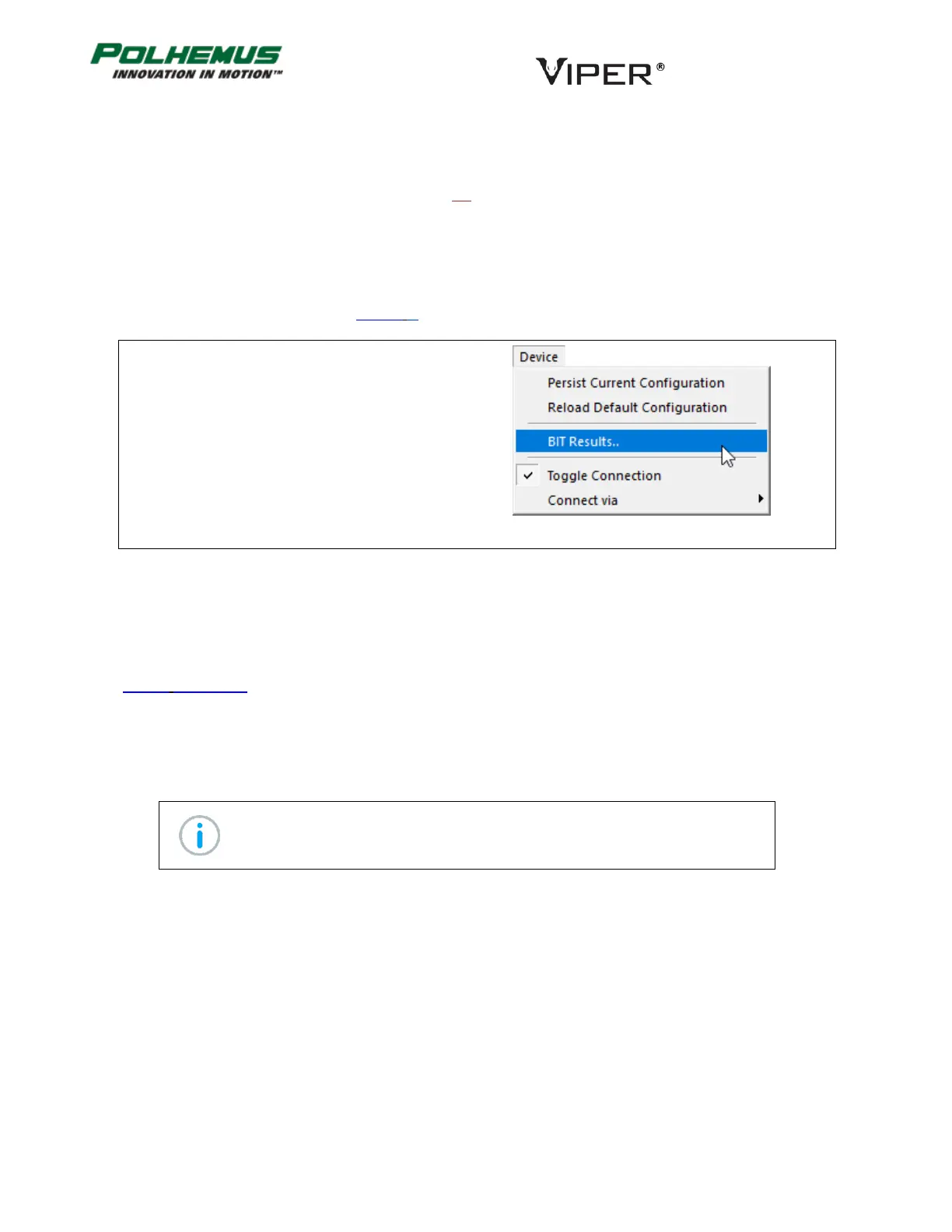
In VIPER™ Command Manager, to display VIPER™
BIT RESULTS, select
Device Menu→BIT Results
STATION MAP COMMAND 4.5.2
The purpose of this command is to report the detected Sensors and Sources connected to the system.
In VIPER™ Command Manager detected Sensor and Source counts are included in the SEU Who Am I display. See
Section 4.5.4 below
DISTORTION MAP STATUS COMMAND 4.5.3
This command will return the name of the installed distortion map and can be used to erase it from VIPER™
memory.
Note: As of initial release, user-installed maps are not yet functional.



 To Next Page