In VIPER™ Command Manager:
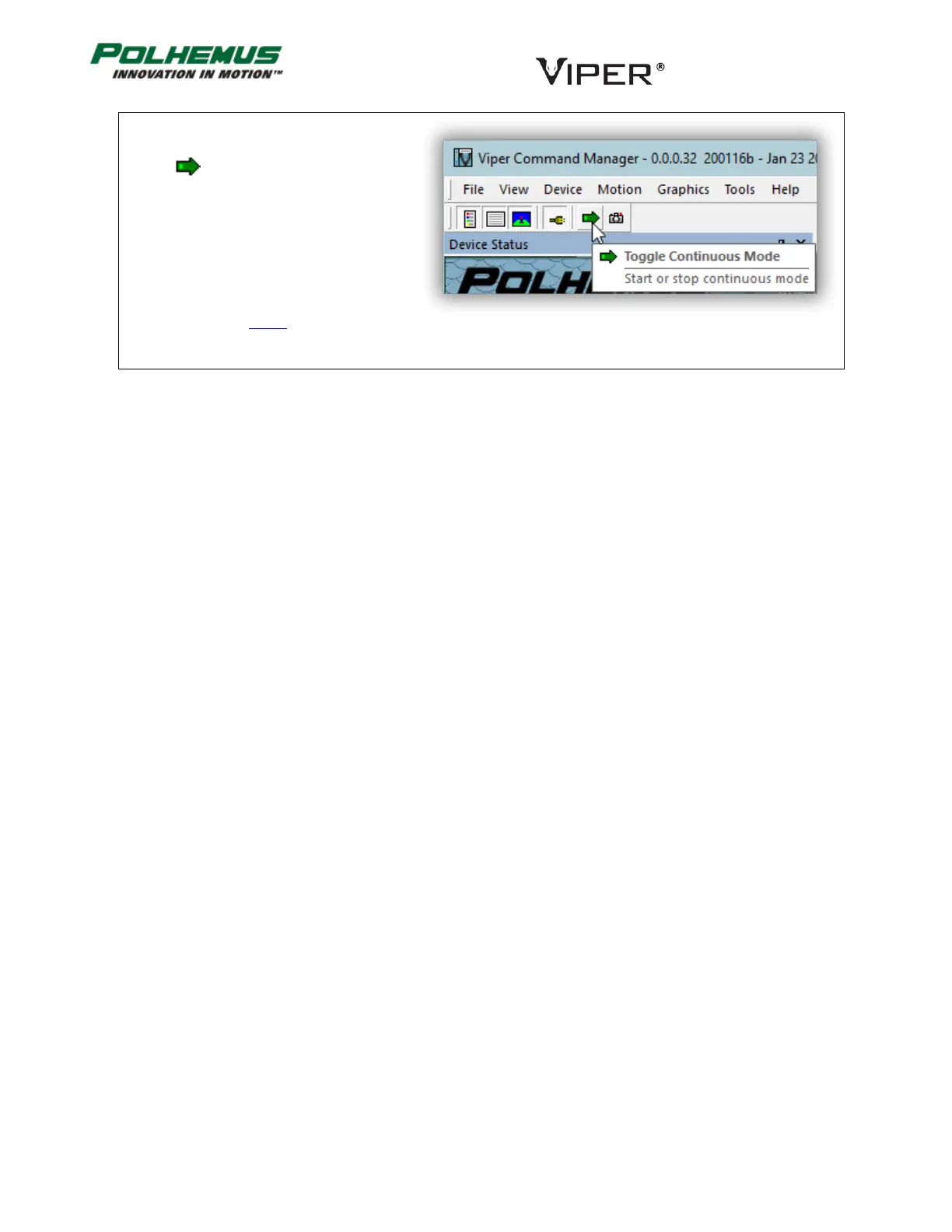
To start and stop continuous P&O data:
Click on in the toolbar,
or
Type the c keyboard shortcut anywhere on
the app window.
VIPER Command Manager displays
continuous Standard- or Acceleration-Mode
P&O frames based on the Motion menu
selection described above.



 To Next Page