AFV
+
Series High Power Programmable AC Power Supply
3-48
3.5.1.3 Phase Angle Control Setting (Optional)
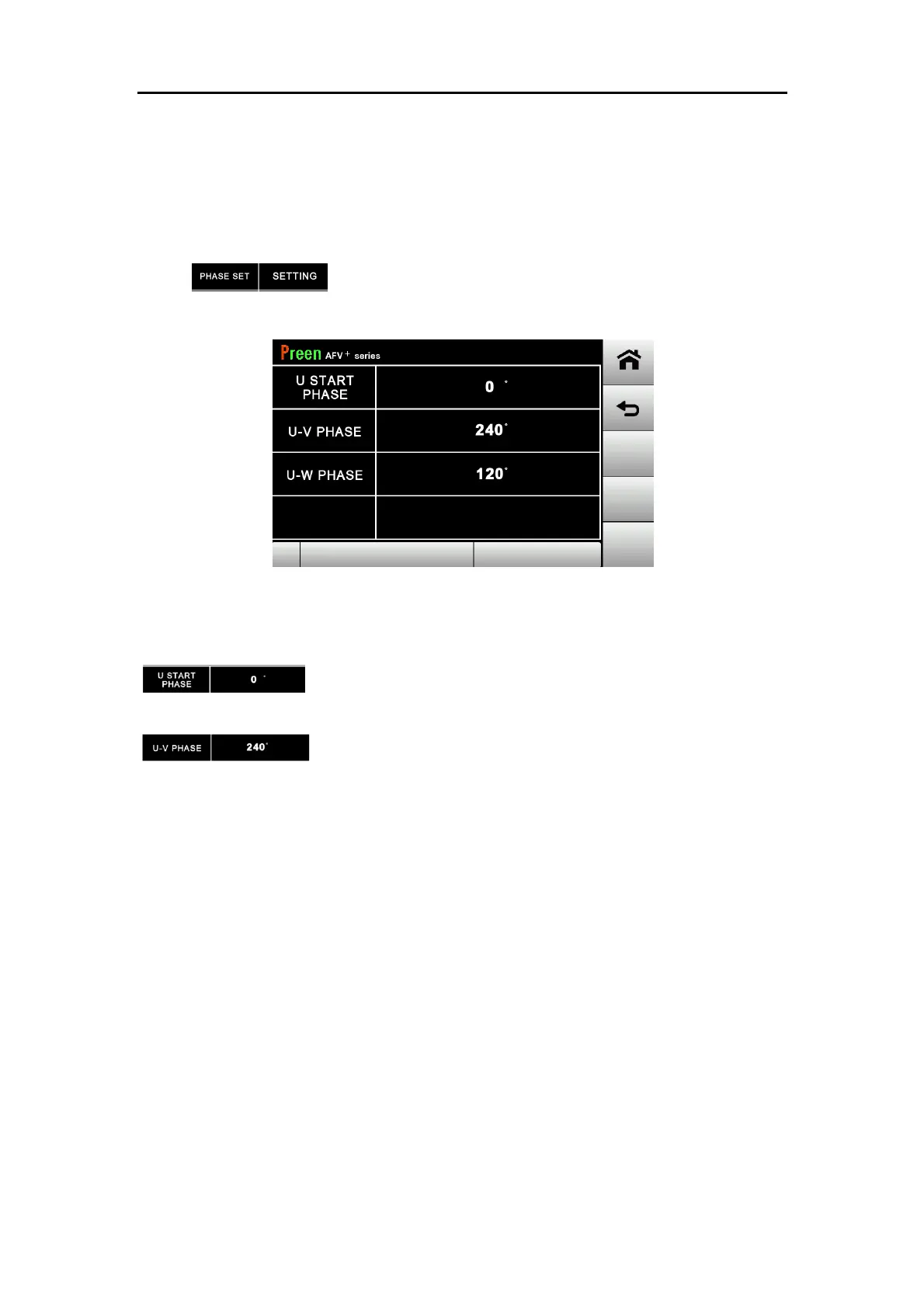
For three-phase model, user can set phase angle between three phases at TEST
subpage. The setting range is 0 to 359. This feature can be applied to simulate
phase shift for different power conditions.
Press to enter into phase angle control setting page.
Figure 3.19 PHASE ANGLE CONTROL page
The descriptions for the icons in the above figure are given as follows.
:The starting position of U phase defaults to 0 and is not
editable.
:Press the value to the phase angle between U phase and V
phase.



 To Next Page