AFV
+
Series High Power Programmable AC Power Supply
3-55
3.5.2.5 Screen Lock Setting
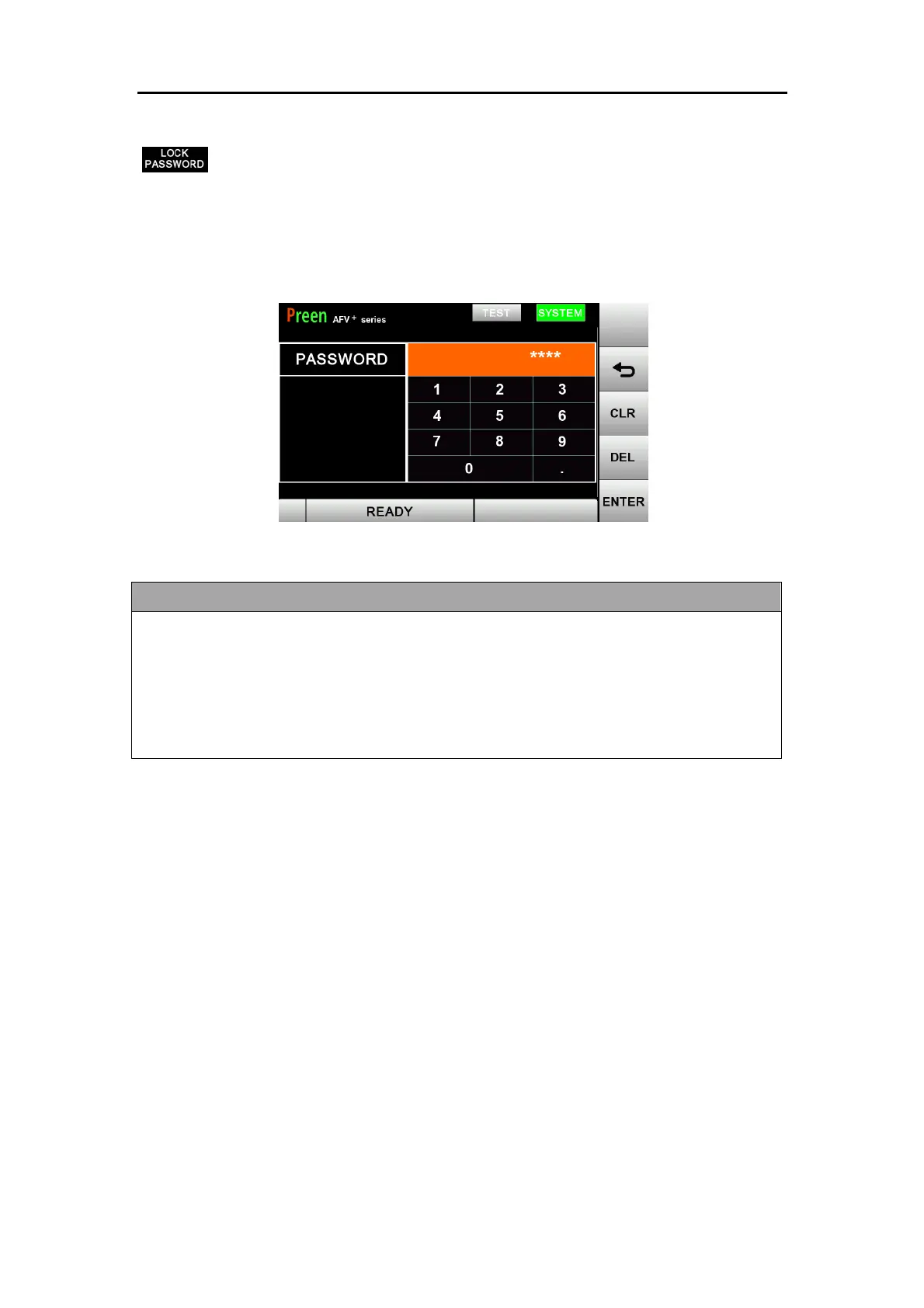
User can set the SCREEN LOCK function at SYSTEM subpage. When user set
up for the first time, enters the password directly. The maximum password length is 9
characters. When user needs to edit the password, enters the original password
ahead. To disable SCREEN LOCK function, enters the password “0000”.
Figure 3.26 Screen Lock setting
If the user forget the password and would like to unlock the screen, please enter
password 8888 to unlock. If the user would like to reset the password or disable the
function, please go to SettingSystem subpageLock Password enter
8888enter new password (max. 9 characters) or enter 0000 to disable the
function.



 To Next Page