101
MBOX® USER MANUAL
Note: The capitalization of all le name sufxes (e.g. ‘audio’) are case-insensitive.
Audio Output Volume Control
There are two available parameters for controlling audio output volume from Mbox:
+ The master volume control provided by the Global Master xture. (Refer to “Fixture Parameter Data” on page 182)
+ Individual layer volume controls.
Multi-channel Audio Output
Starting with the release of Mbox v4.2 multi-channel audio playback with more than two channels of audio is supported
with both embedded audio and sidecar audio. Mbox supports up to 24 channels of audio playback in both cases.
+ For embedded audio, the AAC audio format must be used.
+ For sidecar audio, the AIFF, WAV, M4A, or AAC container types can be used. The MP3 container cannot be used.
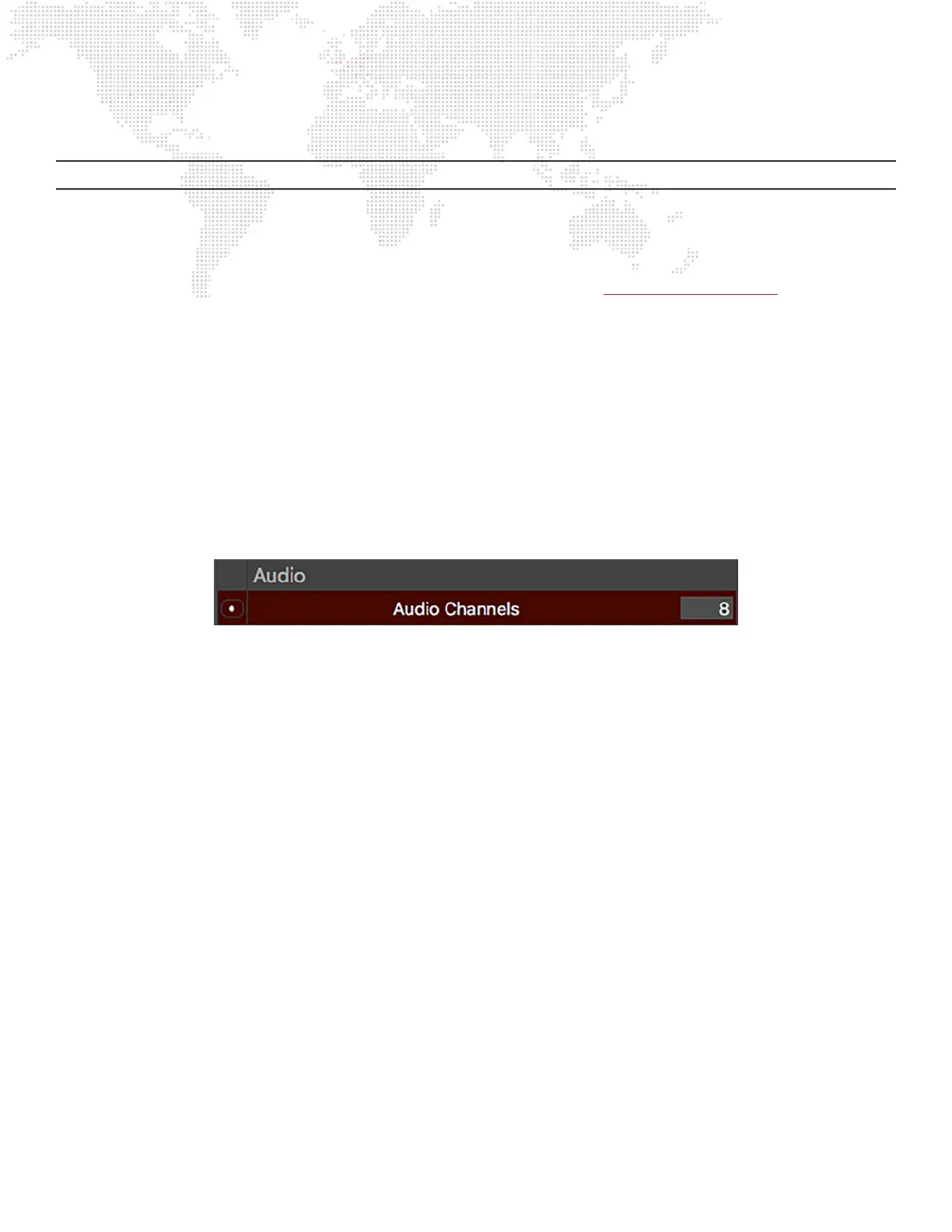
When the Mbox application launches, it is congured for a specic number of channels of audio playback using the
Audio > Audio Channels preference. This preference defaults to 2 channels, but any value from 2 to 24 can be entered.
Guidelines:
+ If audio with more channels than the current audio channels preference preference is played, then in some cases no
audio output will occur. The audio channels preference should always be set to the correct number to match the
content that will be played. (See below for exceptions)
+ However, if a multichannel audio device is connected to the computer and selected as the audio output device, the
number of audio channels will automatically be increased to match the number of channels supported by the device
provided that number is higher than the currect value. Note that this will not change the audio channels preference
on the Preferences tab.
+ If the currently selected audio output device supports fewer channels than the current audio channel preference and
a movie with more channels is played, only the channels supported by the selected audio device will be audible.
+ The Mbox log le [ L] shows Information related to multichannel audio playback and output devices, and can be
used to diagnose issues where the expected audio is not output from the computer or audio interface device.



 To Next Page