30
MBOX® USER MANUAL
PLAYING BACK VIDEO
Quickstart
Once a console or Mbox Director has been connected, the Mbox xtures patched, content added to the server’s hard-
drive, and the display device turned on, video can be played back.
To immediately play back video:
Step 1. Select the Global Master xture and set its intensity to full. Select the rst Output Master xture and set
its intensity to full as well. Important! - If one or both of these parameters are set to 0, there may be no
visible output - in Window mode or in Fullscreen Mode - depending on the conguration of the software and
hardware.
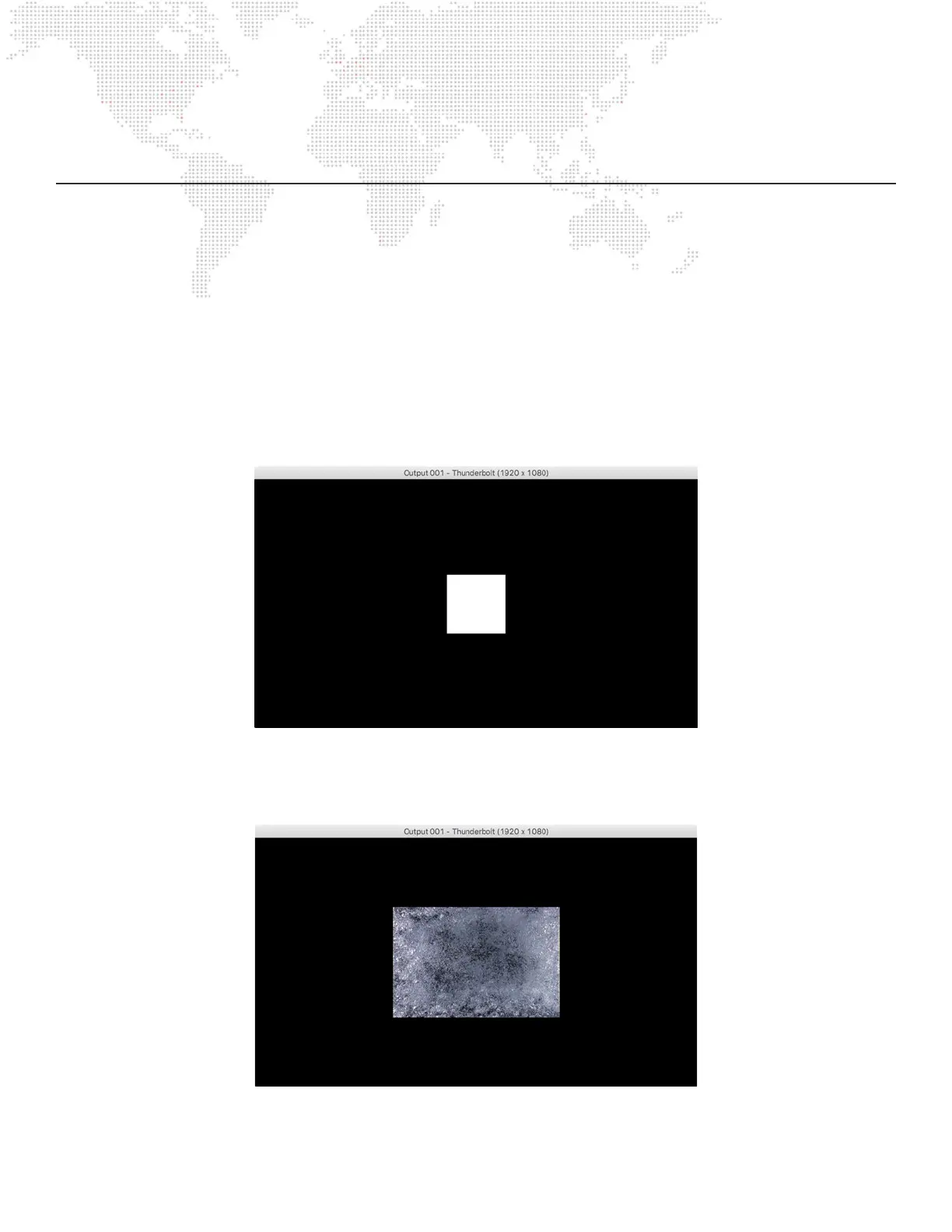
Step 2. Select the xture for Layer 1 and set its opacity parameter to full. A white square should appear in the center
of the display:
Step 3. With Layer 1 still selected, set the Folder parameter to a value of 1. Then set the File parameter to a value of
1. An image of bubbly water should appear on the display. Note: The rental Mbox server comes preloaded
with more than 1400 content les; if running the Mbox software on a non-rental computer, the content will be
different.



 To Next Page