89
MBOX® USER MANUAL
ANIMATED TEXTURES
Using Animated Textures
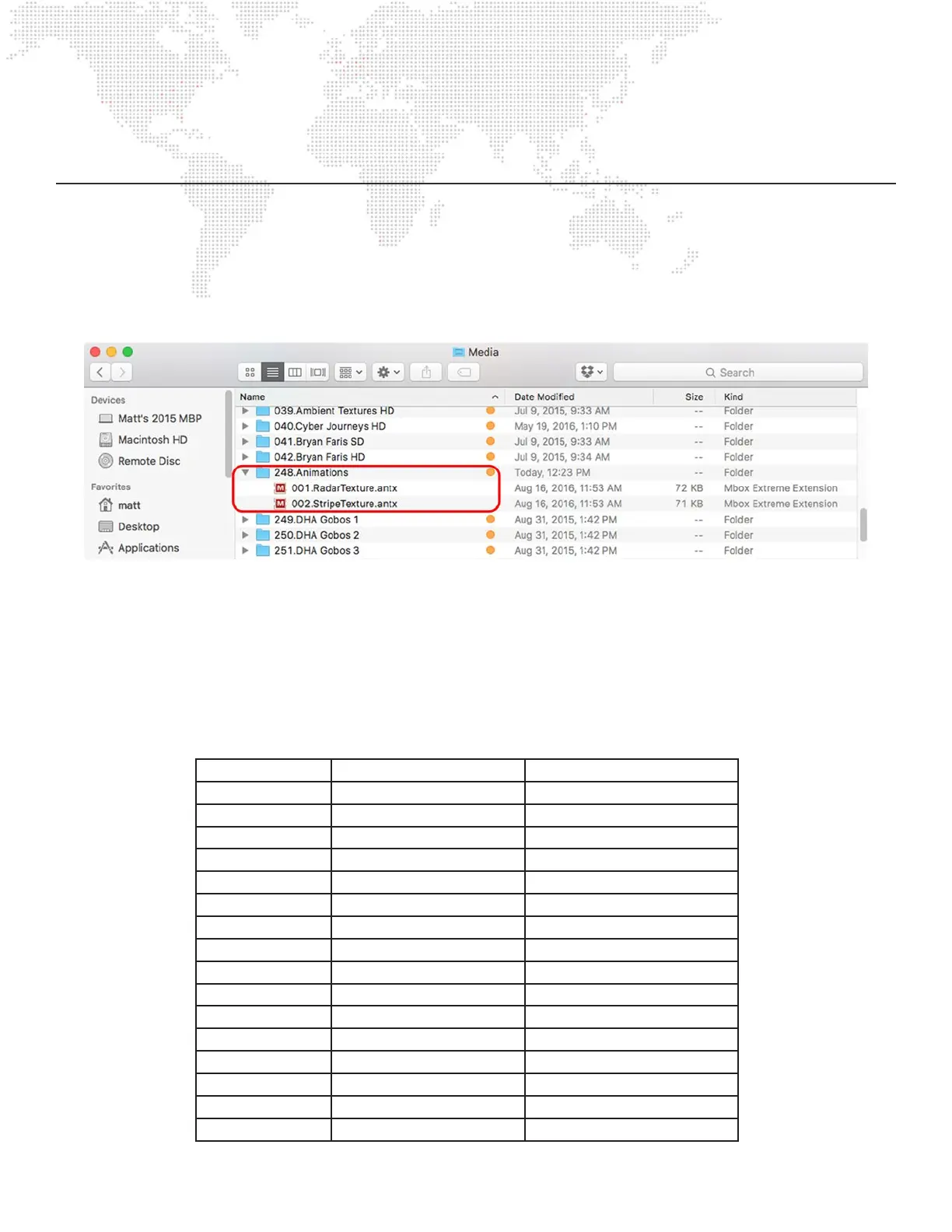
The are two stock Animated Textures les in folder 248 of the Media folder. Each of these animated textures has white
areas and transparent areas, one le with animated parallel lines and the other with animated radial lines. The white
areas can be colored using the RGB controls on the layer. The layer’s movie playback controls are retasked to set the
parameters for the animation – speed, direction, etc.
Playback Controls:
+ In Point – thickness of objects (lines, rays, etc.). A value of 0 gives a default thickness.
+ Out Point - number of objects. A value of 65535 gives a default number of objects.
+ PlaySpeed - speed and direction control. A value of 127 equals no movement.
+ Frame Blending - decay. A value of 0 equals no decay, 255 is full decay.
+ PlayMode – see chart below.
Play Mode Radar Texture (248.001) Stripe Texture (248.002)
FWD Loop Sweep Left-Right Scroll
REV Loop Bounce Bounce
FWD Once Once Once
REV Once Scrub Scrub
FWD Bounce Mirrored Sweep Top-Bottom Scroll
REV Bounce Bounce Bounce
Random Once Once
FWD IPR Scrub Scrub
Scrub In Mirrored Fan Mirrored Left-Right
Scrub Out Bounce Bounce
FWD Loop XF Once Once
REV Loop XF Scrub Scrub
FWD Loop IPR n/a Mirrored Top-Bottom
Timecode Sync n/a Bounce
Layer Slave n/a Once
Layer Master n/a Scrub



 To Next Page