38
MBOX® USER MANUAL
Additional Media Content Organization Guidelines
+ Media folder 000, le 000 is typically reserved as the default “no 2D
content” location. Similarly Models folder 000, le 000 is typically
reserved as the default “no 3D content” location. Both of these
le indices may be used for custom content if desired, as may the
remainder of folder 000.
+ Media folder 255 is reserved for built-in and utility les. The Mbox
software includes built-in les and also has Layer Copy, Syphon, and
Video Capture functionality.
- Layer Copy allows the 2D imagery on one layer to be copied to
another layer without having to open and play the le a second
time on the receiving layer.
- Syphon is an open-source third-party technology created by Tom
Butterworth and Anton Marini. It allows multiple applications on
the same computer to share video textures each other.
- Video Capture is used to display live video from an external source
on a layer. Mbox supports BlackMagic Designs Decklink and
UltraStudio devices, Active Silicon Phoenix devices, as well as
USB or FireWire® cameras connected directly to the computer.
The Preferences tab allows assignment of up to eight video inputs.
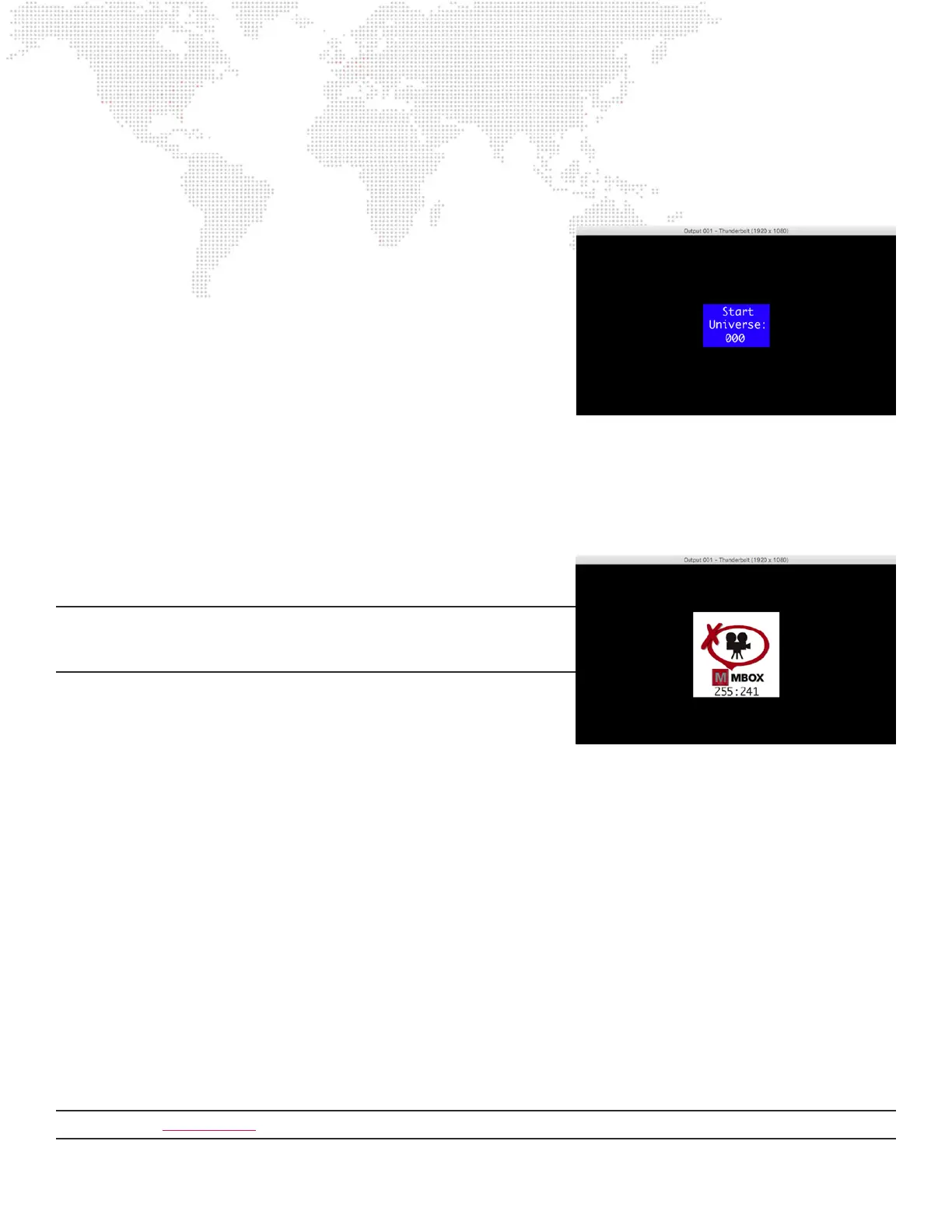
Note: If an input is enabled but no video capture card or camera is
detected then Mbox will show the “No Camera” image when diagnostic
images are enabled.
+ When adding content les, DO NOT duplicate existing folder and
le number combinations. It is best to make new folders for custom
content.
+ Leading zeros are not required when numbering folders or les, but
they can help by making the le listing easier to read.
+ Mbox scans for content upon startup. If new content is added while
Mbox is running, the Media and Models folders must be rescanned in
order to use that new content. These folders can be rescanned while
Mbox is running by pressing [⌘R] on the server’s keyboard or from
the console by using the control channel on the Global Master xture.
There may be a brief pause in movie playback while the rescan takes
place.
+ Media Folder 255 contains the following:
0: Mbox patch info
001-024: Layer Copy FX+ functionality for Layers 1-24 respectively
031-054: Layer Copy Raw functionality for Layers 1-24 respectively
201-212: Syphon inputs 1-12 respectively
241-248: Video inputs 1-8 respectively
254: Default CG Color Bars image
255: Default zero alpha image
Note: Refer to “Layer Copy” on page 90 for more information about the Layer Copy feature.
Mbox Patch Info
No Video Input



 To Next Page