81
MBOX® USER MANUAL
3D OBJECTS AND DIGITAL GOBOS
Overview
The Mbox application can display 3D objects and “Digital Gobos.” Objects and digital gobos can be displayed both
with and with a texture, with objects using the UV mapping coordinates stored in the .obj le and digital gobos using
automatic UV mapping. Objects are treated as being fully three-dimensional, allowing positioning, scaling, rotation, and
spins in 3D space. Digital gobos have no depth and therefore cannot have their Z-Scale adjusted.
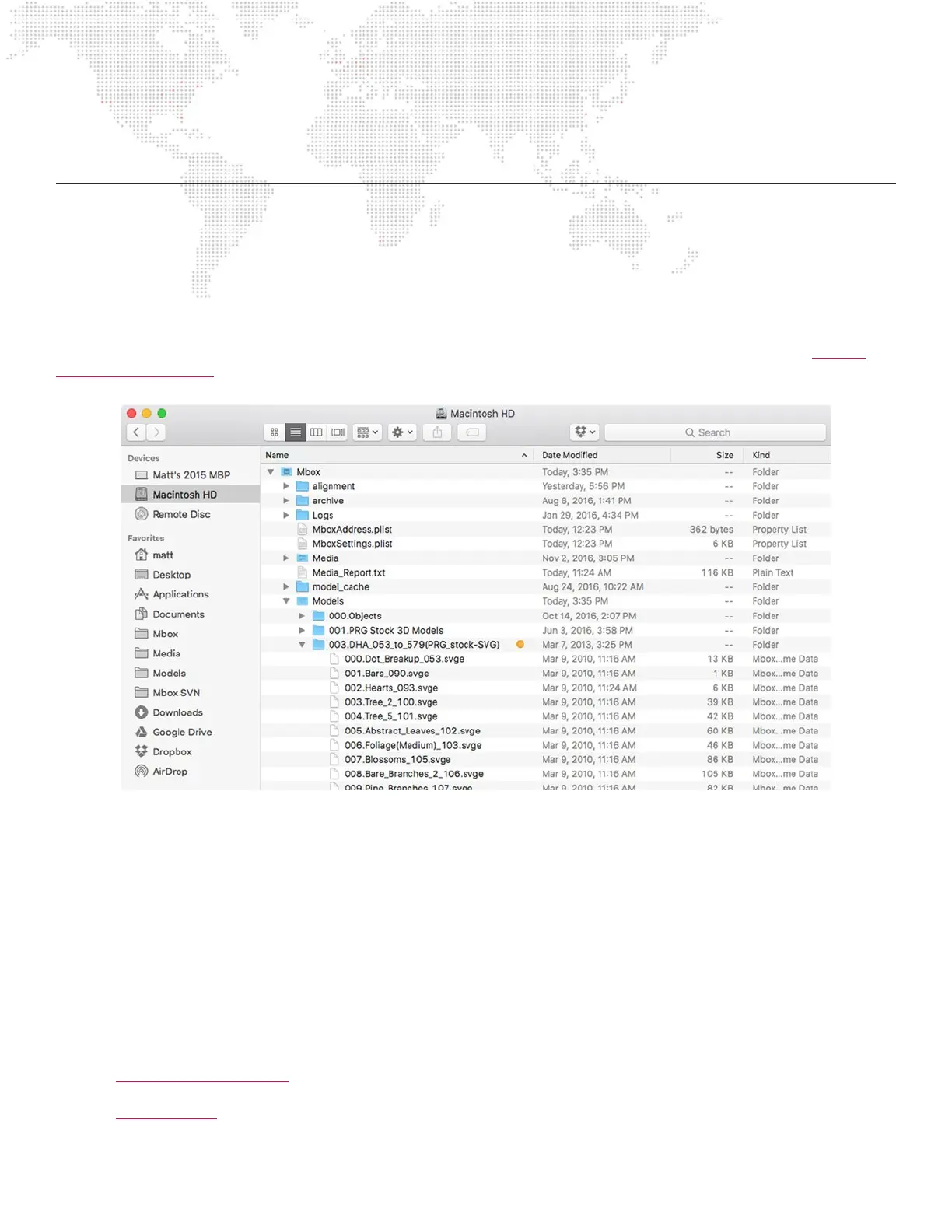
3D Object and digital gobo les are arranged into individual folders within the /Mbox/Models folder. Refer to “Media
Content Management” on page 35 for information on adding 3D content and supported le formats.
3D Objects: Lighting
All 3D models and digital gobos require lighting to be properly visible. If the object le is used without turning on one
lighting xture or without using Drawmode 1 (Light), then the object will appear on the screen as a black silhouette.
Guidelines:
+ 3D models without a texture look best to the lighting xtures with their ambience reduced. The resulting shadows
help enhance the 3D nature of the model.
+ When an object has a texture applied, some ambience may be required in order to properly see the texture.
+ Digital gobos respond best to the lighting xtures with higher ambience or to Drawmode 1.
Refer to “Fixture Parameter Data” on page 182 for information on control parameters for lighting xtures.
Refer to “Draw Modes” on page 223 for information on Drawmode 1.



 To Next Page