112
MBOX® USER MANUAL
Adding Custom Effects or Transitions
Mbox provides the ability for users to add their own effects and transitions or to make modied versions of existing
built-in effects and transitions. This process is quite complex and the following information only outlines the process.
Modifying existing effects/transitions or create new custom effects should not be attempted without rst talking to a PRG
representative for further instruction.
The Mbox software can access new Image Units placed in the /Library/Graphics/Image Units folder. In addition to
placing Image Units into the folder, a le must be created to dene the parameters of the effect. The le enables Mbox
to use these Image Units properly. These denition les are saved in the standard Apple Property List format, but with
special le extensions instead of the typical .plist le extension. For effects, the le extension is “.txfx” (texture effect),
and for transitions, the le extension is “.txtx” (texture transition).
Creating a working Image Unit (the basis of effects and transitions) is far harder than generating the denition le and this
manual will not go into the process of creating an Image Unit. Contact MboxSupport@prg.com for more information on
this process.
It is much easier to create modied versions of existing effects and transitions. In order to do this, knowledge of the
input structure of the Image Unit is required. The easiest way to do this is to look at the existing txfx or txtx le that
dictates how the built-in Image Unit’s input structure is set up. Parameters in the existing le can be modied and the
results saved as a new version (with a unique effect or transition number) for use with Mbox.
Example 1: Modifying the character string in the ASCII Art effect
For the ASCII Art effect, a rectangular group of pixels in the original image are sampled, and based on the averaged
luminance of the sample, the pixels are replaced by one of twelve characters from a string. The darkest sampled areas
are replaced by the rst character in the string, and as the sampled areas get brighter, they are replaced by characters
further to the right in the string.
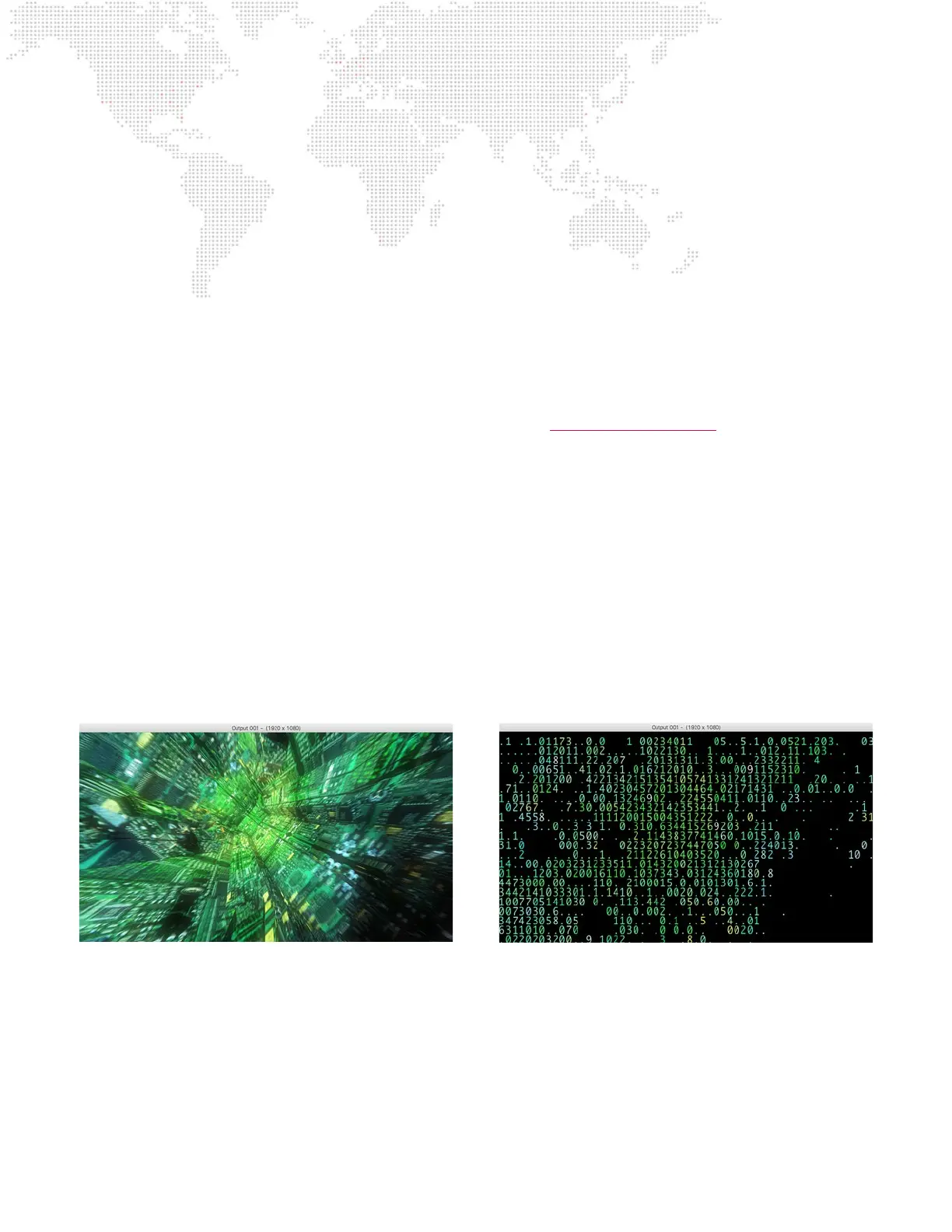
The string is made up of the default characters - space, period, and the numbers 0 through 9 - “ .123456789”. In the
illustrations below, the original movie is on the left, and the movie with the unmodied ASCII Art effect is on the right:
The twelve different characters in the string are supposed to represent progressively brighter areas, are doing so by
increasing the numerical value of the character. But what is that isn’t the right look, and instead the characters should
cover more screen area rather than increase in value. To accomplish that, the string should be modied to be something
like “ .!-+*oO0@$#” instead.



 To Next Page