31
MBOX® USER MANUAL
Step 4. At this point, adjust the folder and le parameters to scan the stock media content. For example, changing
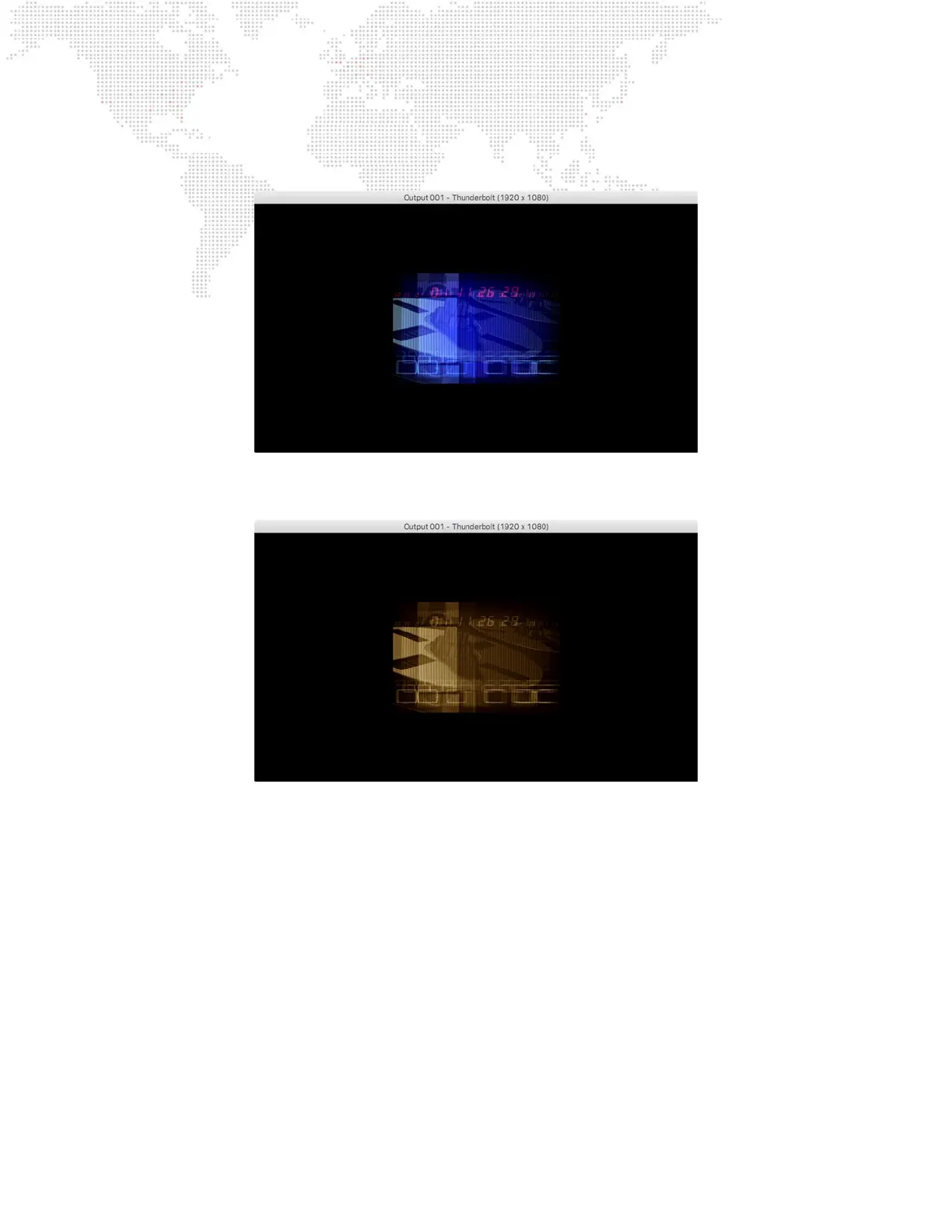
to Texture Folder 11,Texture File 1 will result in the following clip:
Step 5. To apply an effect to the layer, for example, set the Effect 1 parameter to a value of 6 (sepia tone) and set the
Effect 1 Modier A parameter to 255 (full). This should result in a sepia version of the same clip:



 To Next Page