6 Operating diagram/ Display Symbols
6.1
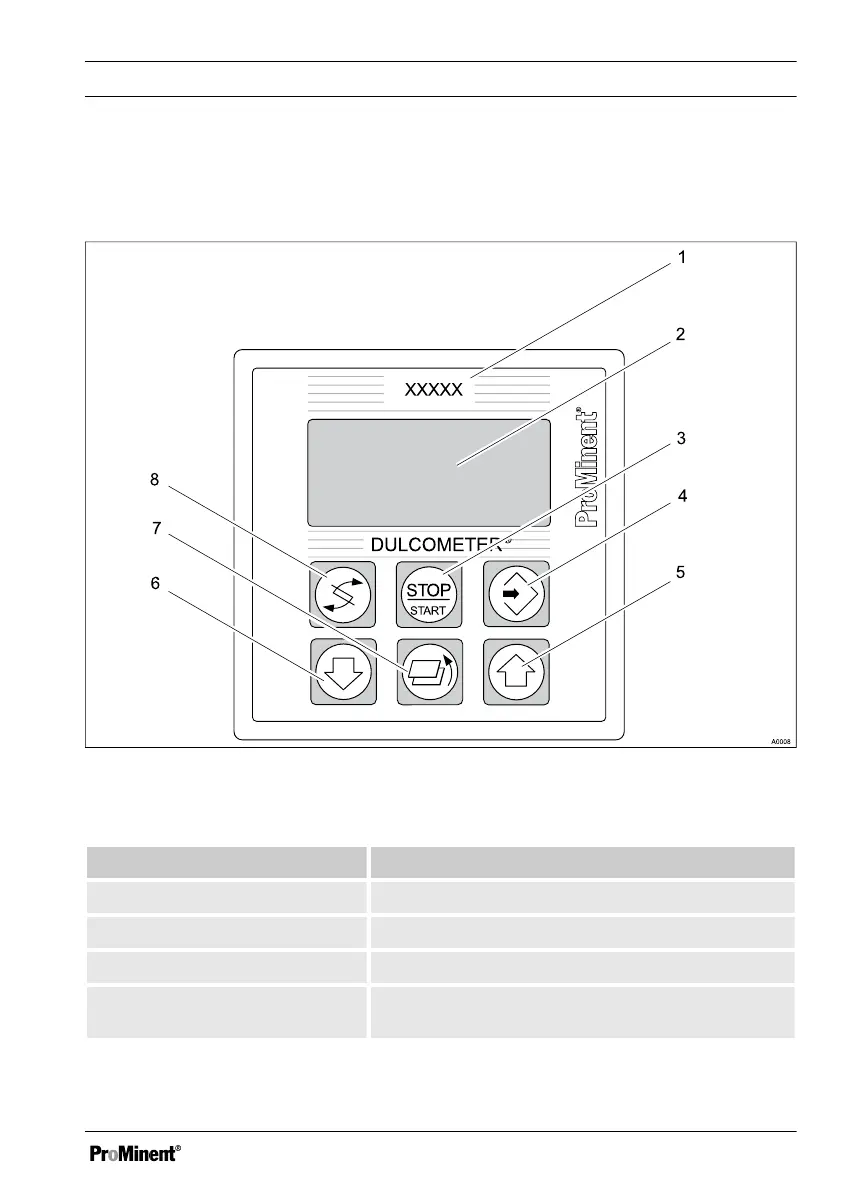
Overview of equipment/Control elements
Fig. 26: Overview of equipment/Control elements
Function Description
1st respective measured variable Affix the measured variable label here.
2. Display
3. START/STOP key Start/Stop the control and metering functions
4. ENTER key To apply, confirm or save a displayed value or
status or to acknowledge an alarm
Operating diagram/ Display Symbols
59














 To Next Page