• Linefeed Type: Sets the message termination character.
Selection tab only available in GDC software versions higher
than 7.8.0, for older versions the message termination character
is set to LF by default. Options:
o CR: Carriage Return, Hex 0D (\r).
o LF: Line Feed, Hex 0A (\n).
o CRLF: Carriage Return + Line Feed (Intro, \r\n).
If you have a GDC software version lower than 7.8.0, you must set
the “Output Message Terminator” to \n on the PAA20+ WebAdmin
to ensure the PAA20+ message reception
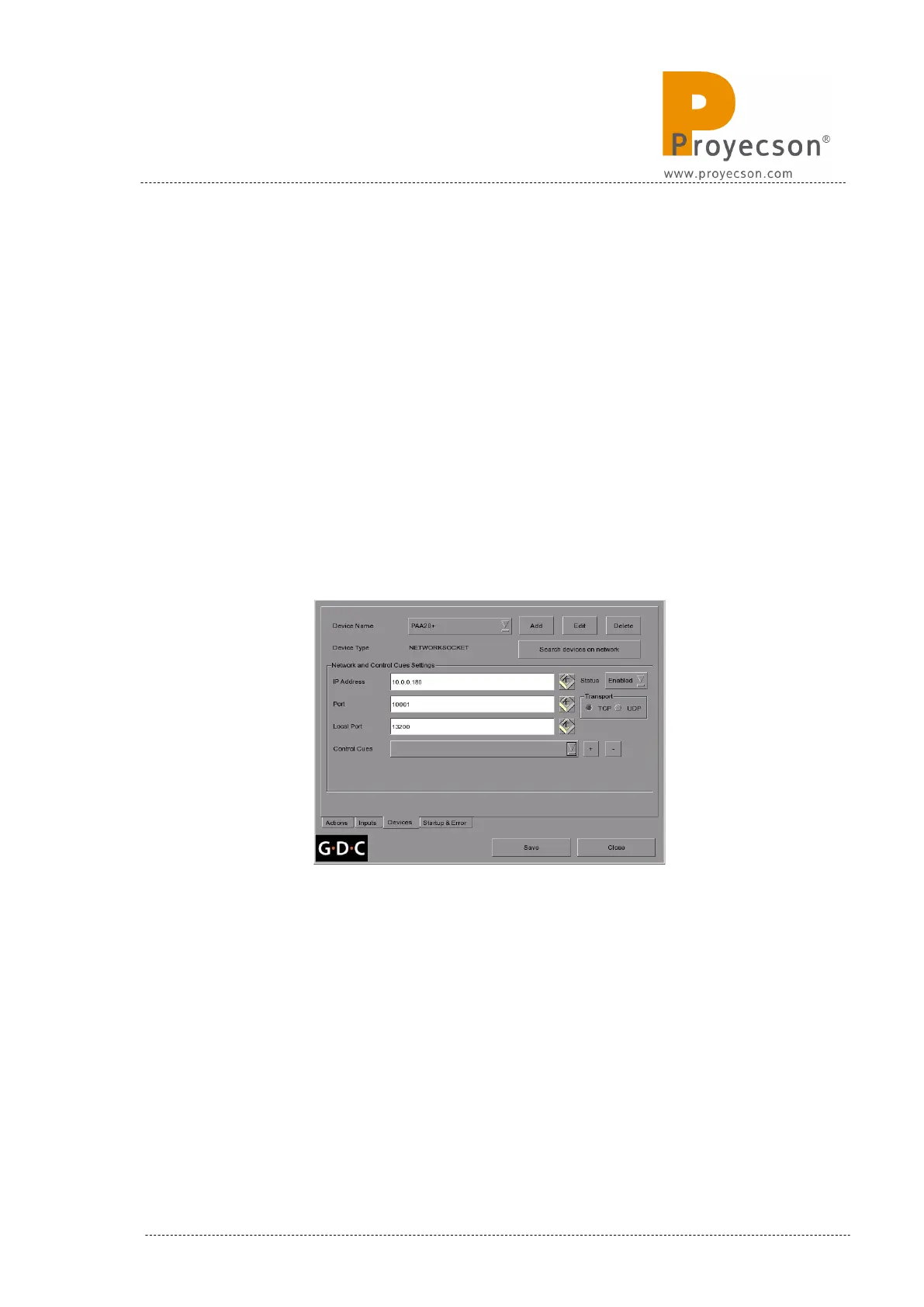
Figure 8.5.1G shows the device network settings to connect to a factory
default PAA20+ for a 7.7b –rc17 and older versions for the GDC software:
Figure 8.5.1G
INSTALLATION MANUAL: PAA20+ V 2.0 (10/2021) 95



 To Next Page