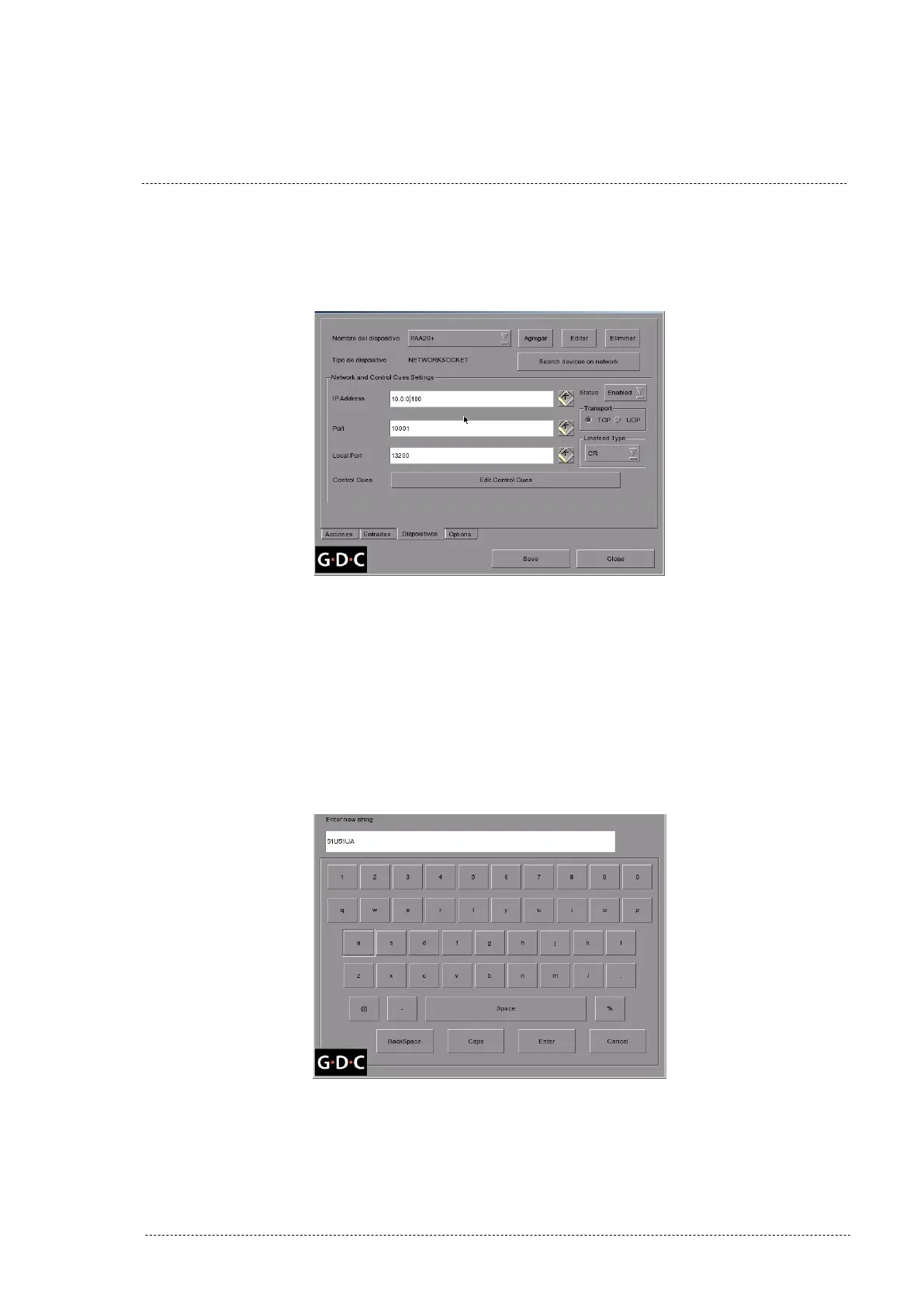
Figure 8.5.1H shows the device network settings to connect a factory
default PAA20+ for a 7.8.0 and higher GDC software versions:
Figure 8.5.1H
9. Set the PAA20+ cues:
• To set the cues for the PAA20+ using a GDC software version
older than 7.8.0, click on the “+” button on the right side of the
“Control Cues” selection tab and write the cue string in the
“Enter new string” form (Figure 8.5.1I), then press the “Enter”
button. Repeat this step for every cue you want to add.
Figure 8.5.1I
INSTALLATION MANUAL: PAA20+ V 2.0 (10/2021) 96



 To Next Page