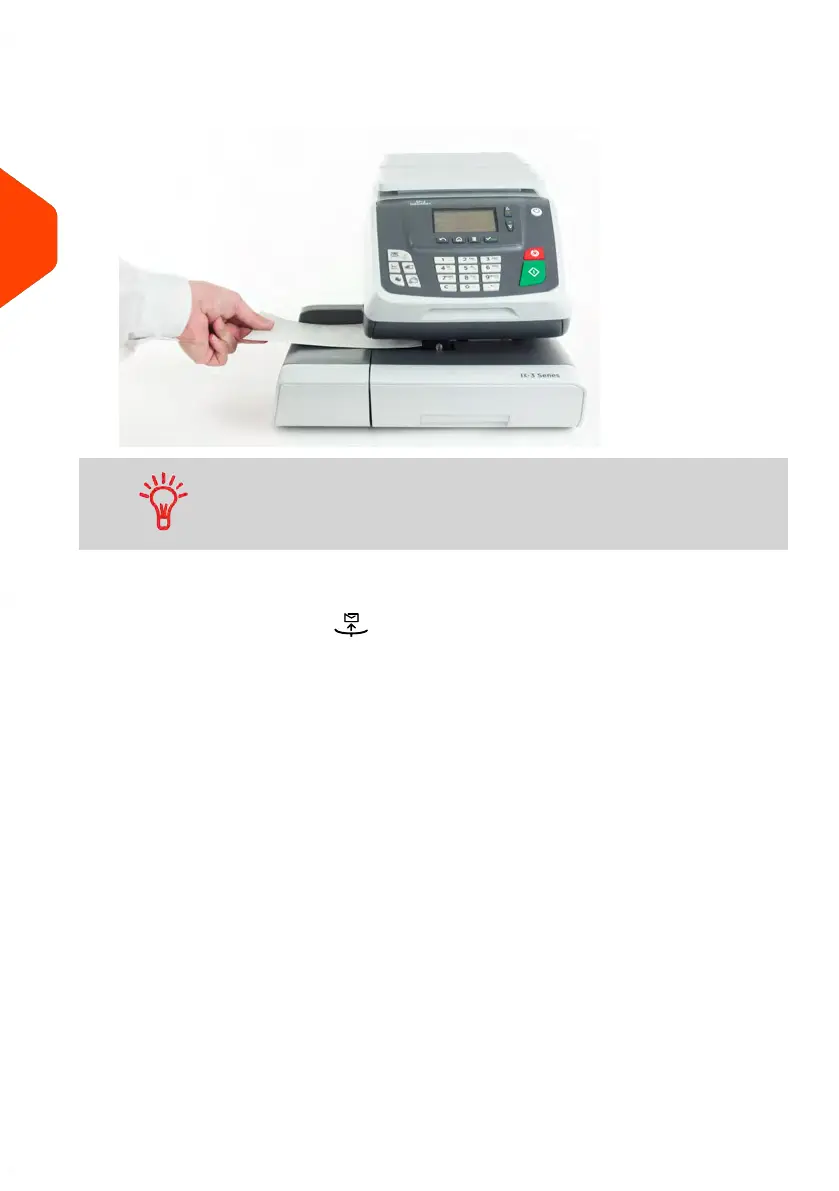
2. Insert the envelope into the mail path against the rear-guide wall, side to be printed
facing upwards.
If you want to seal the envelope, first engage the flap into the
moistener (option). Do not try to moisten self-adhesive envelopes.
3. The Mailing System applies postage and the envelope is ejected.
In Differential weighing type ( ).
From the [PPI] home screen, to print postage on mail pieces:
1. Place the stack of mail you want to process on the weighing platform, and then
follow the instructions on the screen or the steps below.
2. Remove the first mail piece from the top of the stack. The Mailing System displays
weight and postage on the home screen and starts motors automatically.
52
| Page 52 | Jun-21-2021 09:24 |
3
Processing Mail















 To Next Page