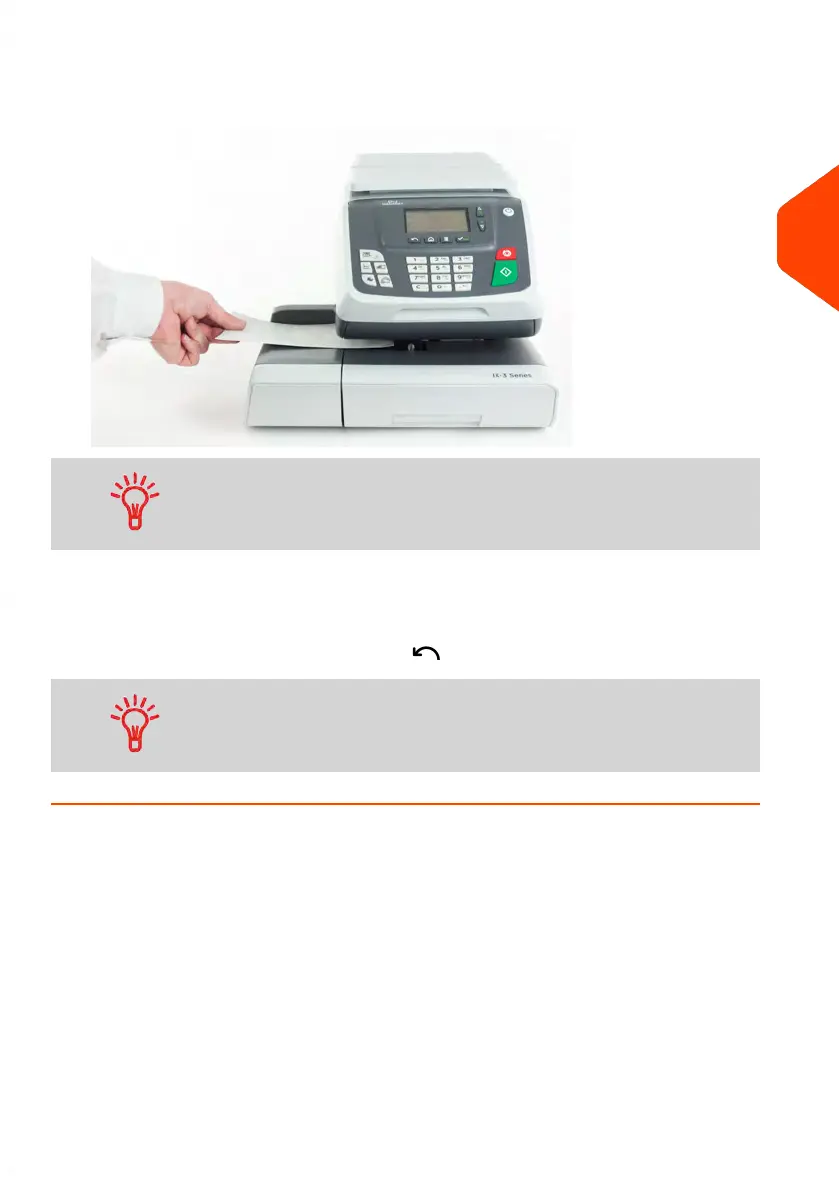
3. To print the imprint, insert the mail piece into the base against the rear-guide wall,
side to be printed facing upwards.
If you want to seal the envelope, first engage the flap into the
moistener (option). Do not try to moisten self-adhesive envelopes.
4. The Mailing System applies postage and the mail piece is ejected.
5. Repeat the previous step of each piece of mail.
To quit the process at any time, press .
When you remove the last object from the WP, the Mailing
System asks if you want to print it. You can answer Yes or No.
3
Processing Mail
53
| Page 53 | Jun-21-2021 09:24 |















 To Next Page