Chapter4
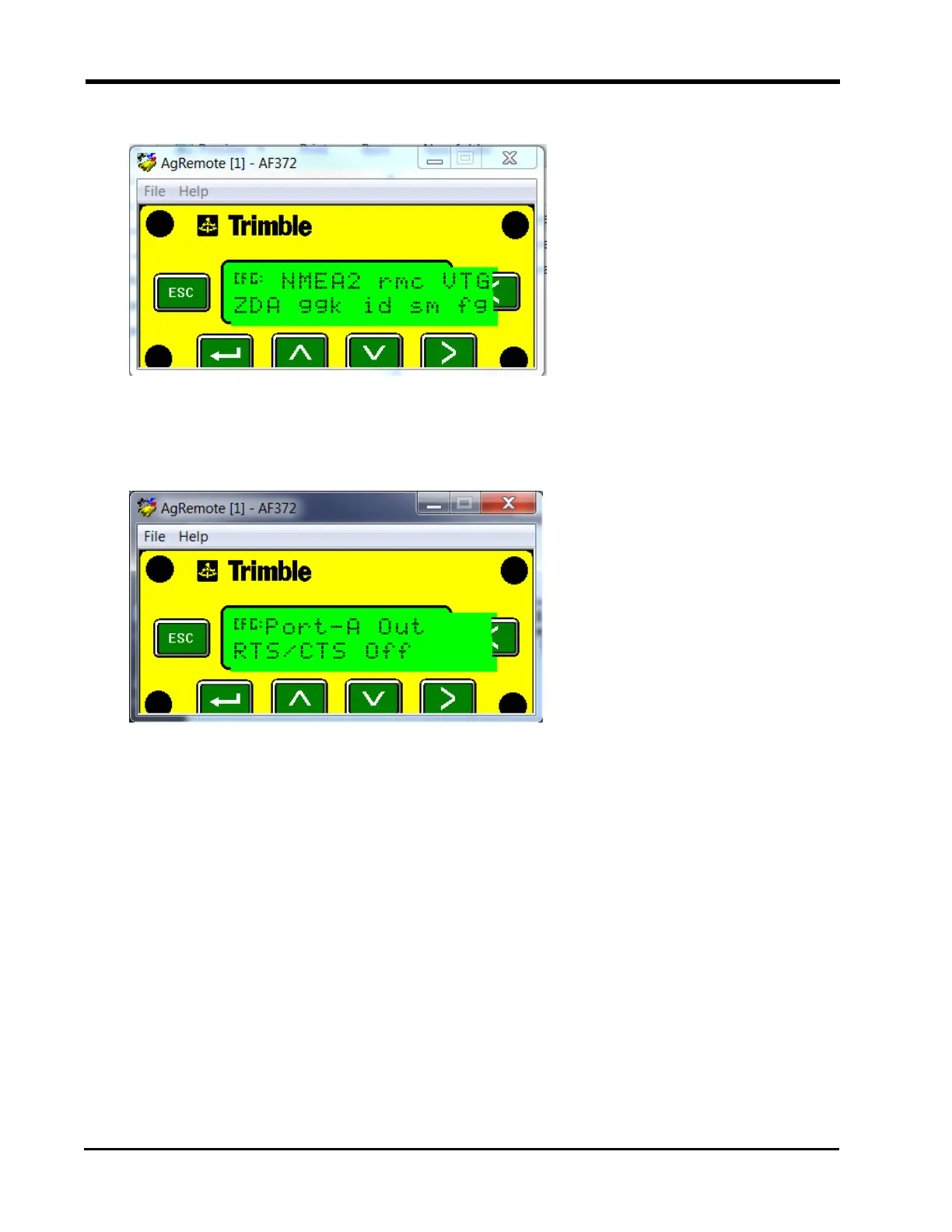
12. Verify that VTG and ZDA are capitalized so they are turned on.
13. Press the Down button to continue configuring Port A.
14. Press the Down button until “CFG: Port A Out RTS_CTS” displays.
15. Verify “CFG: Port A Out RTS_CTS” is off.
16. Press the Enter button to save the settings.
17. Press the Down button to continue configuring Port A.
18. Press the Enter button to save the settings.
19. Press the Down button until “NMEA” out displays.
50







 To Next Page