EasyManua.ls Logo

Raymarine E90W - User Manual

Raymarine E90W
250 pages
Print Icon
To Next Page IconTo Next Page
Loading...
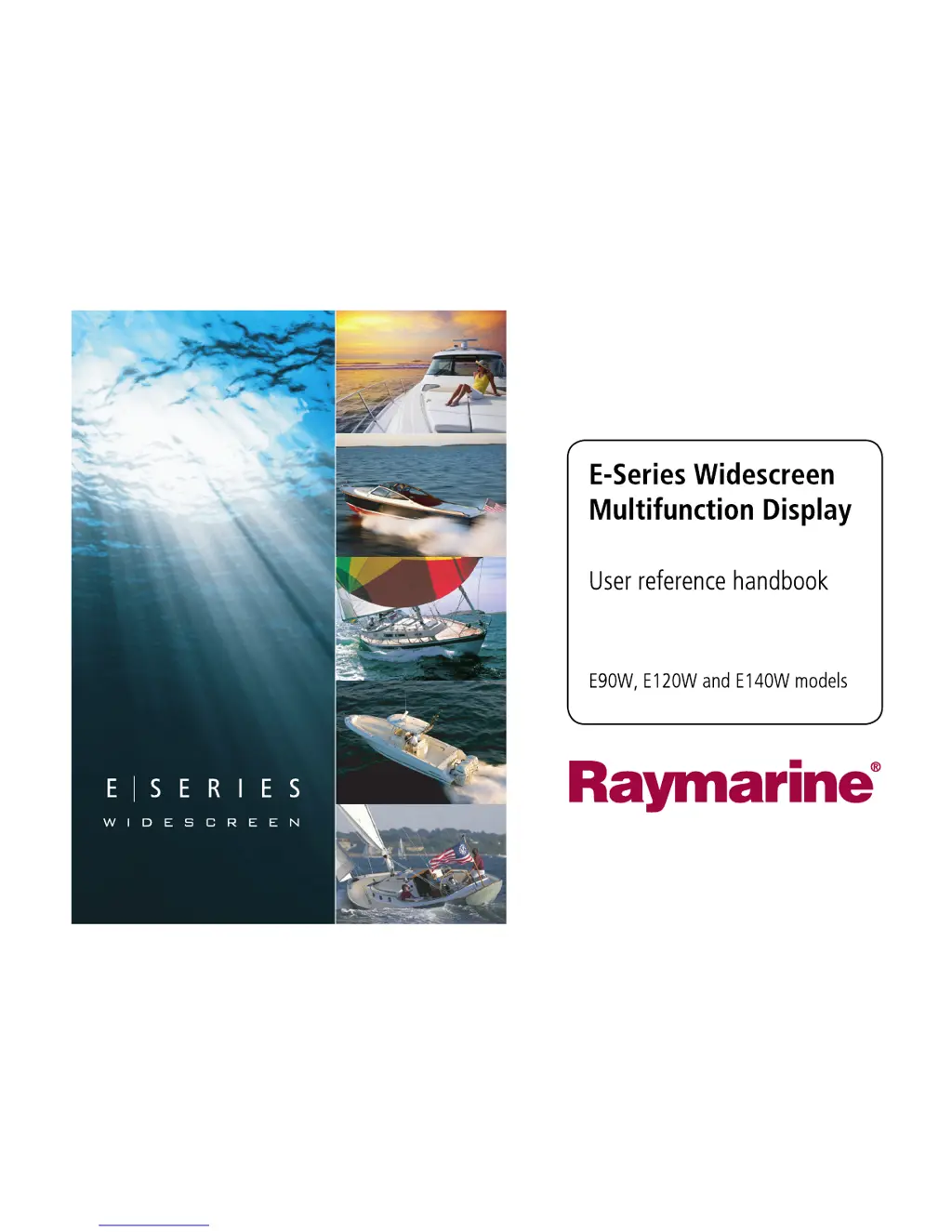
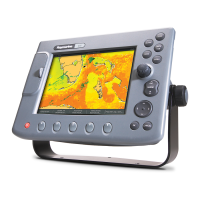
E-Series Widescreen
Multifunction Display
User reference handbook
E90W, E120W and E140W models
E-SeriesWidescreenUserreference

Table of Contents

Other manuals for Raymarine E90W

Questions and Answers

  • J
    Janet MartinAug 17, 2025
    Why does my Raymarine E90W display not start up?
    • G
      George ThomasAug 18, 2025
      The display may not start due to a problem with the power supply. Check the following: * Relevant fuses and breakers. * The power supply cable, ensuring it is sound and all connections are tight and free from corrosion. * The power source, making sure it is of the correct voltage and sufficient current.
  • P
    pthomasAug 20, 2025
    What to do if my Raymarine E90W GPS shows a 'No Fix' status?
    • G
      Garrett BrownAug 20, 2025
      If your Raymarine GPS displays a 'No Fix' status, the issue could be due to several reasons: * Your current geographic location or weather conditions might be preventing a satellite fix. Periodically check to see if a fix is obtained under better conditions or in a different location. * There may be a fault with the external GPS connection. Ensure that all GPS connections and cabling are correct and fault-free. * The external GPS antenna might be poorly positioned, such as being below decks or too close to transmitting equipment like a VHF radio. Ensure the GPS antenna has a clear view of the sky.
  • R
    rcollinsAug 22, 2025
    How to troubleshoot a 'No Data' or 'No scanner' message on my Raymarine E90W?
    • A
      Alice GilbertAug 23, 2025
      A 'No Data' or 'No scanner' message on your Raymarine GPS can be caused by several factors: * Check the scanner power supply cable to ensure it is sound and that all connections are tight and free from corrosion. Also, check the relevant fuses and breakers, and verify that the power source provides the correct voltage and sufficient current. * Verify that the scanner is correctly connected to the display via a crossover coupler or SeaTalkhs switch, and check the status of the SeaTalkhs switch. Also, inspect the SeaTalkhs cables for any damage. * Ensure the scanner pedestal switch is in the ON position.
  • R
    Ryan WilliamsAug 25, 2025
    Why is instrument data missing from some Raymarine E90W displays?
    • M
      Mike MezaAug 26, 2025
      If instrument data is missing from some, but not all, Raymarine GPS displays, it could be due to a SeaTalkhs network problem. Check that all required equipment is connected to the SeaTalkhs switch, verify the status of the SeaTalkhs Switch, and ensure that SeaTalkhs cables are free from damage.
  • S
    Steven BriggsAug 27, 2025
    How to fix incorrect target bearing on Raymarine radar screen?
    • J
      James SheaAug 27, 2025
      If the bearing of a target on the radar screen is incorrect, the radar bearing alignment likely requires adjustment. Check and adjust the radar bearing alignment.
  • E
    Edwin SmithAug 30, 2025
    How to fix a Raymarine E90W GPS touchscreen that is not working correctly?
    • K
      Kelsey HarperAug 30, 2025
      If the touchscreen on your Raymarine GPS is not operating as expected: * Ensure that the touch lock is disabled. Use the Trackpad to turn off the touch lock on the home screen. * Make sure you are using bare fingers to operate the screen. Bare fingers must make contact with the screen for correct operation; alternatively, you may use conductive gloves. * Calibrate the touchscreen using the setup menus. * Clean and dry the screen carefully, as saltwater deposits can interfere with operation.
  • S
    Sarah KerrSep 1, 2025
    What causes a Raymarine fishfinder to show no data source?
    • C
      Christopher SharpSep 1, 2025
      If your Raymarine fishfinder displays 'No data source', it could be due to: * A DSM power supply fault. Check the DSM power supply and cables. * A SeaTalkhs network problem. Check that the DSM is correctly connected to the display or SeaTalkhs switch. Verify the status of the SeaTalkhs Switch and ensure that SeaTalkhs cables are free from damage.
  • K
    Karen McbrideSep 4, 2025
    Why is instrument data unavailable on all Raymarine GPS displays?
    • J
      Jillian ValdezSep 4, 2025
      If instrument, engine, or other system data is unavailable on all displays, it means the data is not being received at the display. Check the data bus wiring and connection to the display, and verify the overall integrity of the data bus wiring. Also, check the source of the missing data.
  • R
    Robert LyonsSep 6, 2025
    What causes problematic depth readings on my Raymarine E90W GPS?
    • J
      John FrazierSep 6, 2025
      Problematic depth readings or sonar images on your Raymarine GPS can be caused by: * Inappropriate gain or frequency settings for the current conditions. Check the fishfinder presets, gain, and frequency settings. * A DSM cable fault. Ensure that the power, transducer, and all other cables to the DSM unit are properly connected and free from damage.
  • M
    Melissa MclaughlinSep 9, 2025
    How to fix radar initialization issues on Raymarine GPS?
    • W
      William WilliamsSep 9, 2025
      If the radar will not initialize due to the Voltage control module (VCM) being stuck in “sleep mode”, check the power connection at the VCM. Verify the voltage at the input (12 / 24 V) and the output (40 V). The cause is most likely an intermittent or poor power connection.

Raymarine E90W Specifications

General IconGeneral
BrandRaymarine
ModelE90W
CategoryGPS
LanguageEnglish

Related product manuals