158
Chapter 7
CAMERA MONITORING SYSTEM
Overview
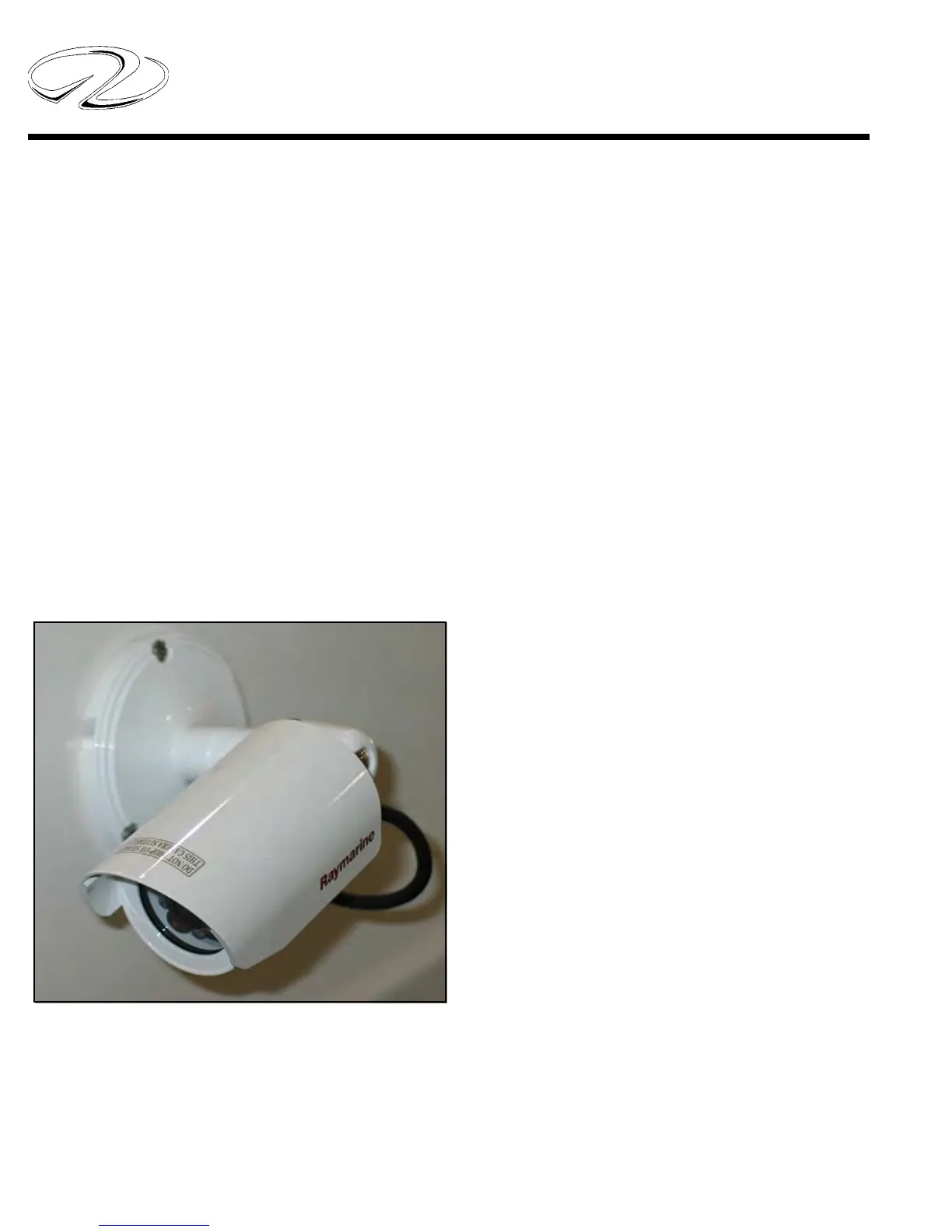
This option features three Raymarine® CAM100 day and
night vision cameras. Two cameras are mounted on the
hardtop or arch facing aft to assist docking operations.
The third camera is in the salon. The cameras can be
monitored from the helm “E” series GPS/plotter or from
the salon television.
The Raymarine® cameras are a high quality 550 TVL
horizontal resolution color unit with 14 infra-red light
emitting diodes (LED’s) offering superior clear viewing
in pitch black darkness. The lights radiate a blue output.
The units run on 12 volt power.
The cameras are part of the video display on the “E”
series plotter. The cameras can be adusted 90 degrees
vertically and can be rotated 360 degrees.
Operation
You can set-up the GPS/plotter display page to view all
3 cameras at once. See the instructions below.
A. With the power on select OK.
B. Choose MENU.
C. Choose PAGE SET.
D. Choose CUSTOM.
E. Choose EDIT PAGE SET.
F. Select the layout (page type you want; for example
fourths, thirds, etc.) with arrow pad from the selections
on the display. Select OK when finished.
G. Choose the application (video w/camera icon) that
you want to view in the window.
H. Exit- Push OK button. Cameras should be ready.
Once the display is set-up as outlined above each time
you want to view the cameras from the display do the
following:
1. Press the red power button on the GPS/Plotter display
to energize the display.
2. Select “VIDEO” 2-4 on the display to view the cam-
eras. Three of the four videos are designated for the cam-
eras. Video 1 is vacant for add-on equipment such as a
DVD player to be viewed from the display.
To view the cameras from the salon television turn on
the TV set. At the television remote control choose the
“MEDIA” button. The cameras should appear on the
screen.
If the set picture seems to be oblong you can adjust the
picture format by pressing the “SRC” button. For view-
ing cameras the 4:3 format is correct. When watching regu-
lar television programming switch to the 16:9 format.





 To Next Page