163
Equipment Operation
ELECTRONICS- “E” SERIES PLOTTER
Viewing the GPS/Plotter On Salon Television
1. Follow steps 1-3 as noted earlier on this page to power
up the plotter.
2. Use the page and active keys to select the page and
window.
3. Power up the salon television with the remote control.
4. Find and select “MEDIA” on the remote control.
5. The display on the plotter should now be able to be
viewed on the television.
6. To get a true shape verses the oblong shape that may
appear on the television press the “SRC” button. Now
change from the 16:9 format to the 4:3 format. Press the
“SRC” button on remote to exit.
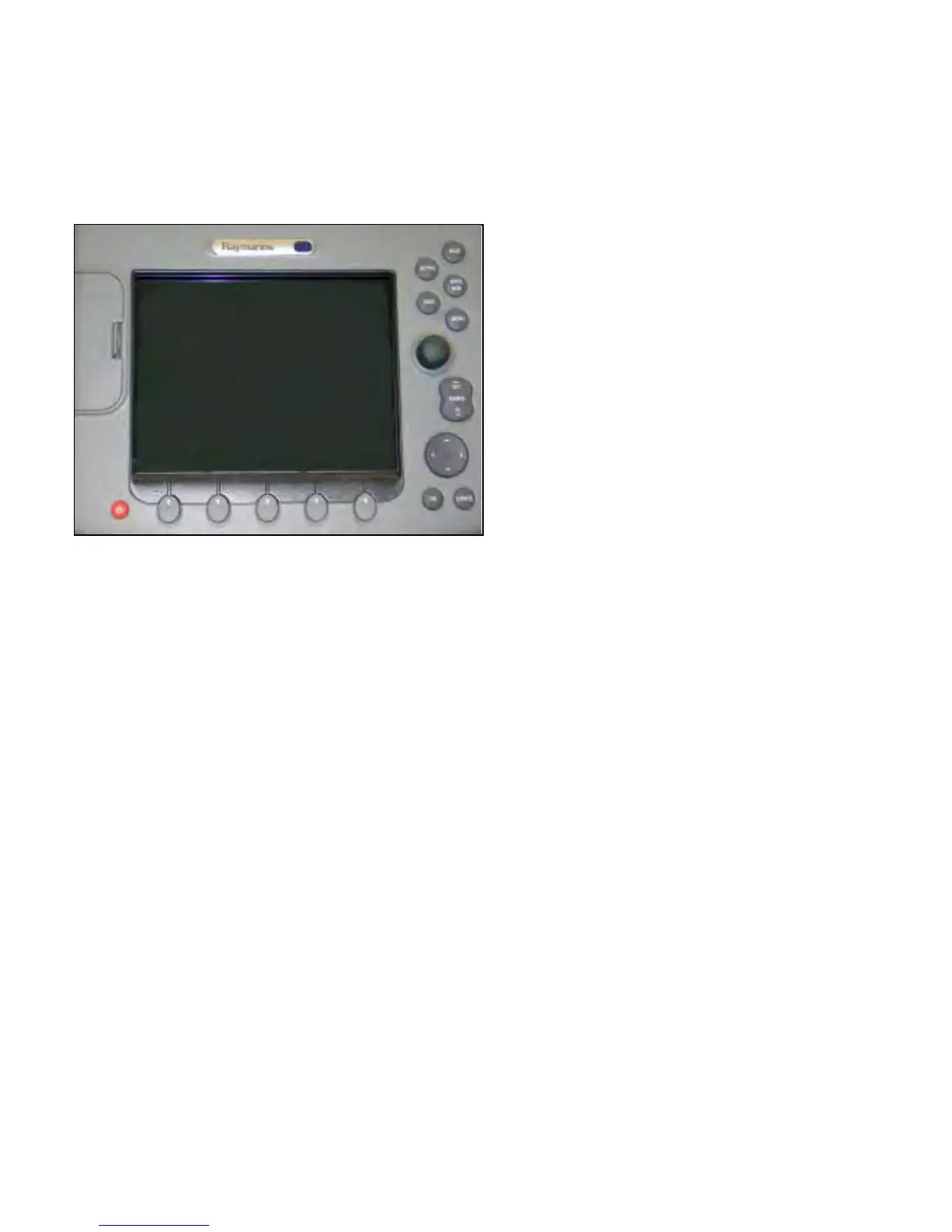
The optional “E” series display by Raymarine® features
basic navigaiton, radar, montoring courses, fishfinder,
Navtex capabilities, Sirius weather data, viewing video
images, and 3D charting.
To use the “E” series display:
1. Make sure the battery switches are energized. The
switches are located under the aft circular seat cushion.
2. Activate the electronics switch at the helm switch panel
located at the starboard coaming panel.
3. Press the red power switch to energize the plotter.
4. In this manual a series of cards are used to show the
advanced operations of the “E” series unit. Several of
the basic training cards are shown. For more basic
operation information refer back to the “C” series plotter.
Refer to the Raymarine® operator’s manual for more
detailed information.





 To Next Page