Secon 5
Integra 3™ Basic Operaon
Research Instruments Ltd
5
Turn clockwise to lower,
an-clockwise to raise
9. Turn the Raised Posion Adjustment Screw on each side, not the
microscope focus, to bring the pipees into focus. Take care not to
apply too much downward pressure to the screw as this may cause
the PL3 to drop.
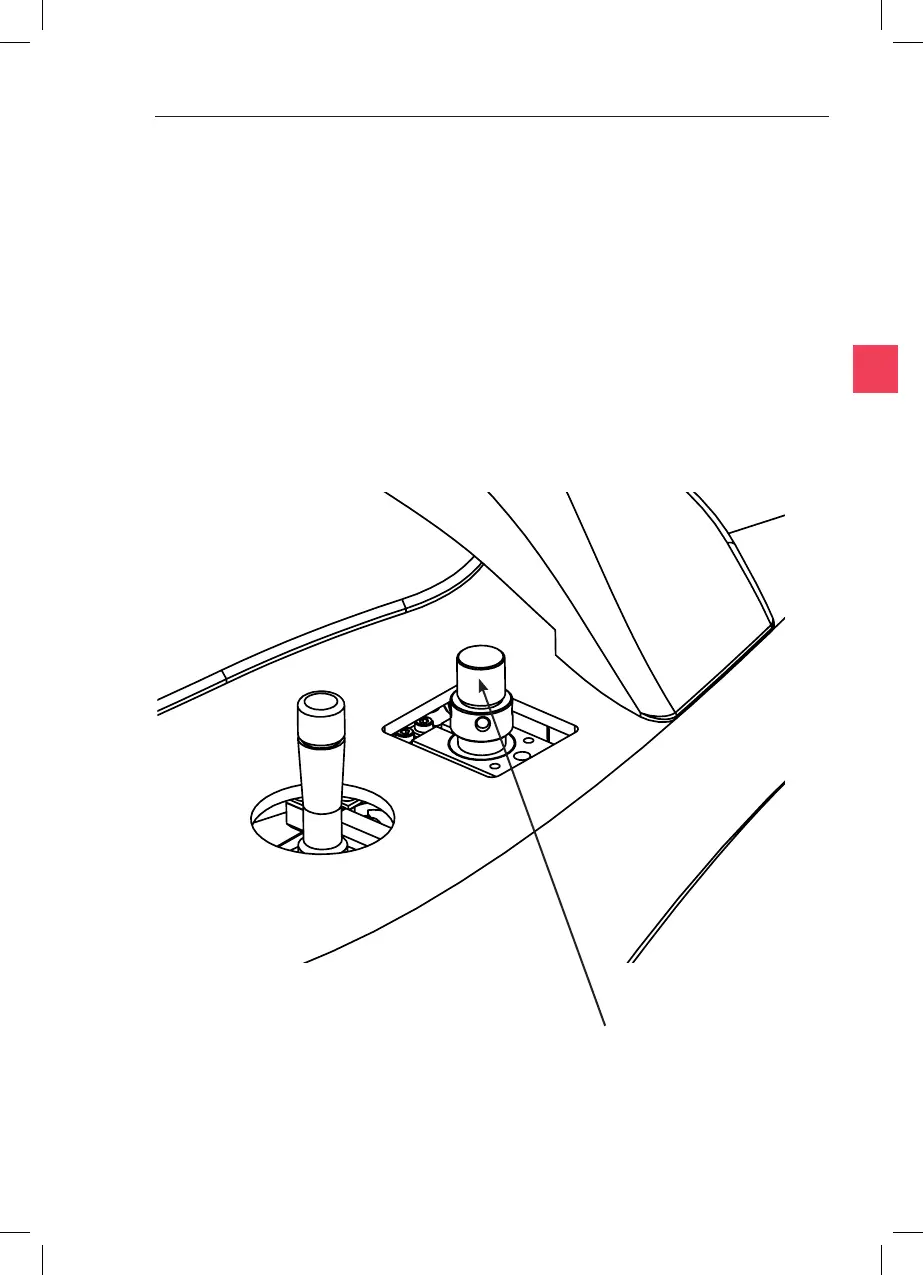
10. If the pipee cannot be brought into focus, remove the PL3 and
rotate the output post to raise or lower the PL3. If necessary, use a
tool in the holes in the post to assist in turning it. Each turn of the
post raises or lowers it by 0.5mm.



 To Next Page