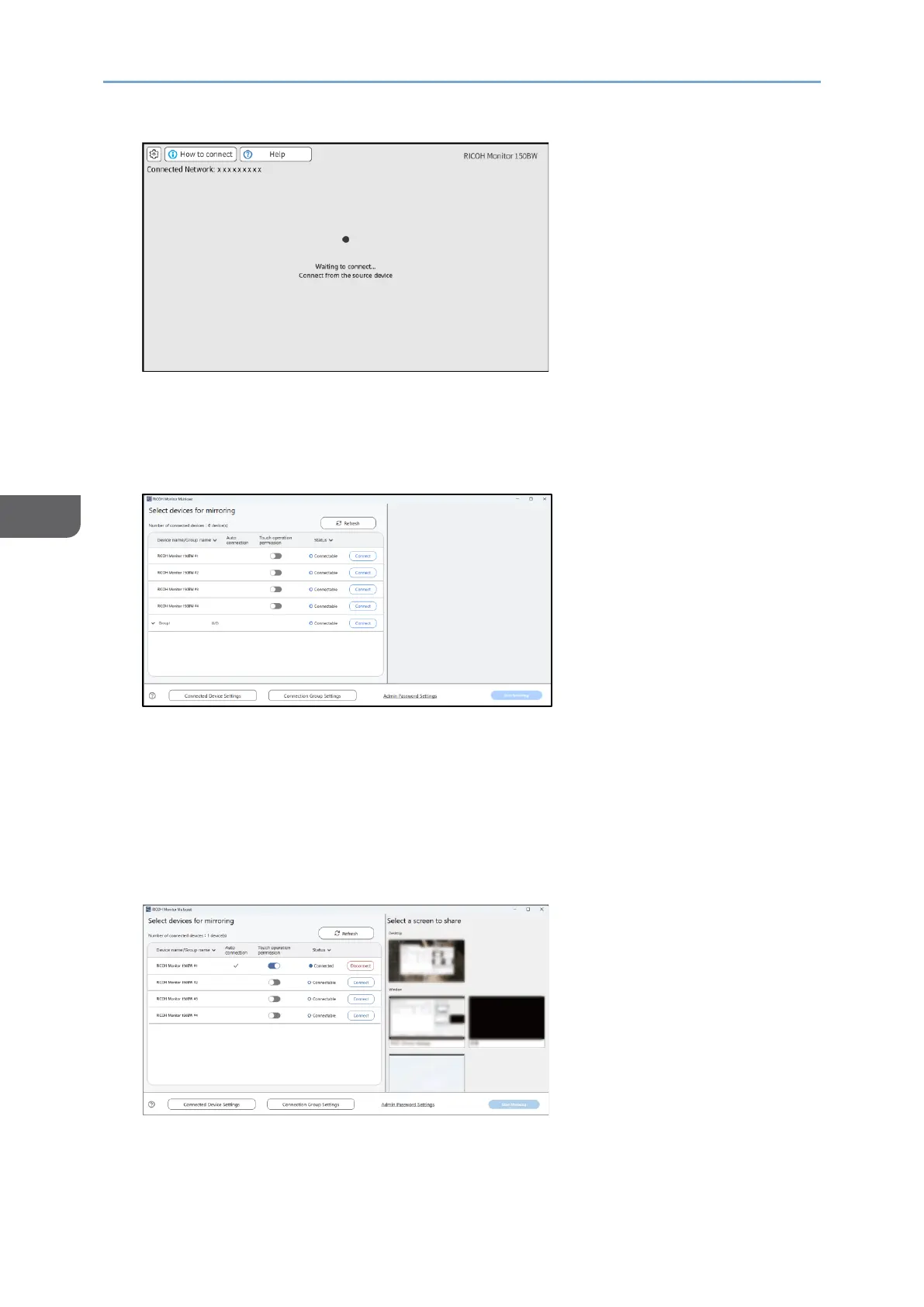
2. Start RICOH Monitor Multicast for Windows.
When RICOH Monitor Multicast for Windows starts, the search for RICOH Monitors in
the same network starts and the list of such is displayed.
3. Click [Connect] of the group name to connect.
A maximum of 32 RICOH Monitors can be selected.
Sharing the Windows screen
1. Click the Windows screen to be shared from "Select a screen to share".
The screen to be shared can be selected from the Windows desktop or a window
(e.g. application) to be used.
The screen to be shared can be changed at any time.
2.
An orange frame appears on the selected screen.










 To Next Page