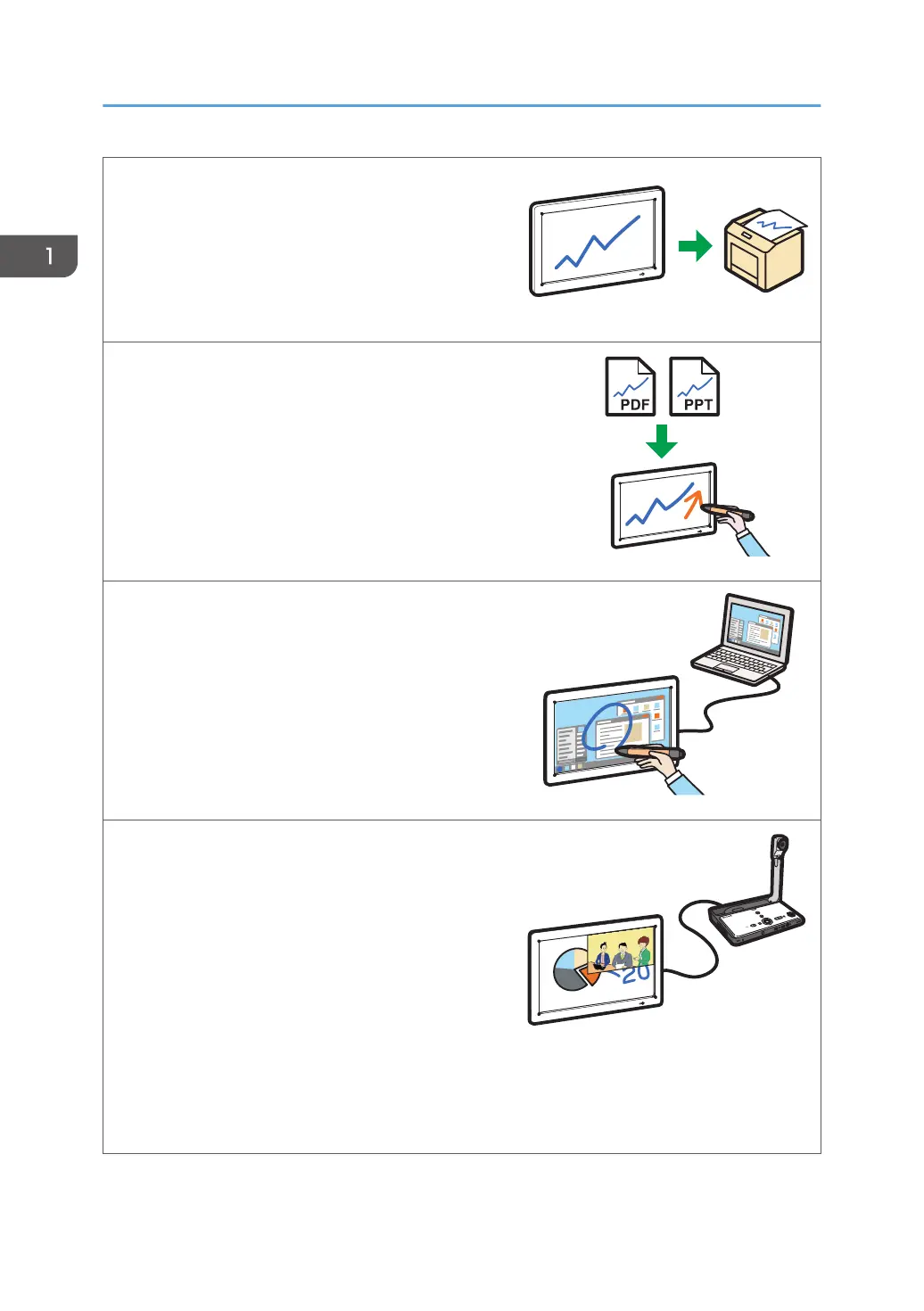
Print pages
You can print the currently displayed page or all
pages.
See page 70 "Printing".
Import a file and write text or draw figures
You can import and display a PDF or PowerPoint file
on the screen, and write text or draw figures on the
displayed file.
See page 58.
Display the screen of a computer and write text or
draw figures
You can display an image from a computer, tablet,
or document camera. You can also write text or
draw figures on the image that is displayed.
See page 80 "Connecting a Computer or Tablet
to the Machine".
Use Video/Audio devices
You can display an image from a video
conferencing device or share the screen image of
the machine with other devices at remote locations
(RICOH UCS screen sharing). You also can use a
projector to project the screen of the machine.
See page 82 "Connecting a Video Conferencing
Device to the Machine".
See page 84 "Sharing the Whiteboard Screen in
a Video Conference".
See page 86 "Using a Projector to Project a
Screen".
1. Overview
12



 To Next Page