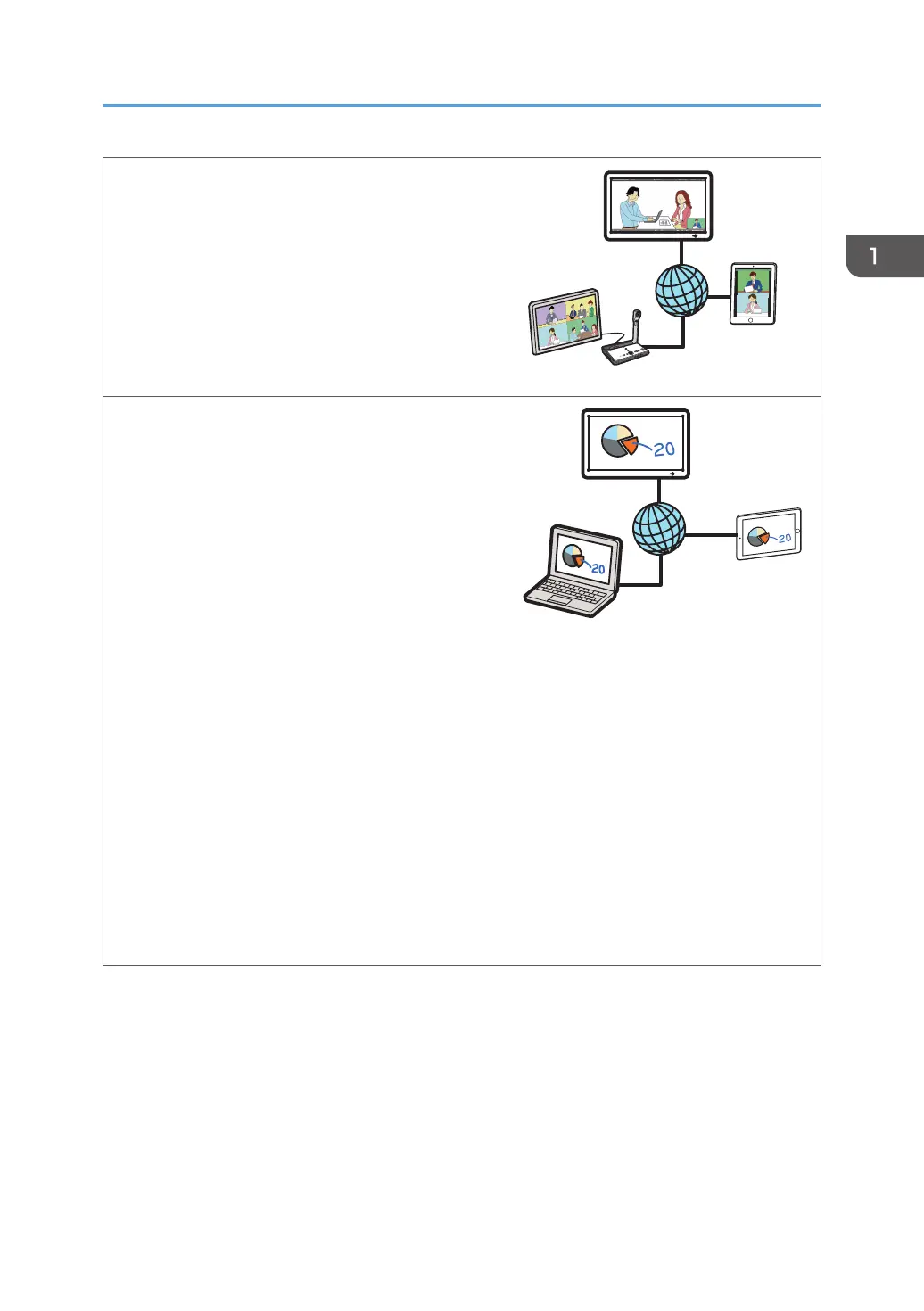
Connect to a video conference
You can use RICOH UCS-based video conferencing
to hold a meeting by connecting an external USB
camera, microphone, and speaker to the machine.
See page 89 "Connecting to a Video
Conference".
Share a screen with other devices via remote
whiteboard
You can share a screen with multiple devices
connected via a network. You can also perform
operations on the shared screen.
See page 119 "Using a Remote Whiteboard to
Share the Screen".
See RICOH Interactive Whiteboard Client Start
Guide.
View the screen of a remote whiteboard session
You can view the screen of a remote whiteboard
session.
See page 130 "Participating from the Web
Browser".
See page 132 "Participating from Remote Viewer".
Upload image files and PDF files to the machine
Photos taken with a smart device, stored image files,
or PDF files can be uploaded to the machine.
See RICOH Interactive Whiteboard Client Start
Guide.
Things You Can Do with Interactive Whiteboard
13



 To Next Page