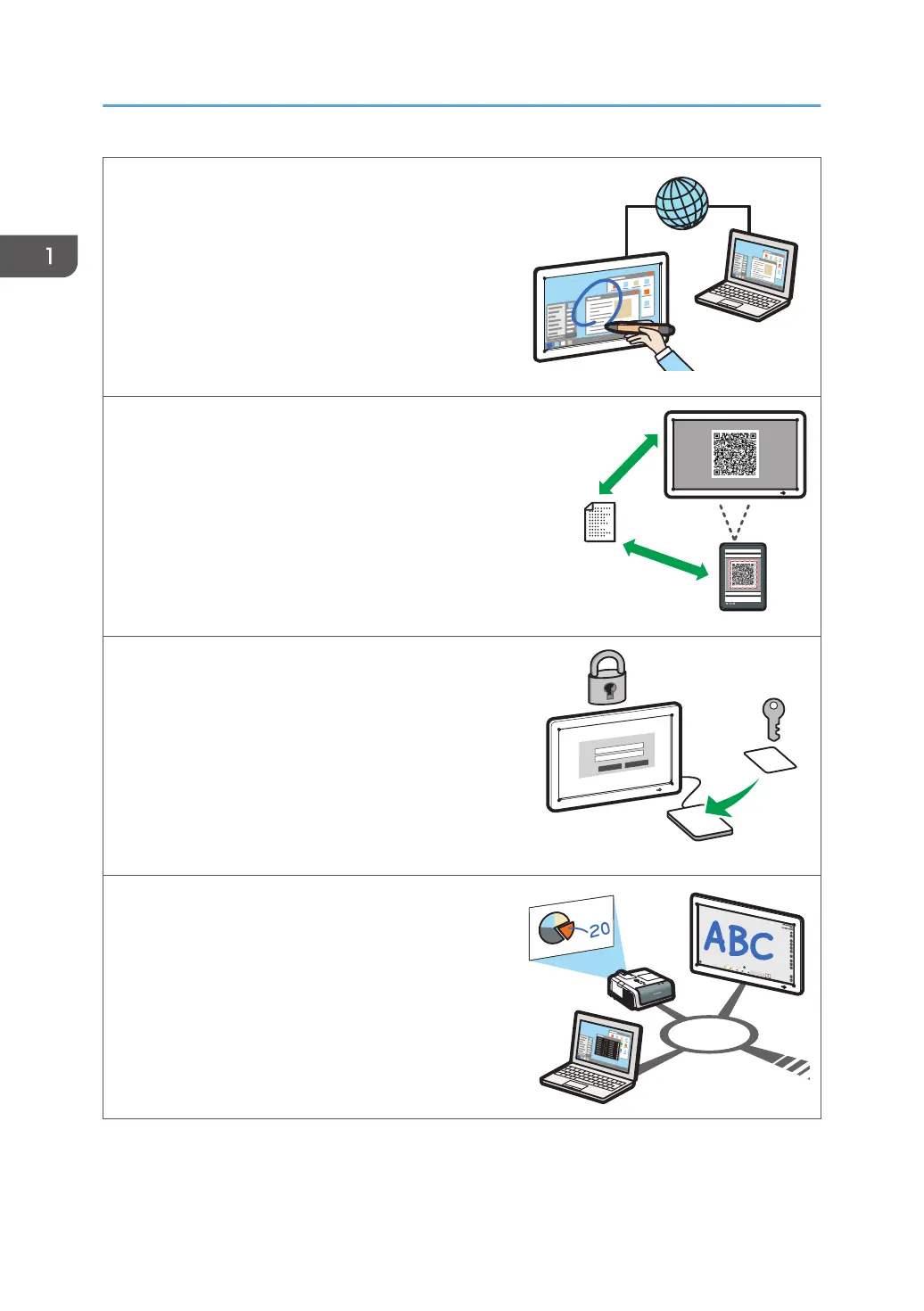
Display the screen of a computer connected via a
network
You can use IWB Remote Desktop Software to
display the screen of a computer connected via a
network. You can also operate the computer from
the machine.
See page 114 "Using IWB Remote Desktop
Software".
Link with a smart device to display or save files
By scanning the QR code that is displayed on the
machine by a smart device, you can display the files
shown on a smart device on the machine or save the
pages displayed on the machine in the smart device.
See page 72 "Linking with a Smart Device".
Manage the machine with RICOH Streamline NX
You can use the RICOH Streamline NX-based
integrated management system to manage the
machine by using an IC card- or keyboard input-
based authentication function.
See page 245 "Managing the Machine with
RICOH Streamline NX".
Control IWB from Crestron system
As a Crestron supported device, you can connect
and control the machine from Crestron system.
See page 248 "Using the Crestron Function".
1. Overview
14



 To Next Page