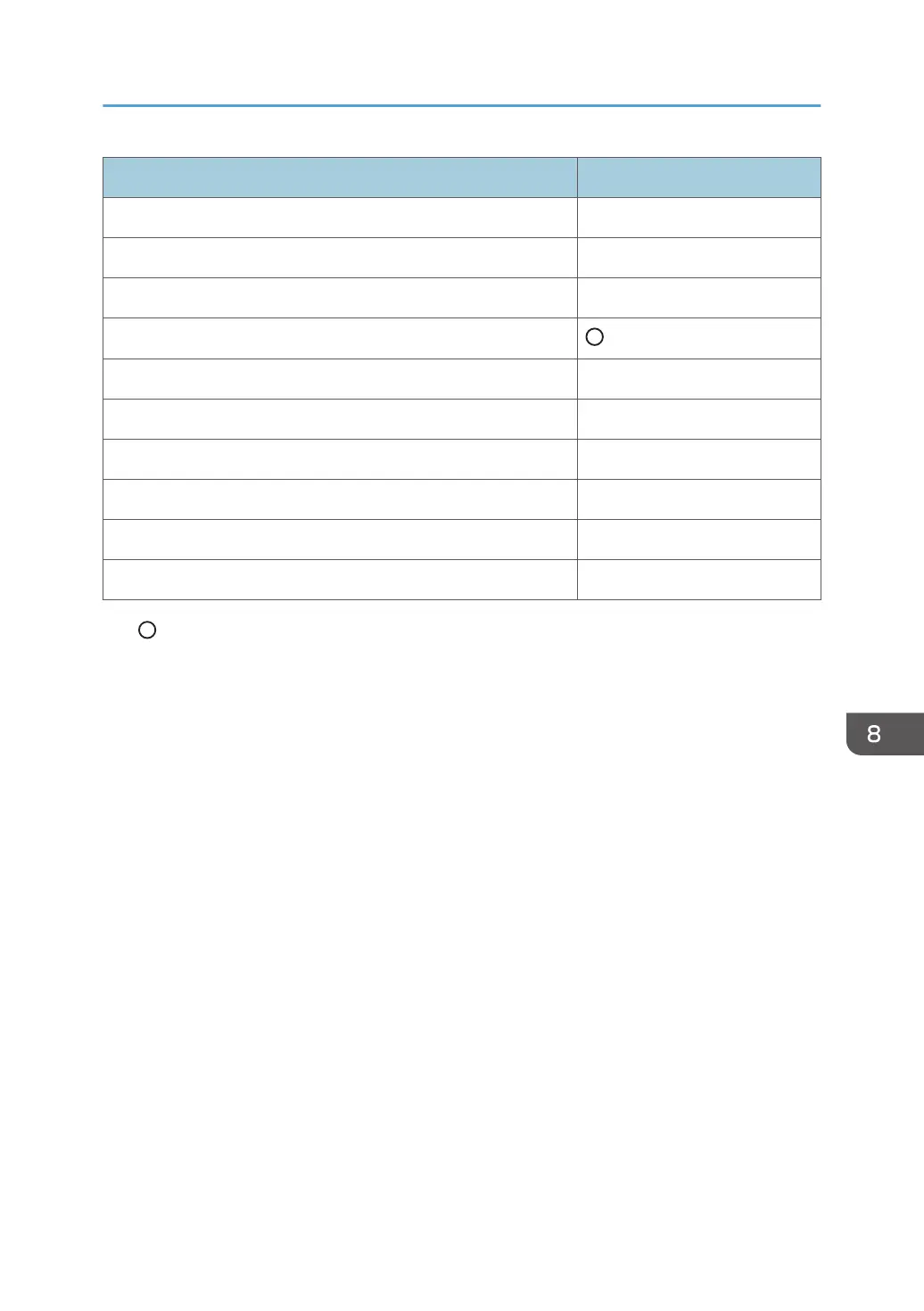
Items in Administrator Settings Synchronized or not
Region and Language ×
*5
Register/Delete License ×
System Update ×
Added Data Management
Export/Import Device Configuration ×
Log Collection ×
Initialize to Factory Defaults ×
Change Administrator Password ×
Wireless Network Settings ×
Device Management ×
• : Can be synchronized.
• × : Cannot be synchronized.
*1 [Whiteboard Location Name] and each item in [Synchronize Device Configuration] cannot be
synchronized.
*2 Each item in [Network Auto Settings] cannot be synchronized.
*3 Values in [Others] cannot be synchronized.
*4 The following items cannot be synchronized:
• the values of Change date and time... on the Date and Time tab
• all the values on the Additional Clocks tab
• the value of the Update immediately on Internet Clocks tab
*5 Only the following items can be synchronized:
• the value of Format: on the Formats tab
• the value of Current location: on the Location tab
• the value of Default input language on the Keyboards and Languages tab
• the value of Change system locale... on the Administrative tab
Managing the Device Settings
199



 To Next Page