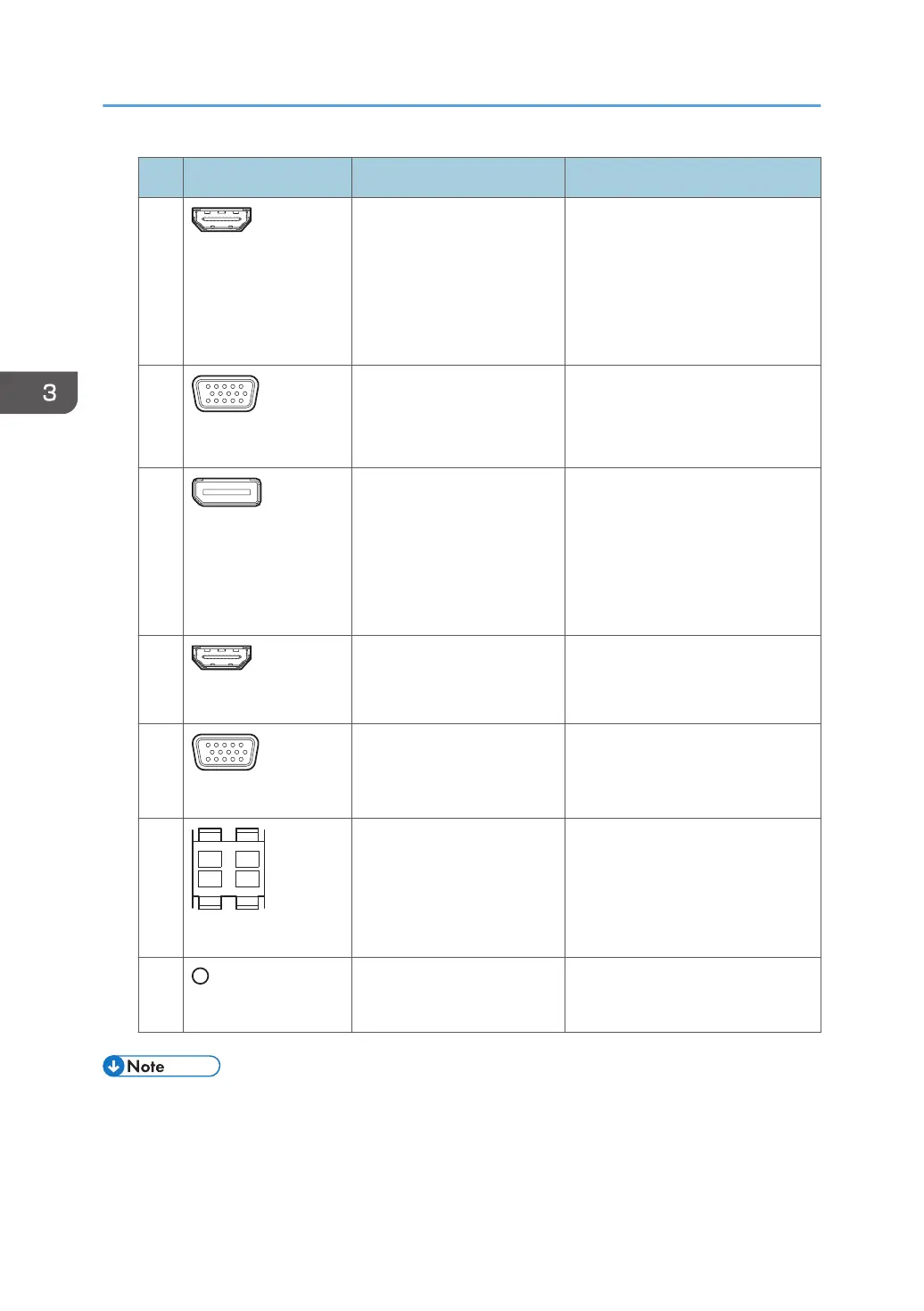
No. Terminal Devices Connection method
2
HDMI Input 1
• Computer
• Tablet
• Document camera
• Digital still camera
• Digital video camera
You cannot display copyright-
protected content such as DVD
and Blu-ray discs.
See page 80 "Connecting a
Computer or Tablet to the
Machine".
3
VGA Input 1
• Computer
• Tablet
• Document camera
See page 80 "Connecting a
Computer or Tablet to the
Machine".
4
DisplayPort Input
• Computer
• Tablet
• Document camera
You cannot display copyright-
protected content such as DVD
and Blu-ray discs.
See page 80 "Connecting a
Computer or Tablet to the
Machine".
5
HDMI Input 2
Audio Visual device Connects an audio-visual device
to the machine. You can display
copyright-protected content.
6
VGA Input 2
Video conferencing device See page 82 "Connecting a
Video Conferencing Device to the
Machine".
7
Audio Output 1
Stereo speaker Use this terminal to connect
external speakers (10W+10W, 8
ohm).
8
Audio Output 2
Self-powered speaker or
other audio device
Use this terminal to connect to the
line input terminal of an amplifier.
• For details about the location of the LAN port and USB port, see "Read This First".
3. Connecting Devices
76



 To Next Page