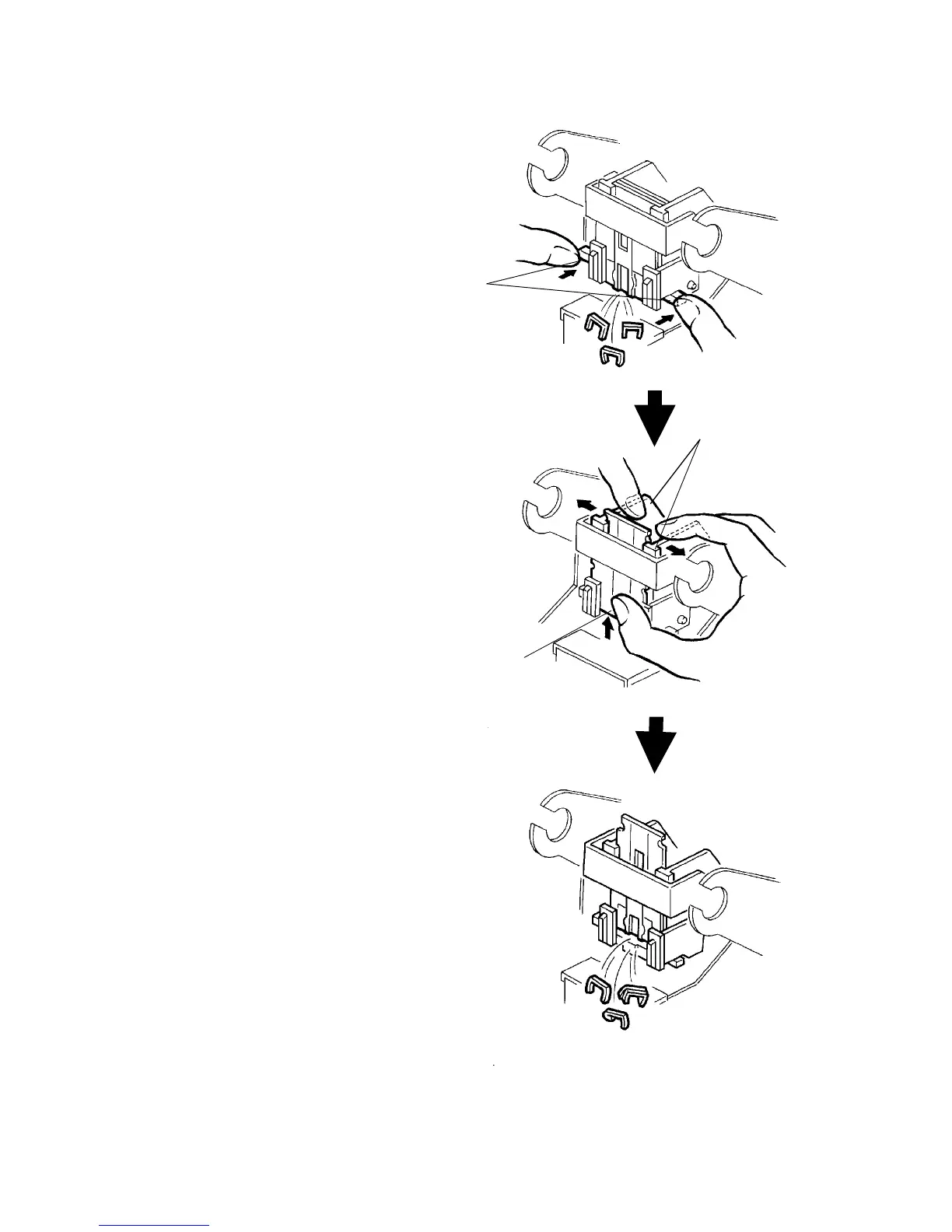
6. If there are any jammed staples, push the levers
[A] to remove the jammed staples.
7. If the jammed staples cannot be removed, spread
apart the side plates [B] and slide up the front
pressure guide plate [C]. Then, remove the
jammed staples.
8. Remove the staple cartridge, then check for any
staples jammed in the stapling mechanism from
the rear.
[A]
[B]
[C]
Finisher 1 July 1994
2-128













 To Next Page