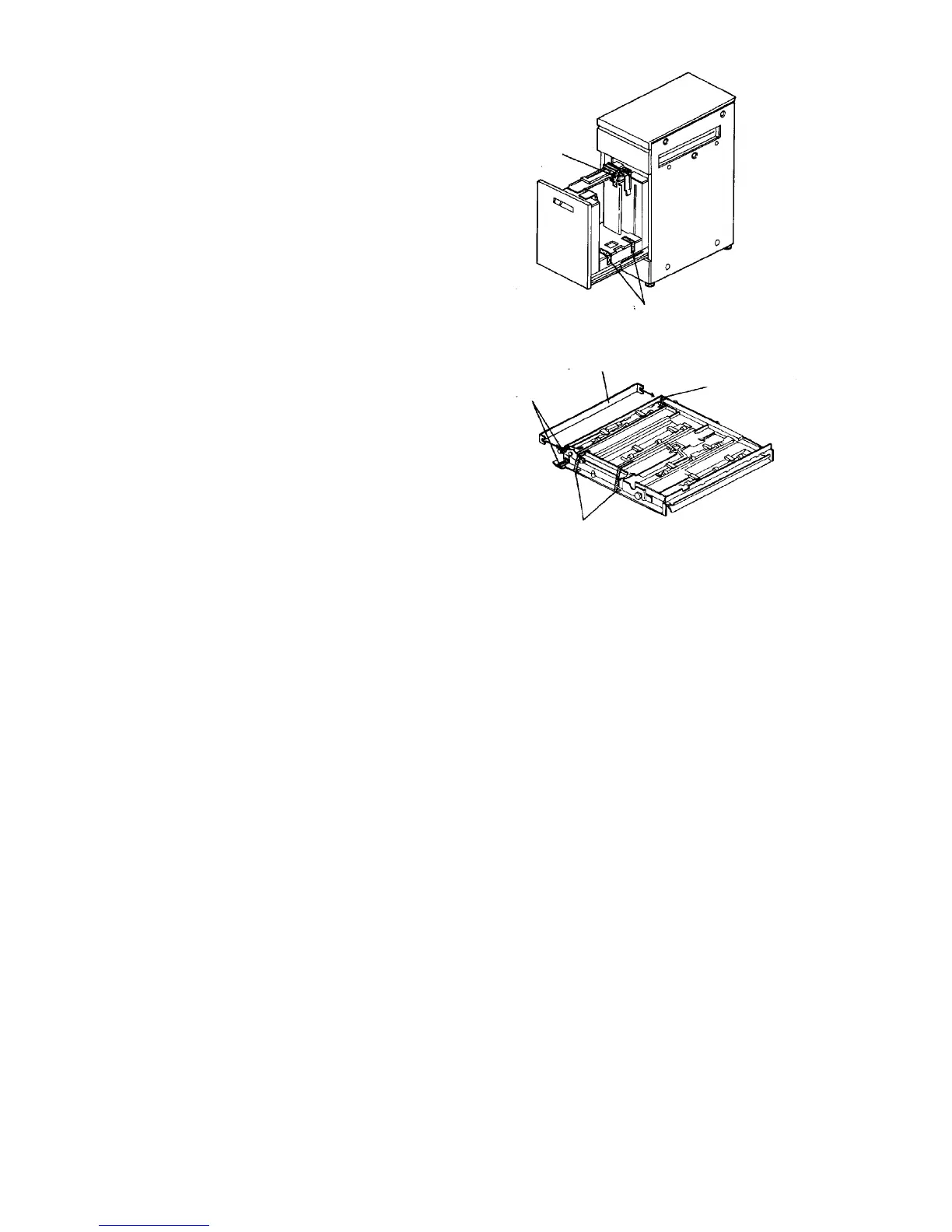
9. Pull out the paper feed tray, and remove the back
fence fixing cushion.
10. Remove the strips of filament tape from the table
bottom plate.
11. Take the horizontal transport unit out of the
accessory box, and remove the mylar protecting
cardboard and strips of filament tape.
Cushion material
Filament tape
Filament tape
Mylar protecting cardboard
Filament tape
Filament tape













 To Next Page