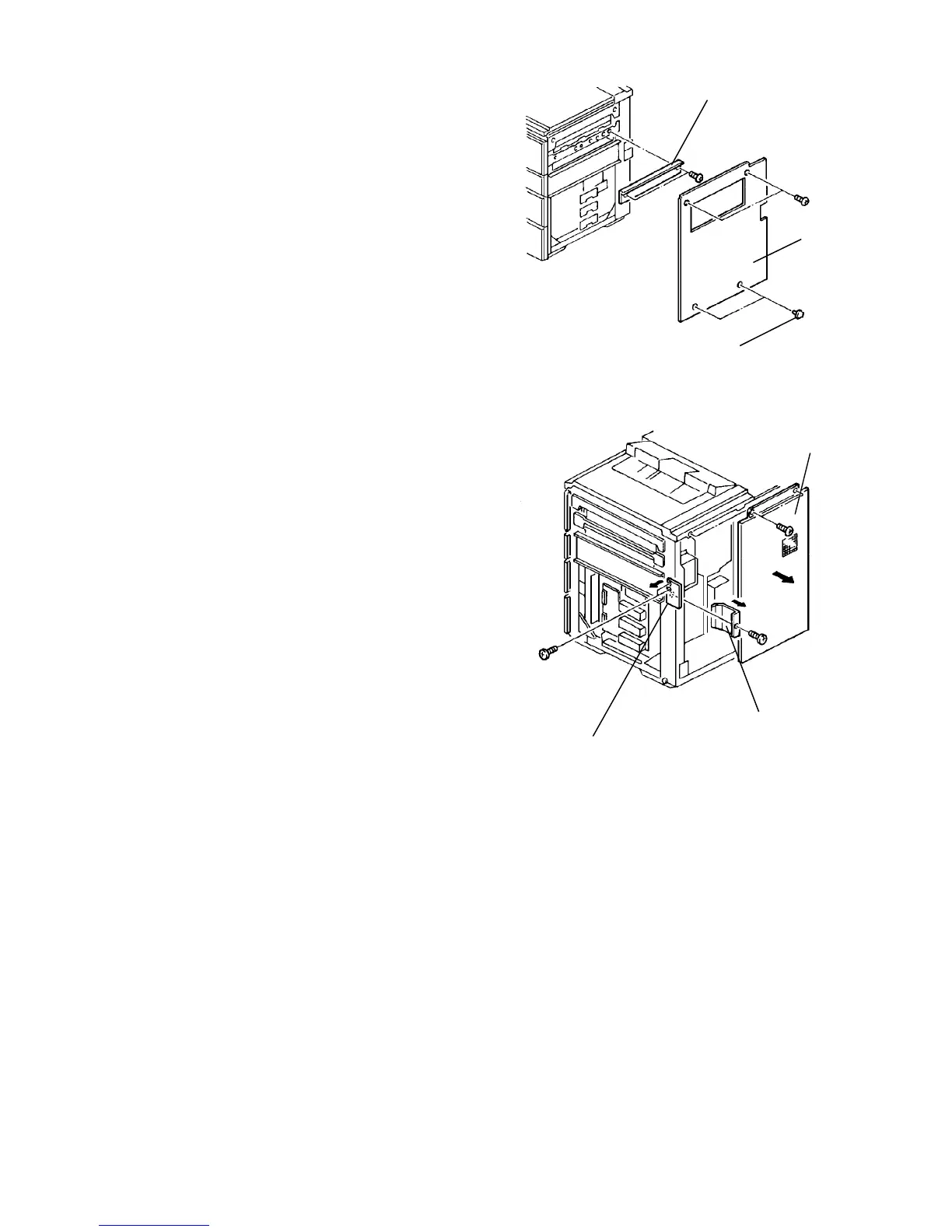
1.9.3 Harness connection to the copier
1. Remove the copier right cover (2 screws). If the
LCT is not used, remove the two blind caps in the
right cover and sub-tray auxiliary plate.
NOTE
The sub-tray auxiliary plate can no longer be used.
2. Remove the blind cover (upper side).
3. Remove the rear right cover (2 screws), then
remove the connector cover.
Rear right cover
Connector cover
Blind cover
Auxiliary plate
Right cover
Blind caps













 To Next Page