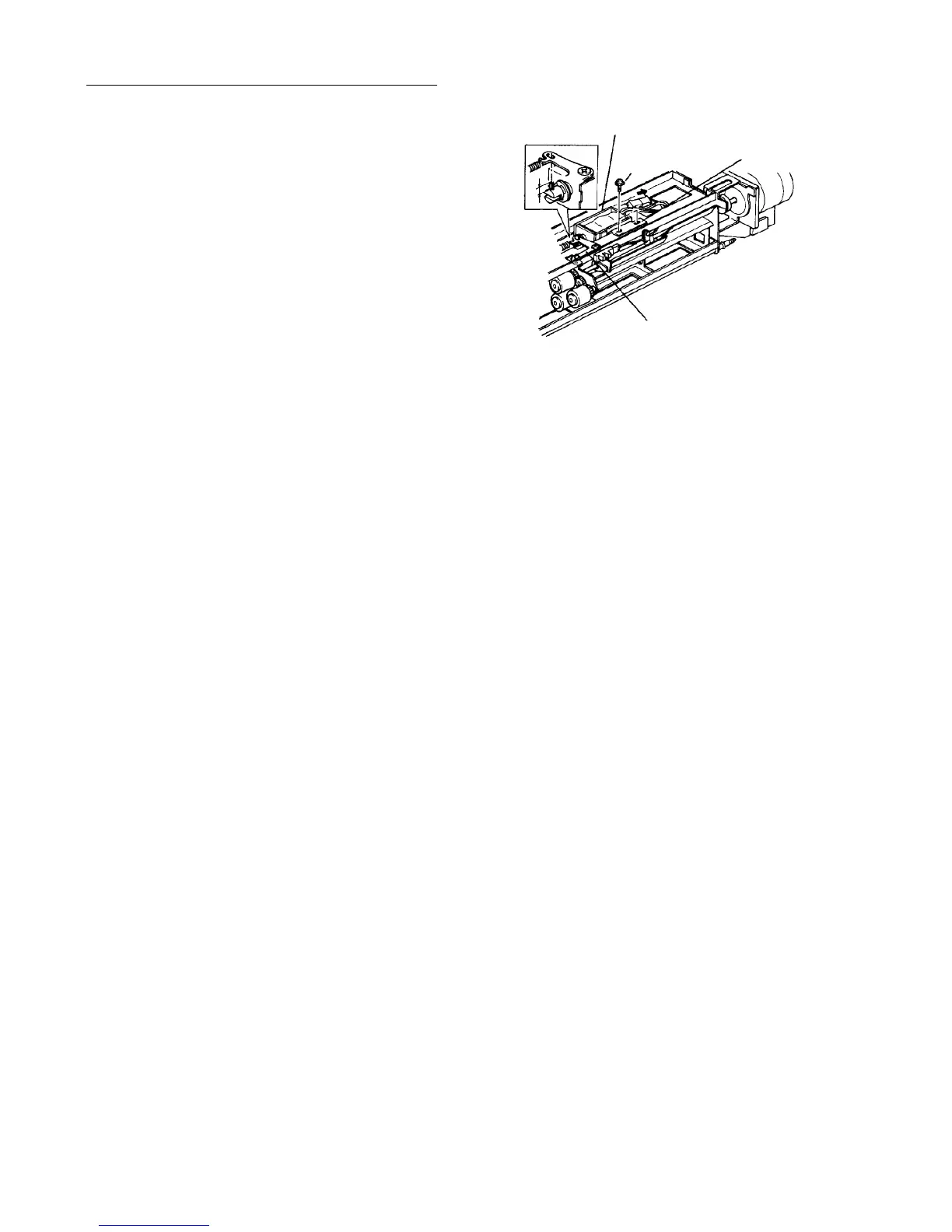
Replacing the pick-up solenoid
1. Remove the paper feed unit.
2. Mark the position of the solenoid bracket.
3. Remove the two solenoid bracket fixing screws
(gold color).
4. Remove the pick-up solenoid from the bracket and
replace it.
CAUTION
• Pull out one side of the plunger spring pin
about 4 mm and put it in the pick-up roller
arm hole.
• The solenoid bracket should be in the
marked-off position. The pick-up roller rise
amount various with the position.
5. Remove the E-ring from both sides and replace
the grip roller.
6. Assemble in the reverse order.
NOTE
The golden screw (zinc plated) shows the location
adjusted at assembly during manufacture.
Therefore, pay attention to how the screw is set
originally before you start working. When the screw
is loosened, adjustment is required.
4 mm
Pick-up solenoid
Gold screw
Solenoid bracket
Pick-up roller arm













 To Next Page