Changing the IP Address (LAN2 Port)
21
2
K Select either [E-mail (SMTP)] or [Internet encryption communication (HTTPS)], and
click [Next].
Note
❒ Select your contracted communication method. Please contact and ask
your service representative if you do not identify the communication
method.
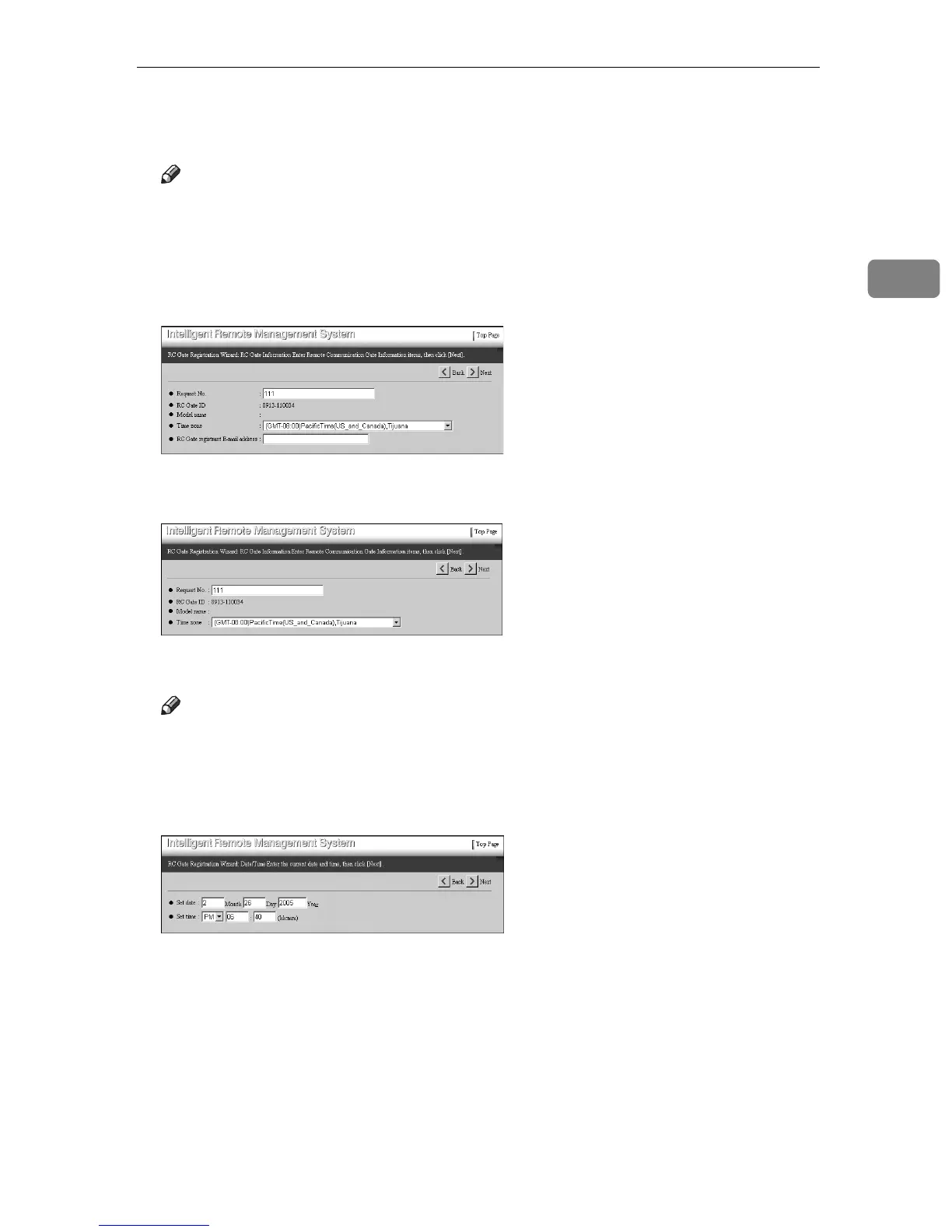
[RC Gate Registration Wizard: RC Gate Information] screen appears.
• When the “E-mail (SMTP)” method is selected
• When the “Internet encryption communication (HTTPS)” method is select-
ed
L Enter [Request No.]. Select your time zone from [Time zone] list. Click [Next].
Note
❒ [Request No.] is required to enter. This number will identify your RC Gate
with the Communication Server.
❒ At this moment, [RC Gate registrant E-mail address] is not required to enter.
The [RC Gate Registration Wizard: Date/Time] screen appears.



 To Next Page