Setup and Connection
22
2
M Set [Set date] and [Set time] and click [Next].
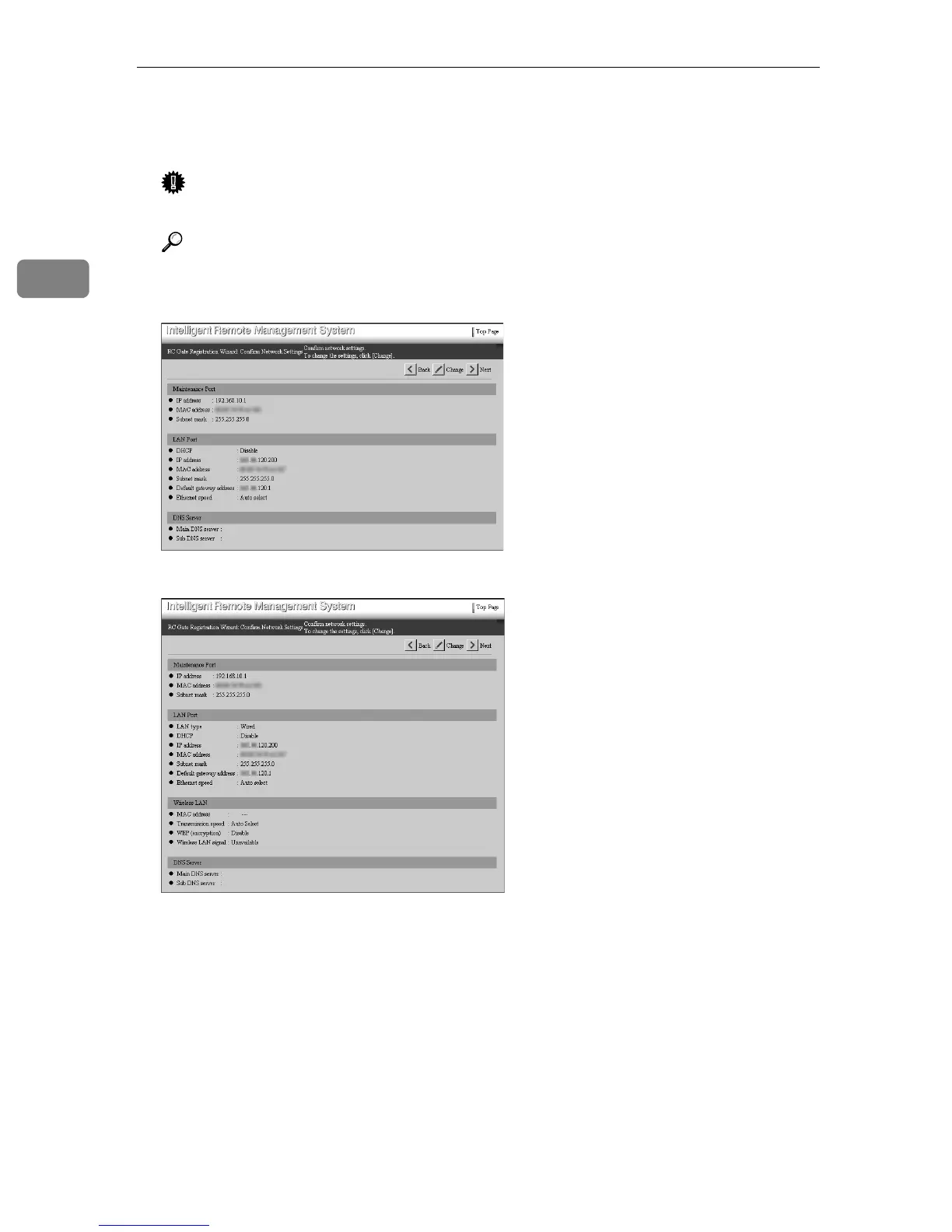
[RC Gate Registration Wizard: Confirm Network Settings] screen appears.
Important
❒ Check the date and time periodically, and correct them if necessary.
Reference
⇒ p.63 “Registering Image I/O Devices to the Communication Server”
• Type BN1 (without an optional wireless LAN card) or Type BM1
• With an optional wireless LAN card



 To Next Page