Changing the IP Address (LAN2 Port)
23
2
N Click [Change].
Note
❒ To return to the [RC Gate Registration Wizard: Date/Time] screen, click [Back]
instead of [Change].
❒ Do not click [Next] on this screen. If this button is clicked, the [RC Gate Reg-
istration Wizard: E-mail Settings] screen appears and you cannot set the IP ad-
dress.
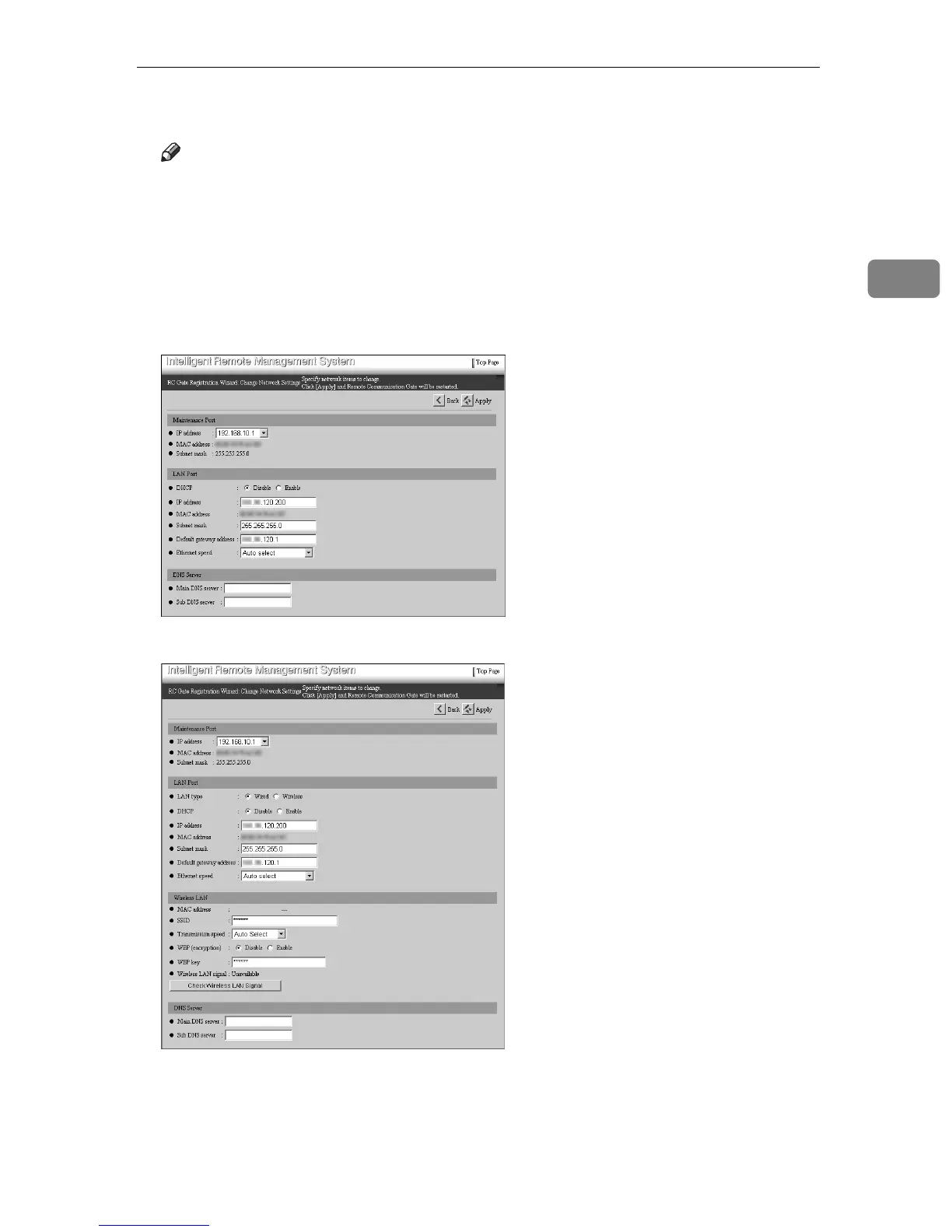
The [RC Gate Registration Wizard: Change Network Settings] screen appears.
• Type BN1 (without an optional wireless LAN card) or Type BM1
• With an optional wireless LAN card



 To Next Page