33
Preparations
6. Press the START/STOP key to return to the measurement screen.
7. Press the OUTPUT CAL
key.
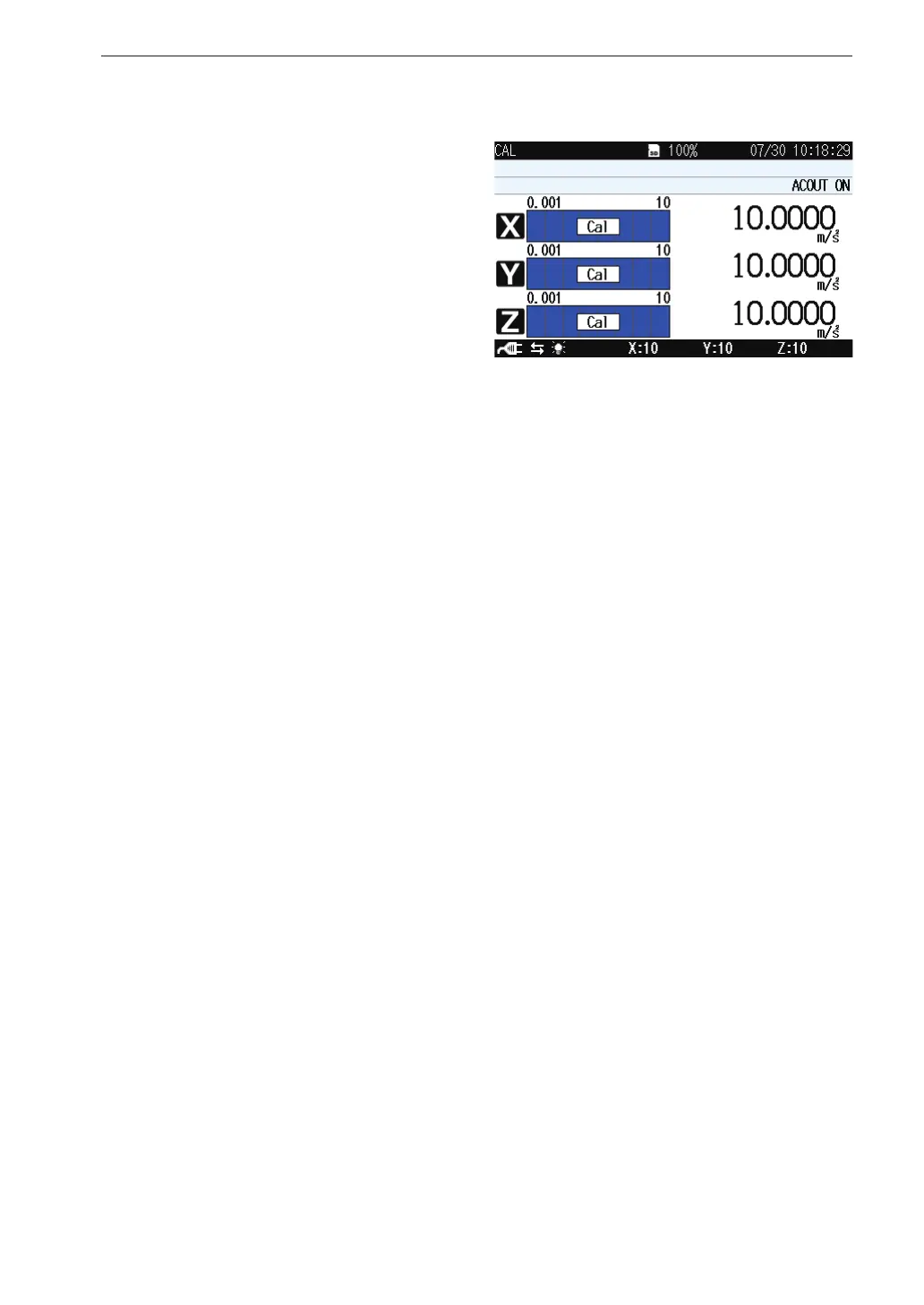
The display switches to
calibration indication.
Verify that the measure-
ment value reading is the
same as the maximum val-
ue for the range in each
axis (X, Y, Z).
During calibration, the OUTPUT connectors supply the following
signal.
AC : 15.85 Hz, 1 Vrms (OUTPUT setting is “AC OUT” )
Use this signal to calibrate the external equipment such as a level
recorder or analyzer.
8. Press the Output Cal key again to cancel the calibration mode.



 To Next Page