78
Setup Files
Using setup les
Setup les enable the following functions.
• Establish settings quickly and precisely by loading from a le prepared
beforehand and stored on internal memory
• Return settings that were accidentally changed to the previous condition
by loading from a le stored on internal memory
Setup les can be saved up to ve in the internal memory of the unit.
Saving the current settings
1. Use the keys to select [System] and press the MENU/
ENTER key. The system screen appears.
2. Use the
keys to select [Read/Save setting] and press the MENU/
ENTER key. The setting operation screen appears.
3. Use the keys to select the desired number and press the MENU/
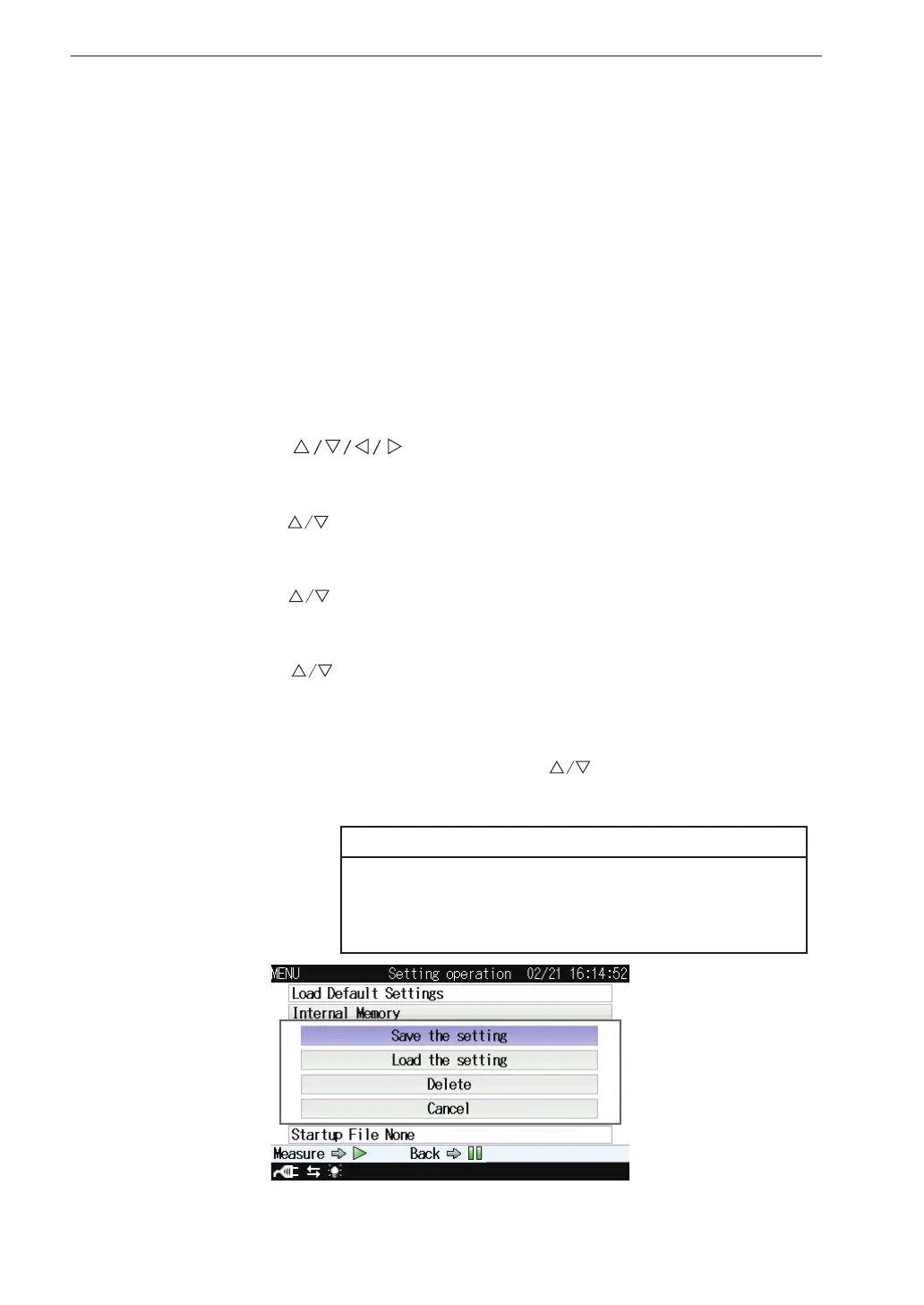
ENTER key. The setting le processing screen appears.
4. Use the
keys to select [Save the setting] and press the MENU/
ENTER key. The current settings is saved in the selected number.
If there is already a setup le at the selected number, an overwrite
con rmation screen appears. Use the keys to select [Yes] and
press the MENU/ENTER key.
Note
The recall screen settings are not saved. Only the
settings of the immediately preceding measurement
screen will be saved.
Setting le processing screen



 To Next Page