49
Reading the Display
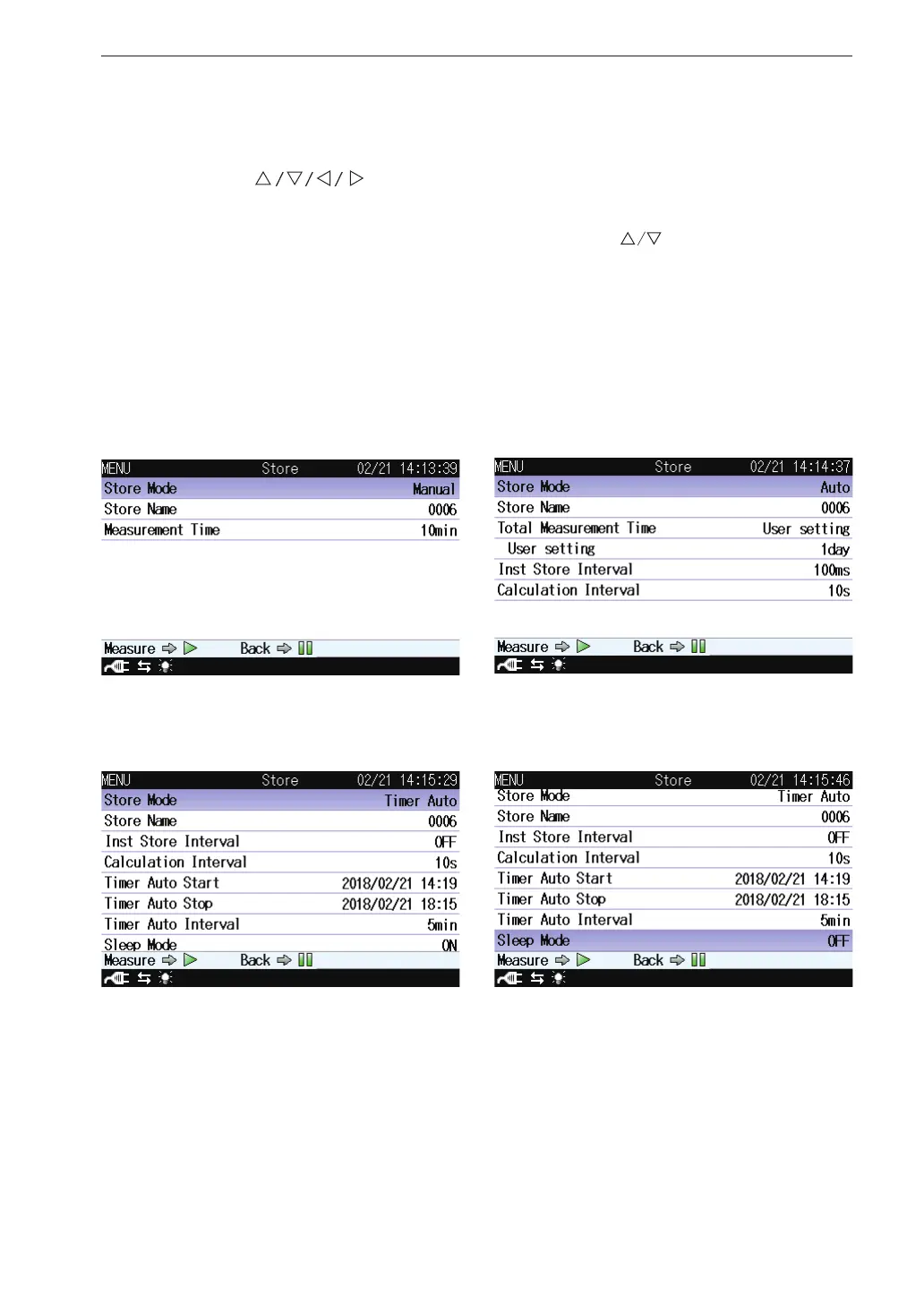
Store
This screen sets the mode that stores the operation result data.
Use the
keys to select [Store] and press the MENU/ENTER
key. The store screen appears.
Each item of the store screen is selected using the
key.
Pressing the PAUSE/CONT key switches back to the menu list screen.
Pressing the START/STOP key switches back to the measurement screen.
As for the store screen, the displayed set item is different depending on the
set store mode.
For details, please refer to “Store Operation” on page 66.
Manual Auto
Timer Auto



 To Next Page