69
Store operation
Screen hard copy
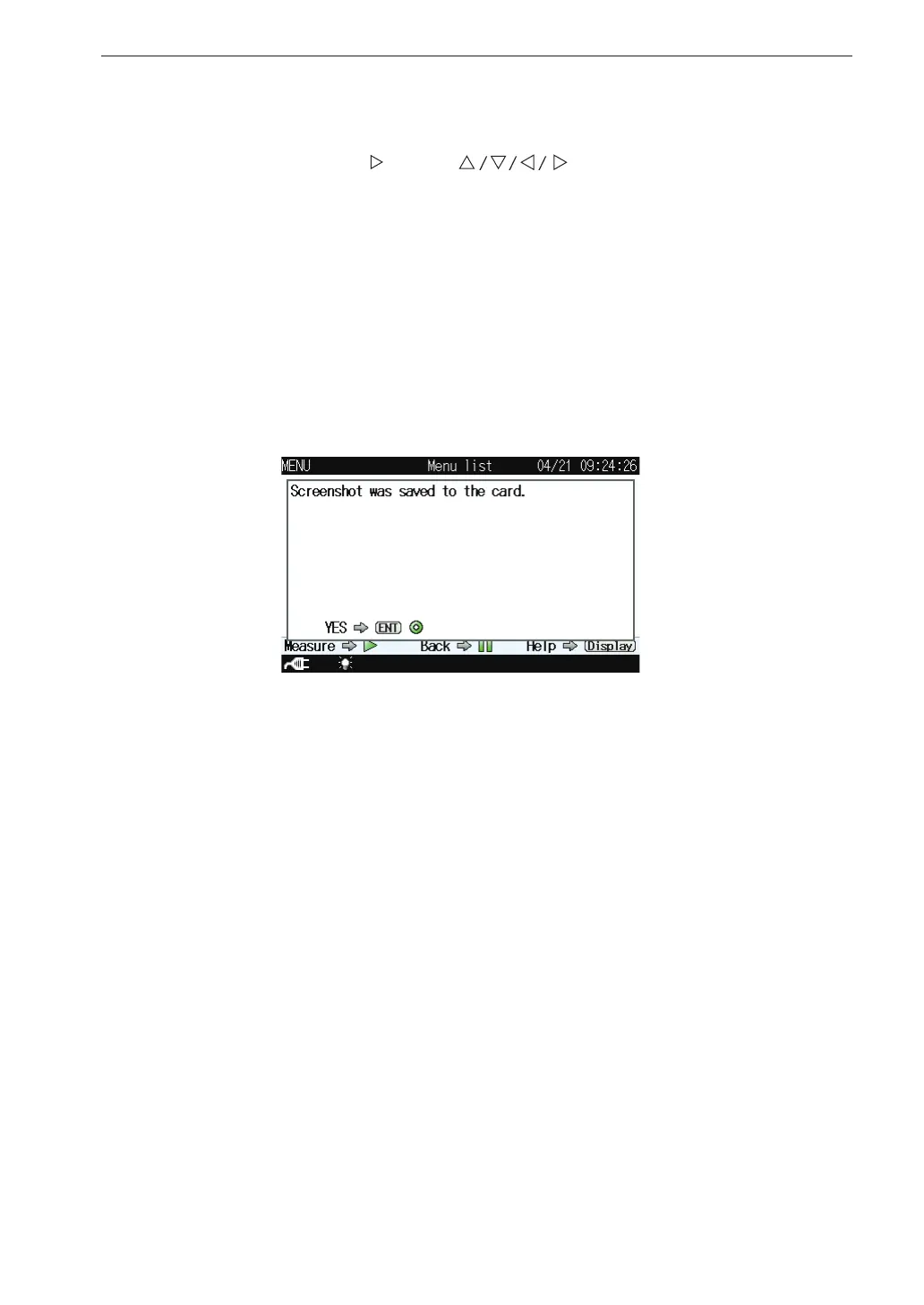
When you press the key of keys while holding down the
DISPLAY key, the “Screenshot was saved to the card” message is displayed
and the current screen contents will be saved as a bitmap le on the SD
memory card.
Store target folder: VM-56\Screenshot\
File name: Time at which the le was stored
File name extension: .BMP
Data capacity: Approximately 300 kB per le



 To Next Page